

Samsung Tablets at Argos
&poi={$this.metadata.pointOfInterest.x},{$this.metadata.pointOfInterest.y},{$this.metadata.pointOfInterest.w},{$this.metadata.pointOfInterest.h}&scaleFit={($this.metadata.pointOfInterest.x>0)?$sfpoi:$sfcenter}&sm=aspect&aspect=3:2&sfcenter=center&sfpoi=poi&qlt=50&fmt=auto&noiser=0&fmt.jpeg.interlaced=true&fmt.jp2.qlt=40&)
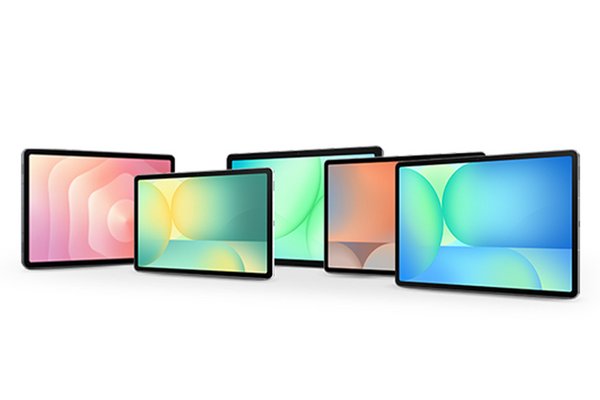
Samsung Galaxy Tab S range
Galaxy Tab S series is ideal for power users, creators and professionals as it has the most processing power and the largest screens available in Samsung’s tablet range. It is also the only tablet range with an S Pen included.
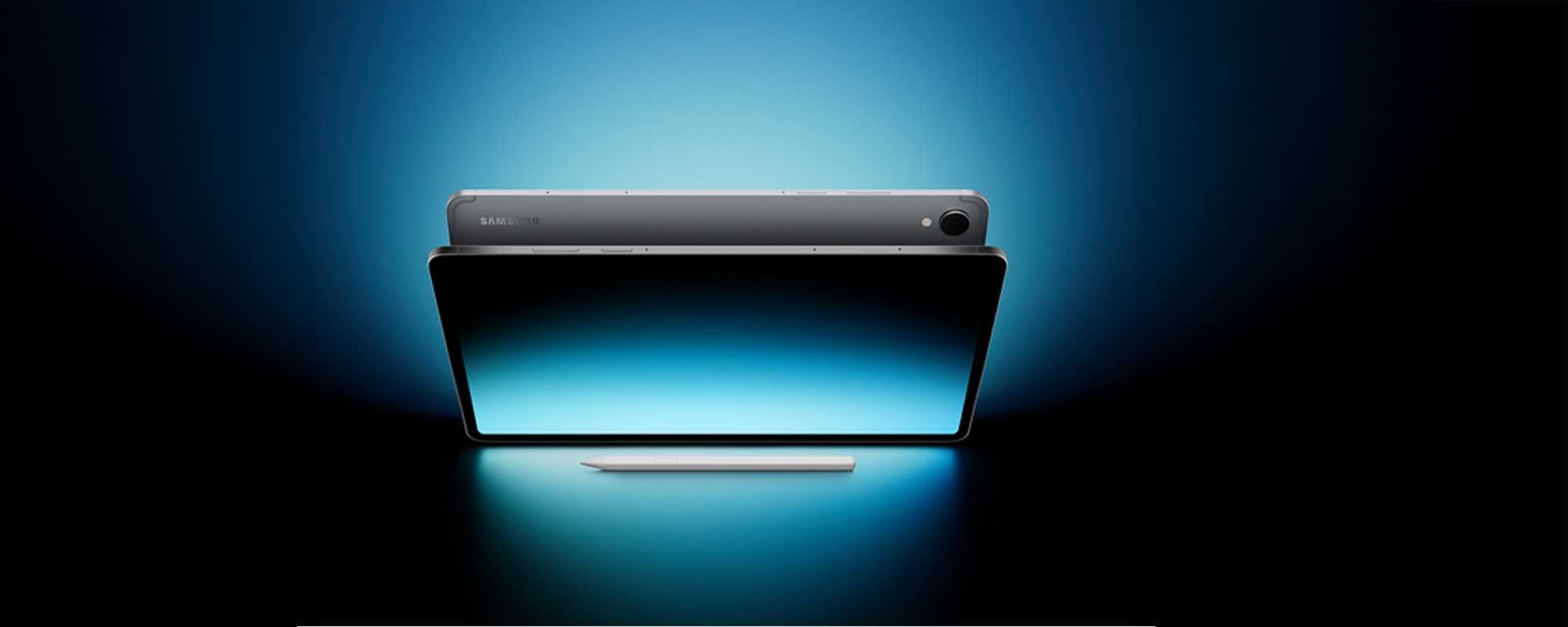
Samsung Galaxy Tab S11 Ultra
Galaxy Tab S11 Ultra is built for the modern multi-tasker, helping you to stay organised. Jot down notes effortlessly with the redesigned S Pen, and easily turn your handwriting into text in Samsung Notes - perfect for your to-do lists or big ideas.
Shop Samsung Galaxy Tab S11 Ultra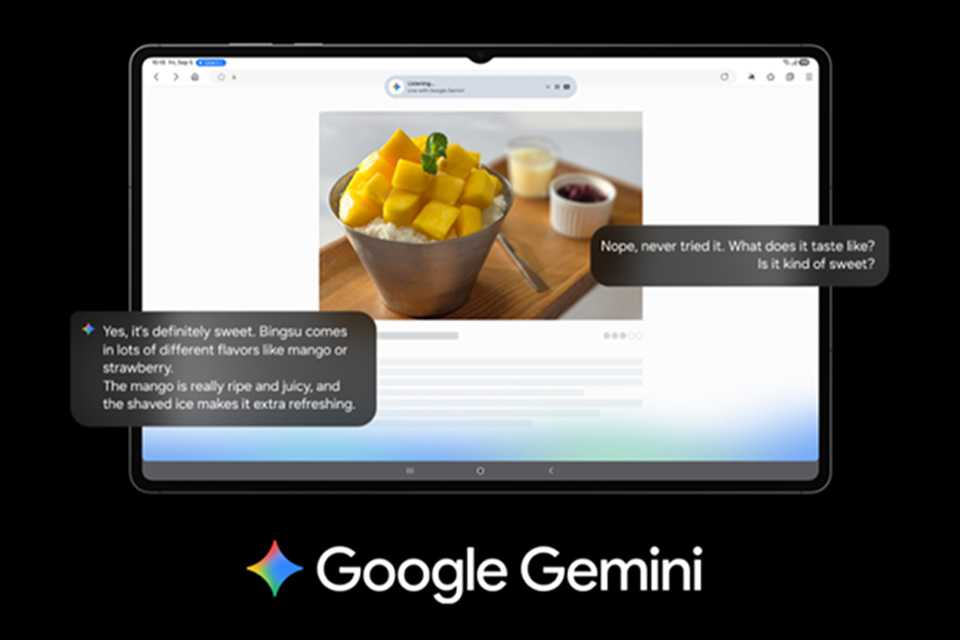
Google Gemini
Use screen sharing on your Samsung Galaxy Tab S11 Ultra to get information in real time with Gemini Live. Just long press the side button to get started and share your screen to ask for advice¹.
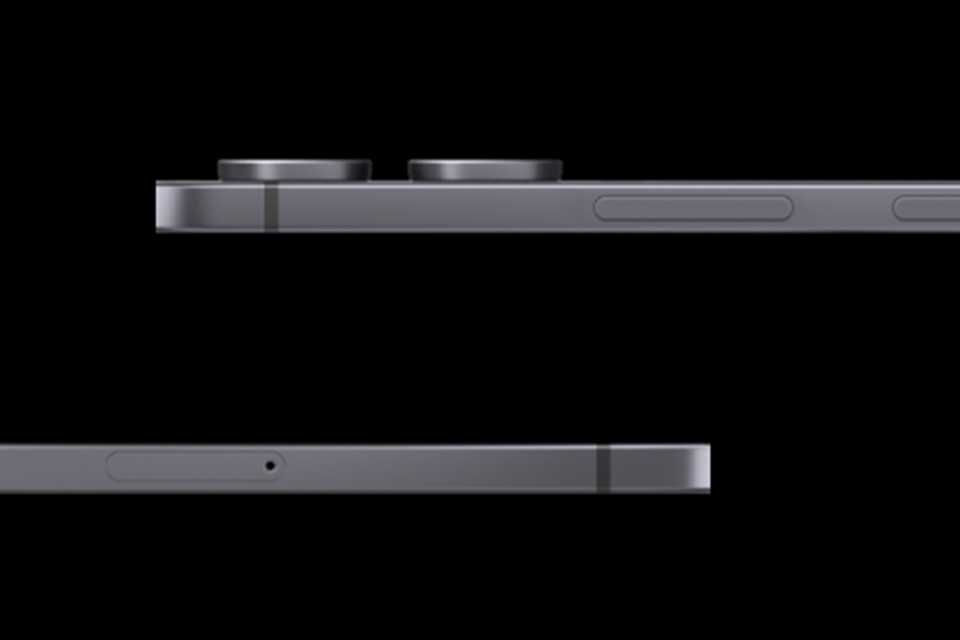
Ultra thin and powerful
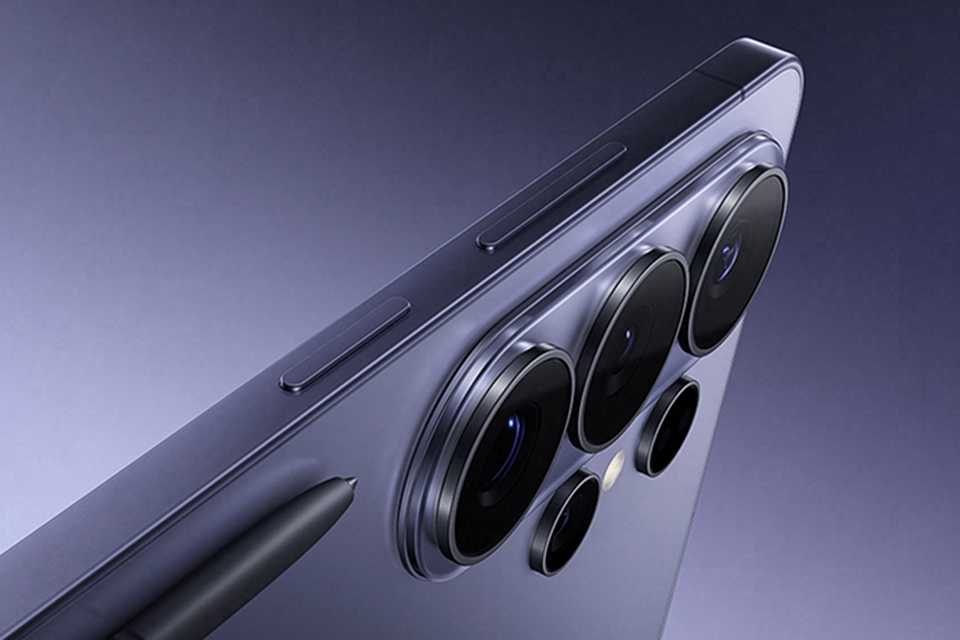
At just 5.1mm, Samsung Galaxy Tab S11 Ultra is one of our slimmest and lightest tablets yet. Its ultra sleek profile is designed to fit easily in your hand or bag, so you can work and create anywhere with ease.
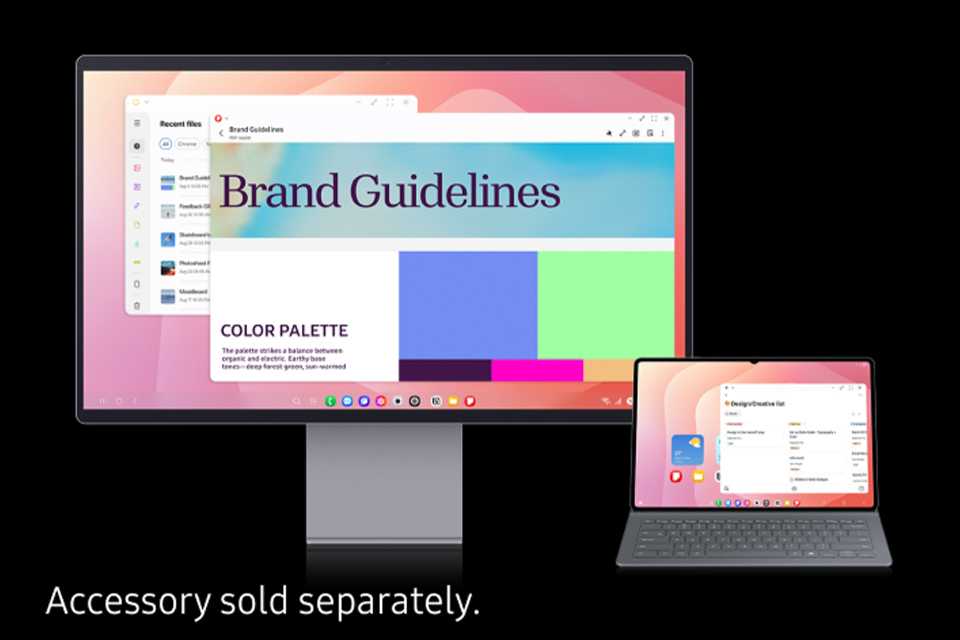
Samsung DeX
Samsung DeX² lets you extend your display to create a seamless multitasking environment of up to 4 workspaces. Move apps freely and easily between screens.
Explore more Samsung Galaxy Tabs
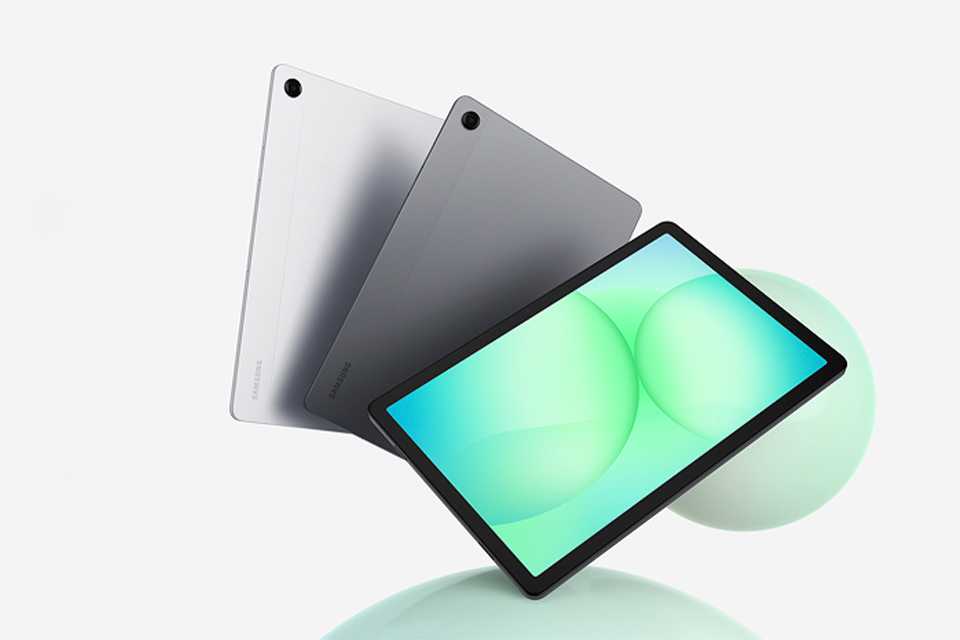
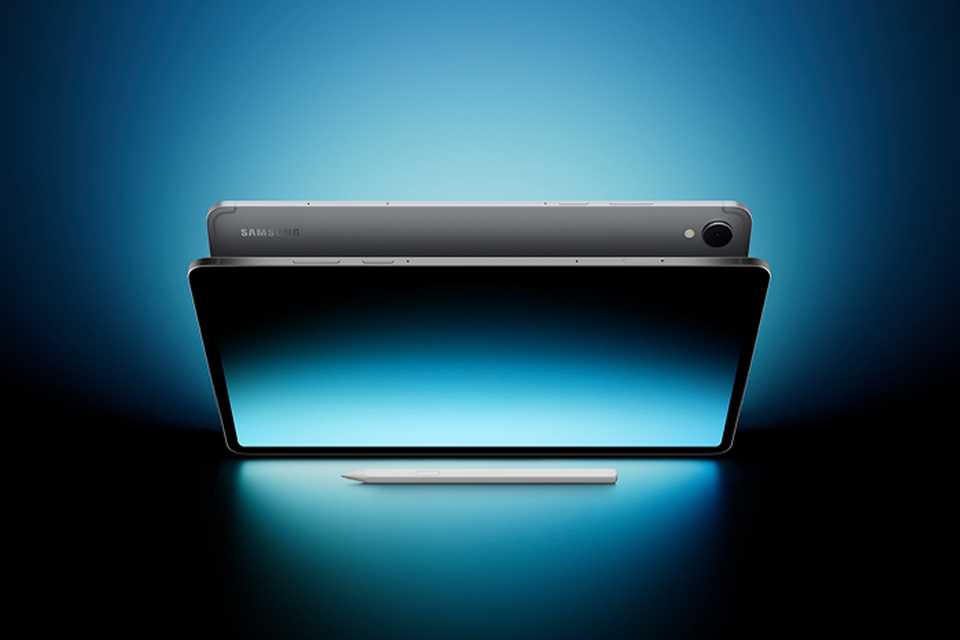
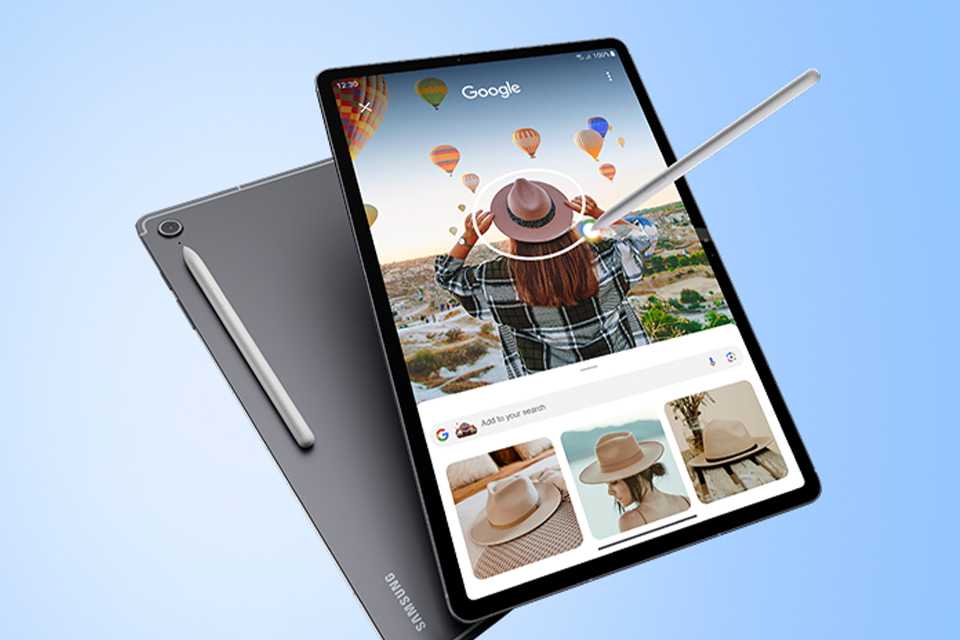
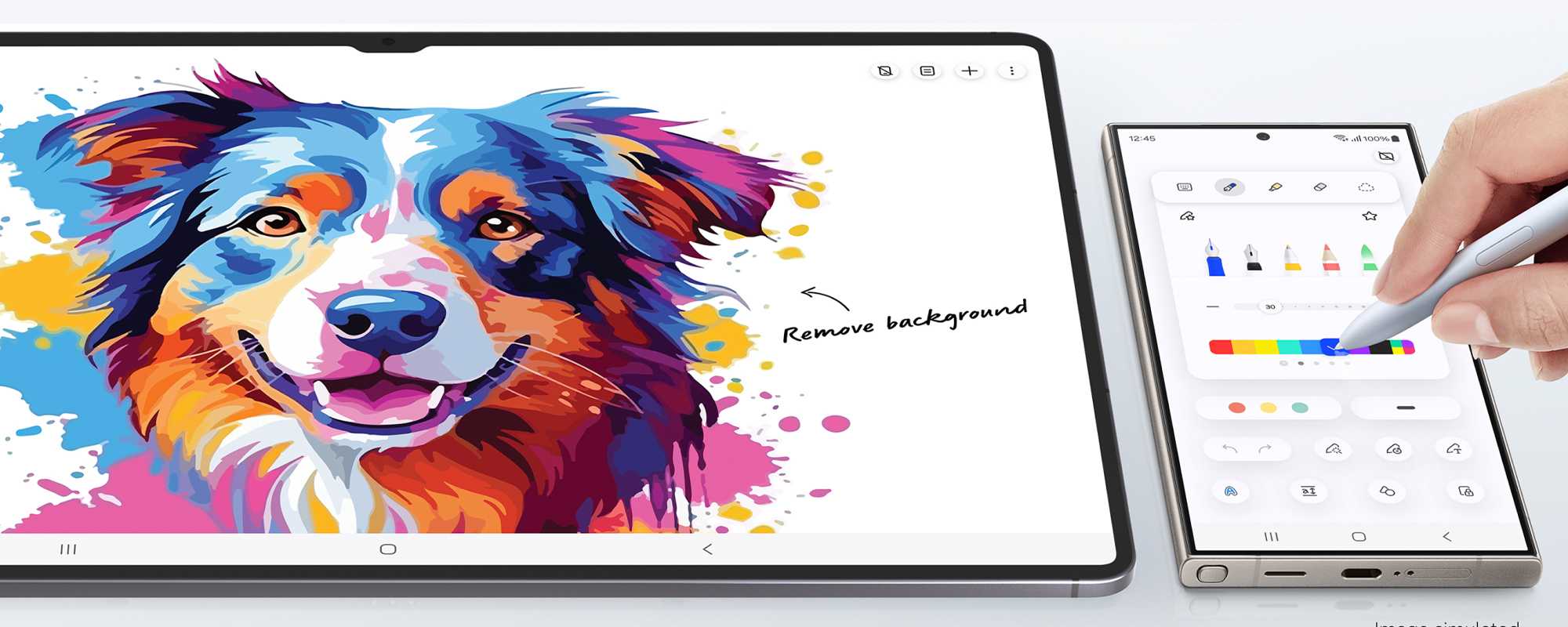
Amazing alone. Better together
Move seamlessly across your Samsung devices without missing a beat.
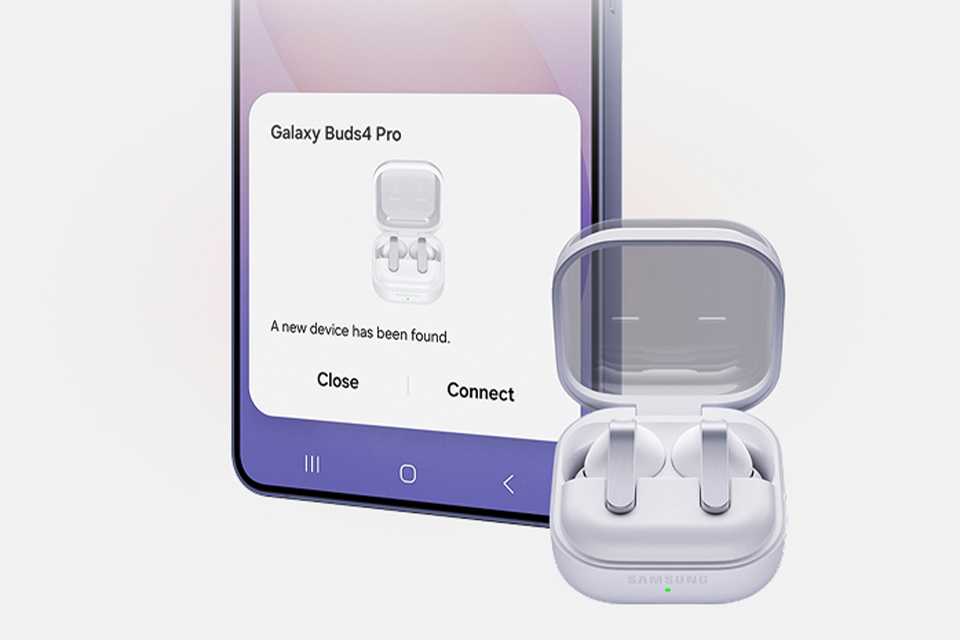
Connect buds in one tap
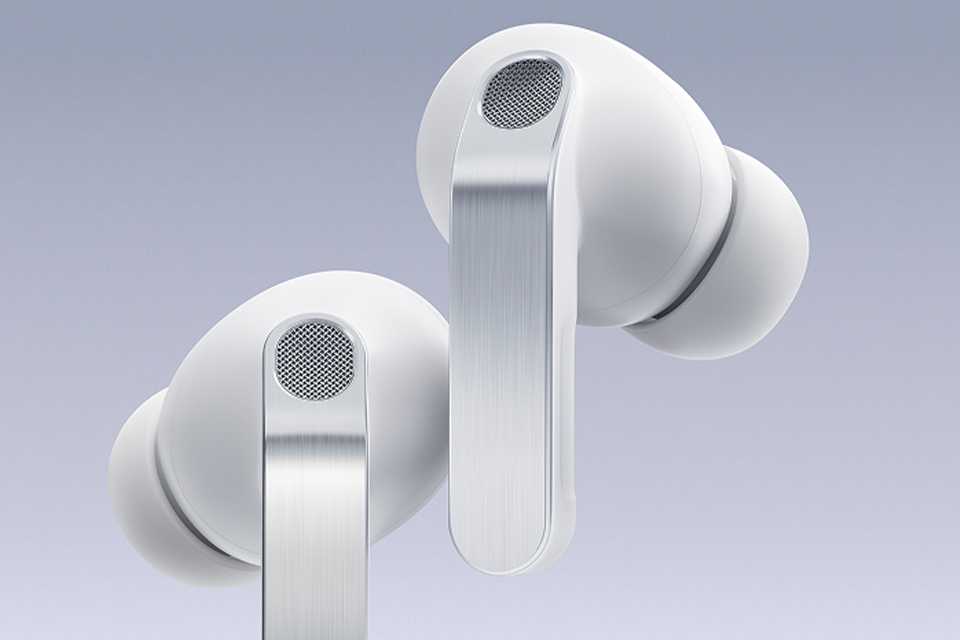
Automatically pair your Buds to your Tablet using the information is synced through your Samsung account.
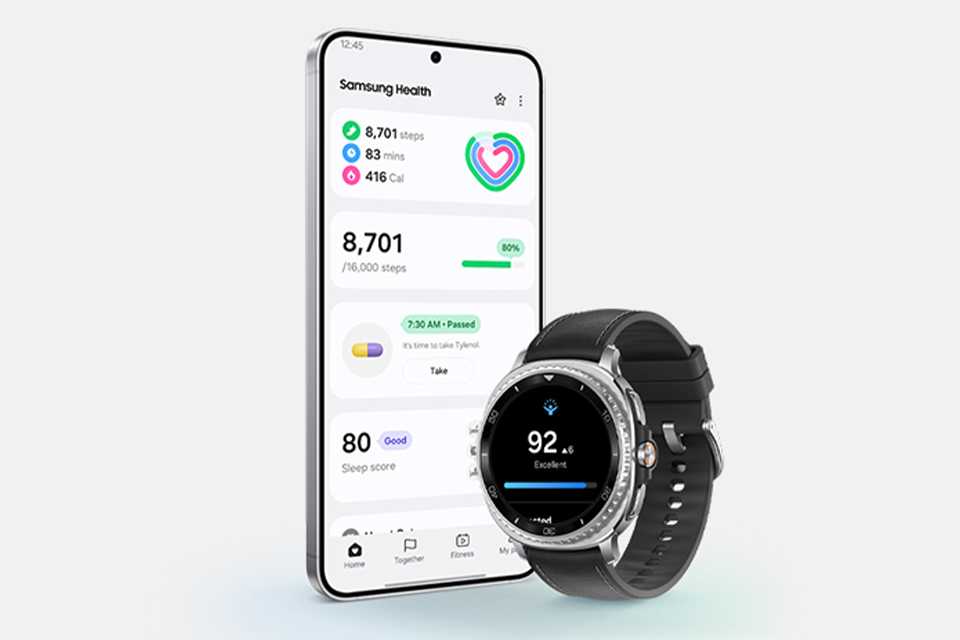
Move between devices
With Auto Switch, moving between your Galaxy devices is easier than ever7. Go from watching a movie on your tablet to playing music on your Galaxy Watch, all hands free.
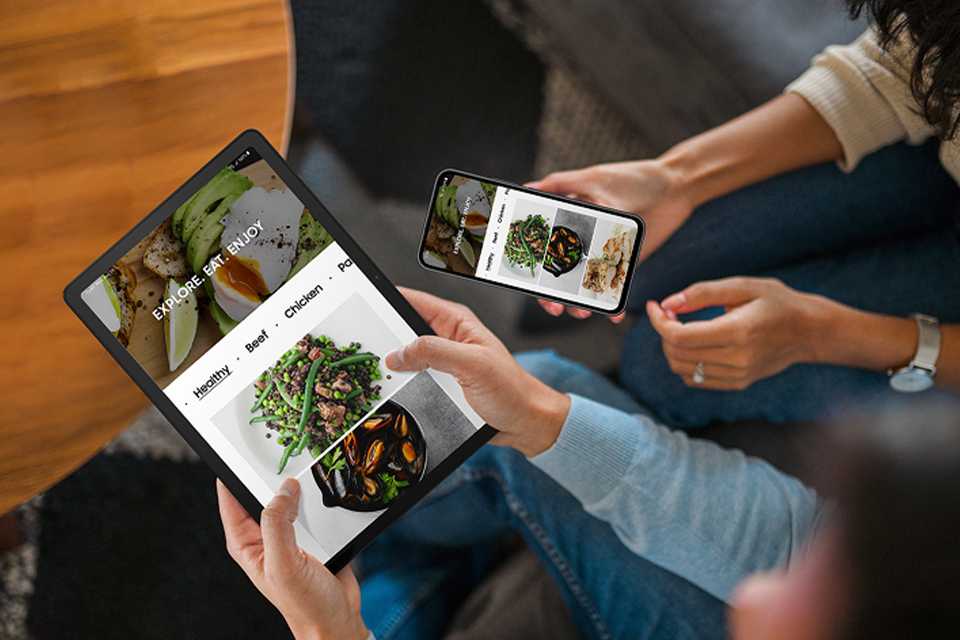
Switch freely between devices
Pick up right where you left off by simply being signed in to the same Samsung account. Get back to your notes or internet search without starting all over again8,9.
Discover more Samsung Galaxy products

¹Gemini is a trademark of Google LLC. Results for illustrative purposes. Gemini and Gemini Live features requires internet connection and Google Account login.
²Samsung DeX wireless connection is supported with TVs that support Android tablet screen mirroring(Miracast) only. There may be a difference in performance depending on TV’s specifications and Wi-Fi environment. Recommended to use Samsung Smart TVs launched after '19.
³Actual performance will depend on user environment, conditions and pre-installed software and applications.
⁴The enhanced performance figures are based on a comparison of Galaxy Tab A11+ to Tab A9+.
⁵The enhanced performance figures are based on a comparison of Galaxy Tab S11 to Galaxy Tab S9.
⁶Internet connection required. Works on compatible apps. Results may vary depending on visual matches. Circle to Search is a trademark of Google LLC. Sequences shortened and simulated. Results for illustrative purposes only.
⁷Auto Switch feature only available on Galaxy smartphones and tablets with OneUI 3.1 or later and Watch which is Galaxy 4 series or later. Certain devices and applications may not support Auto Switch.
⁸Each device needs to have One UI 5.1, have Bluetooth turned on and be connected to the same Samsung account.
⁹Continue app on other devices is only compatible with Samsung Internet and Samsung Notes. For this feature to work, the two devices you are going to use must be signed in to the same Samsung account and connected to the same Wi-Fi network, with Bluetooth and Continue on other devices feature enabled on both devices.