One remote for TV, soundbar and streaming
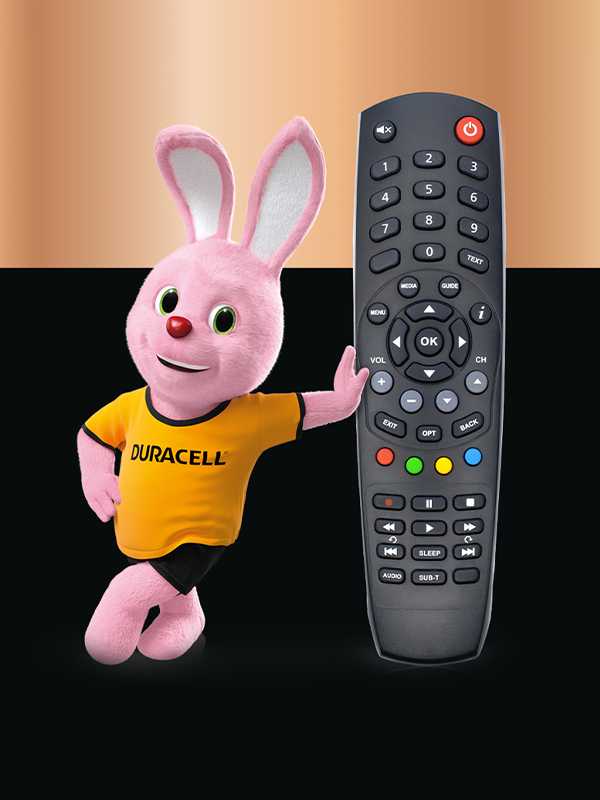
Take control of your setup with one universal remote — no more juggling handsets.
IR control and a code library let you pair it with your TV, soundbar and streaming device, so you can control everything from one place.
Once you’ve set it up, device keys and clear button paths make it quick to switch inputs, apps and volume.
Check compatibility and set up fast
- Device compatibility: Make sure the remote’s code library includes your TV brand, soundbar, set‑top box or streaming stick — handy if you upgrade or rearrange your setup
- Easy pairing: Go for auto code search for the quickest setup, or manual code entry if you’ve already got the code — useful when you’re replacing a lost remote
- Device keys: Jump between TV, audio and streaming modes on one handset, so you can swap sources without the faff
Control multiple devices from one remote
- One remote, multiple devices: Power the TV, adjust soundbar volume and switch streaming inputs from a single handset
- Input and app navigation: Short, predictable button paths cut steps for less tech‑confident users while keeping quick access for those who like control
Easy to use, built for daily life
- Layout: Large, well‑spaced buttons with clear labels keep things simple; some models add backlit keys for low‑light viewing
- Durability: Choose sturdy casings and responsive buttons if your remote will see heavy use
Add shortcuts and activities (on some models)
- Programmable buttons: Create shortcuts — switch to HDMI, open a favourite app or jump to live TV — in fewer presses
- On some models: ‘Watch’ or ‘play’ activities change input and sound in one go — handy if you want one‑press routines