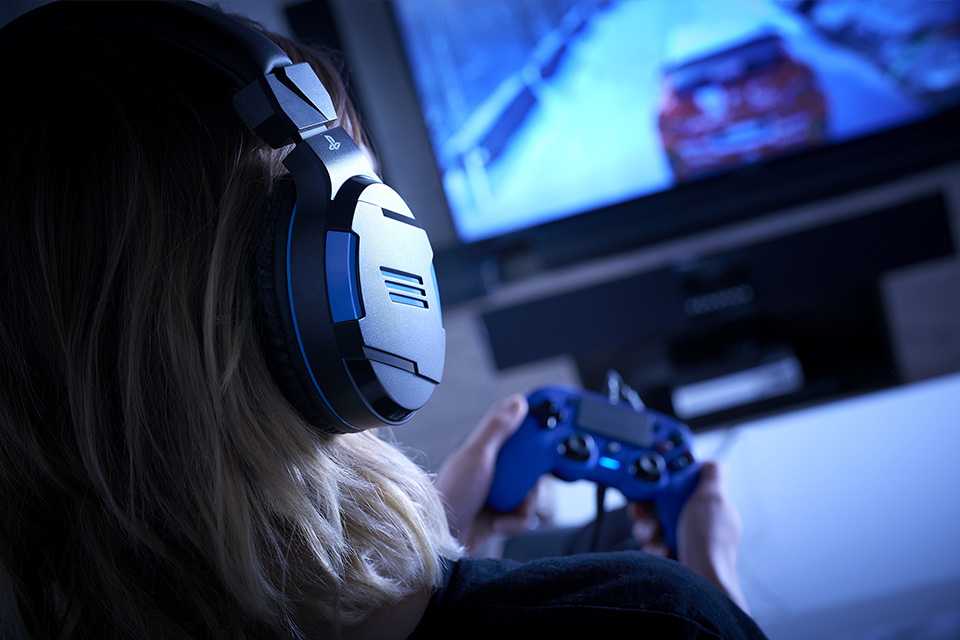
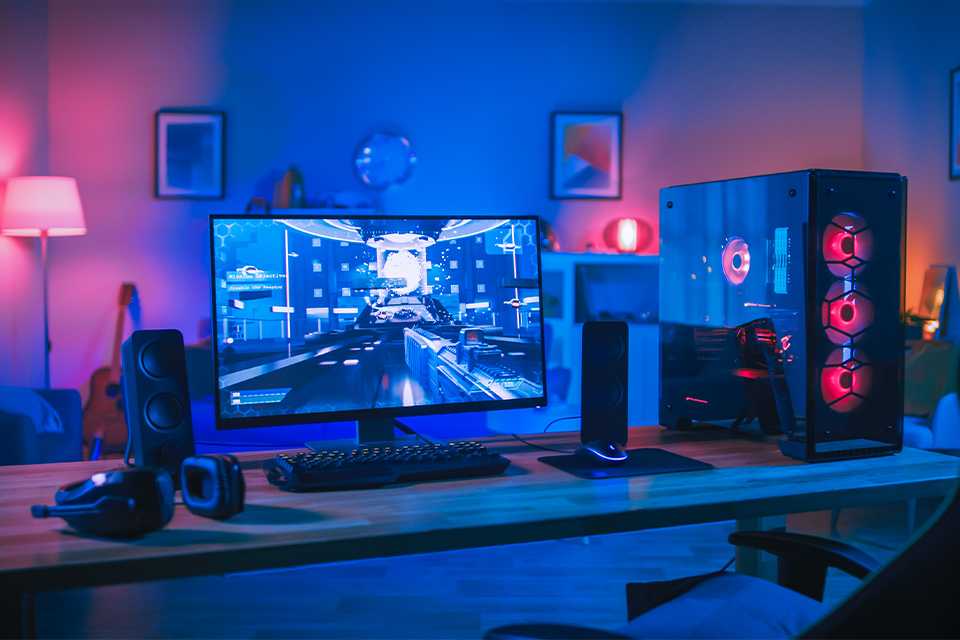
Gaming room ideas for the ultimate setup
With a gaming chair and desk, accessories, and artwork, it's easy to turn a spare room or a corner of a bedroom into a dedicated space for gaming. Check out our gaming setup ideas for inspiration.
Top gaming setup essentials
Explore everything you need to start building your ideal gaming station. Choose from basics like comfy chairs, desks, and top gaming monitors for a cool gaming setup.
Carousel
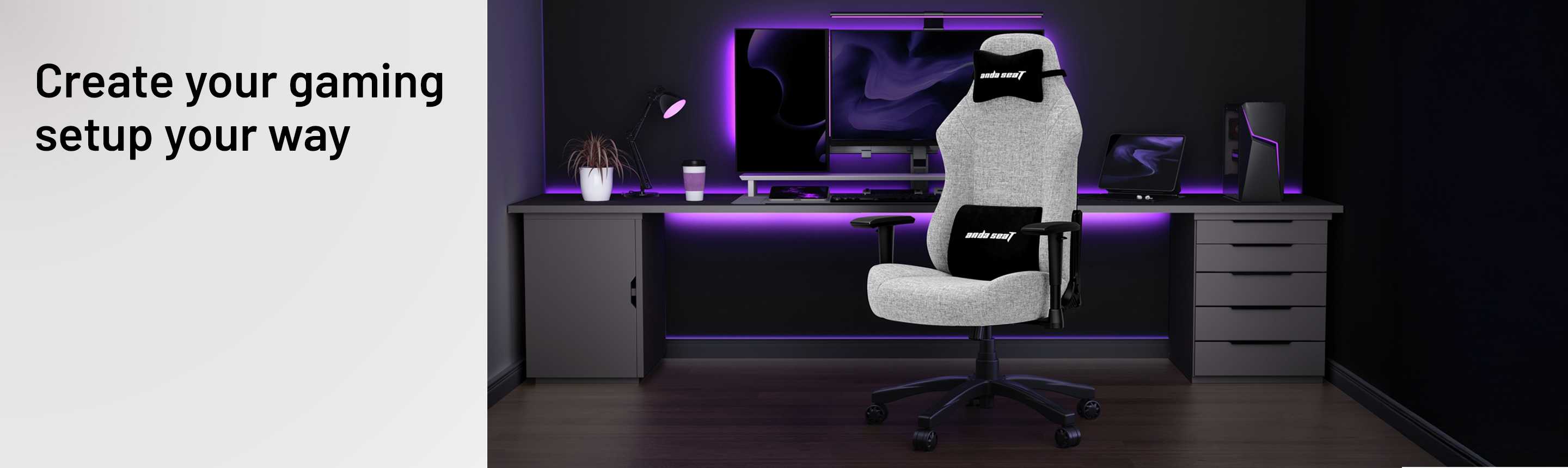
Gaming chairs
Level up your comfort to focus on the win. Ergonomic gaming chairs provide you the much-needed support for uninterrupted play.
Choosing the best gaming chair
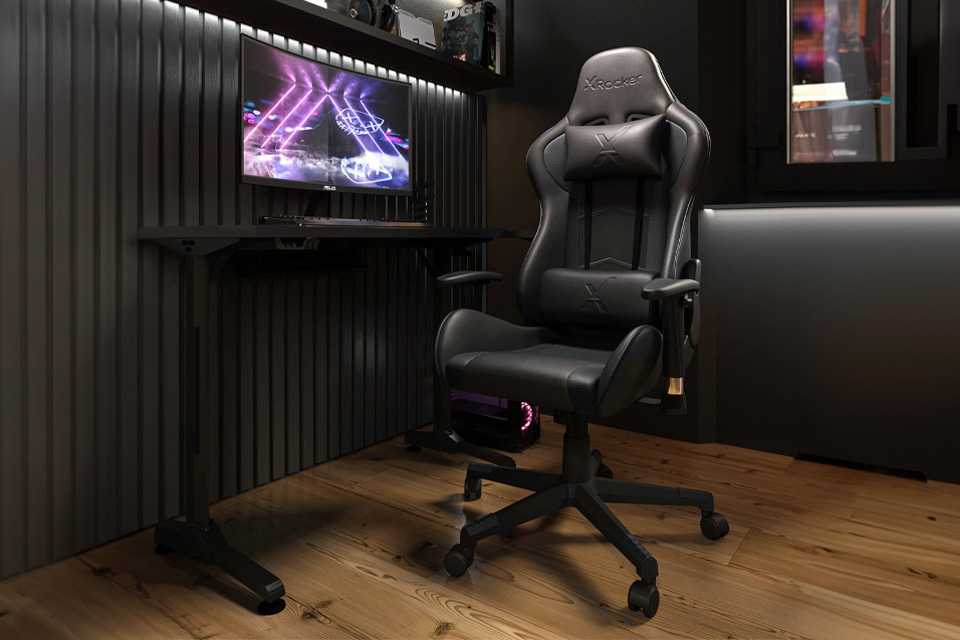
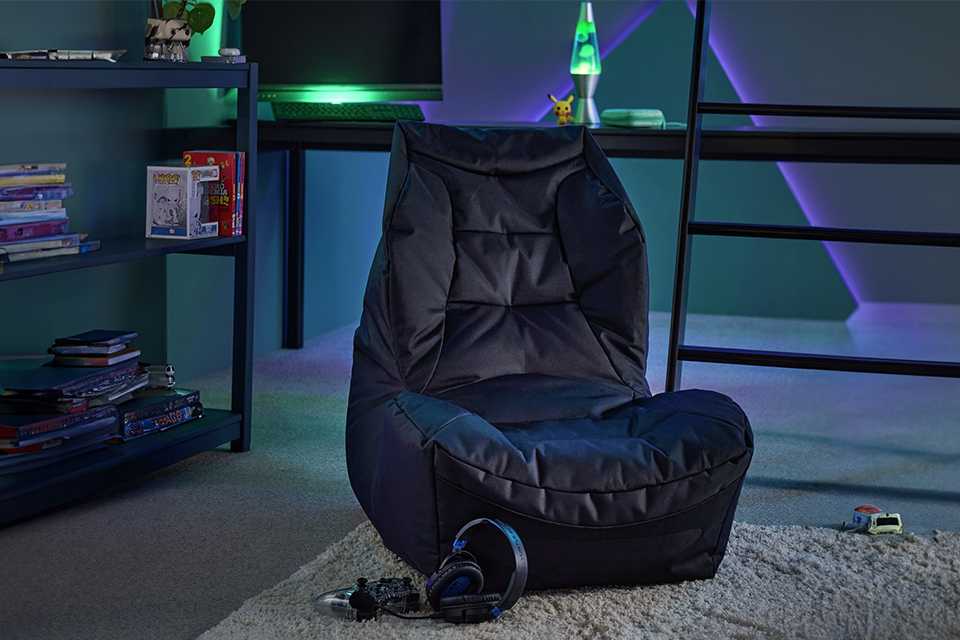
Gaming chairs come in many different forms, from pedestal and bean‑bag‑type chairs to L-shaped seats that sit directly on the floor. If you need help figuring out the best one for you, here's a rundown of the options available.
Carousel
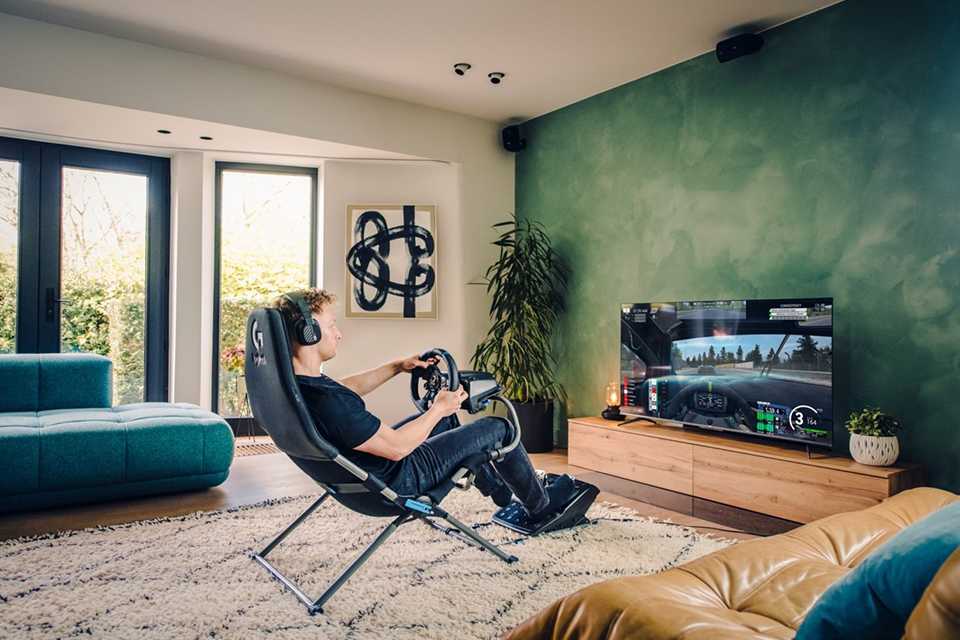
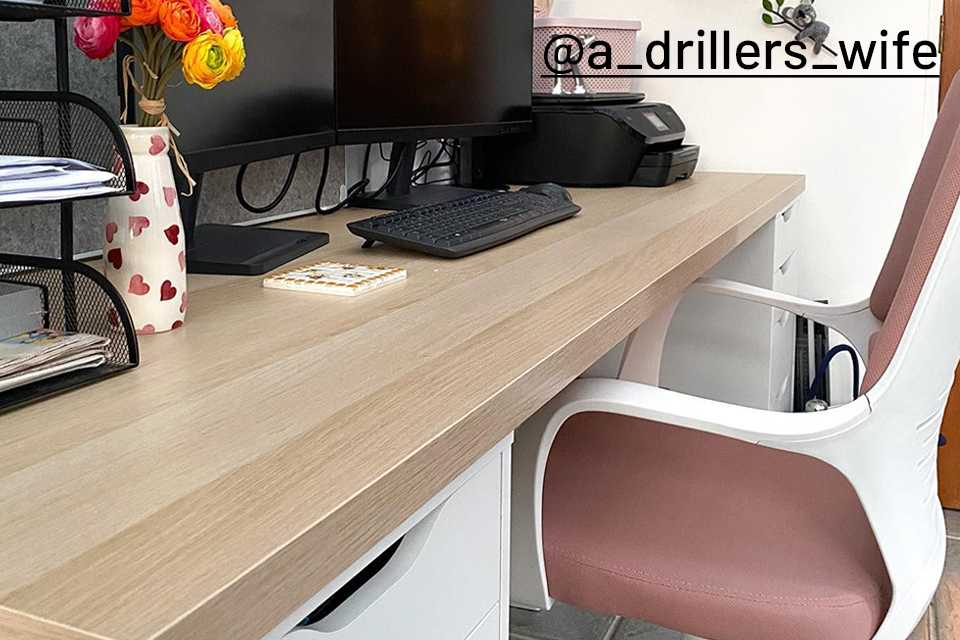
Choosing the best gaming desk
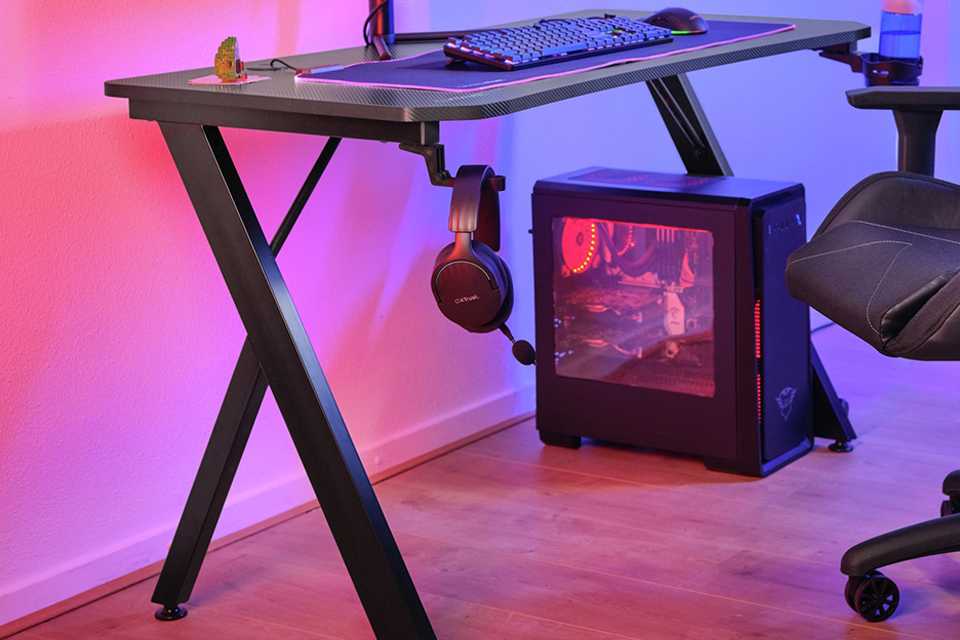
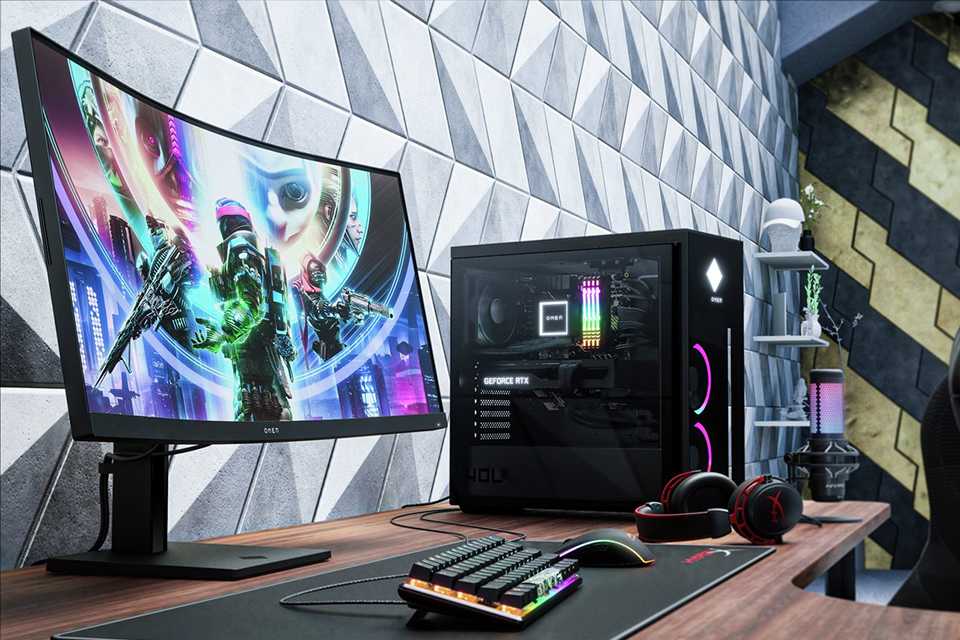
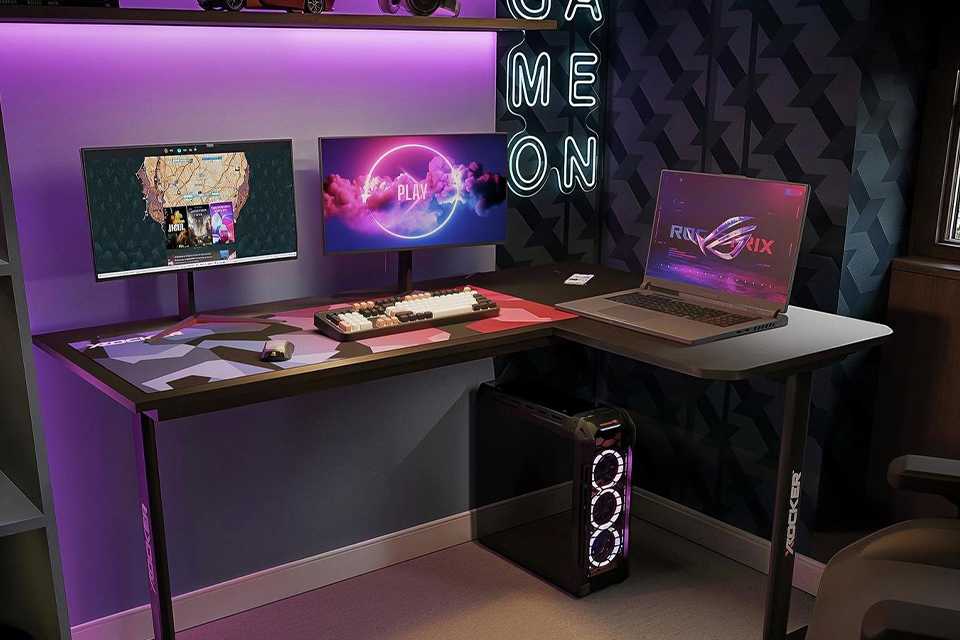
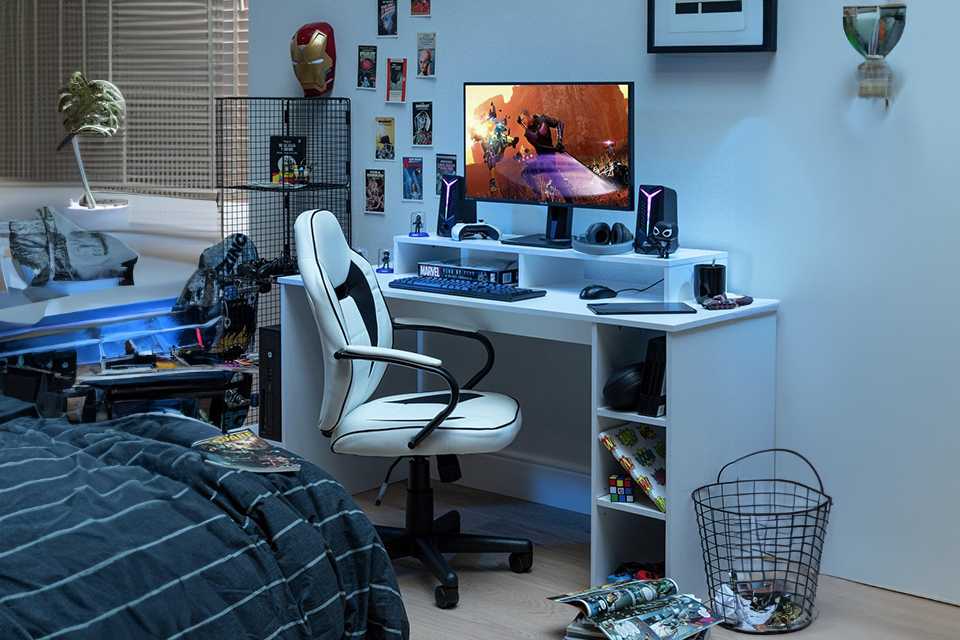
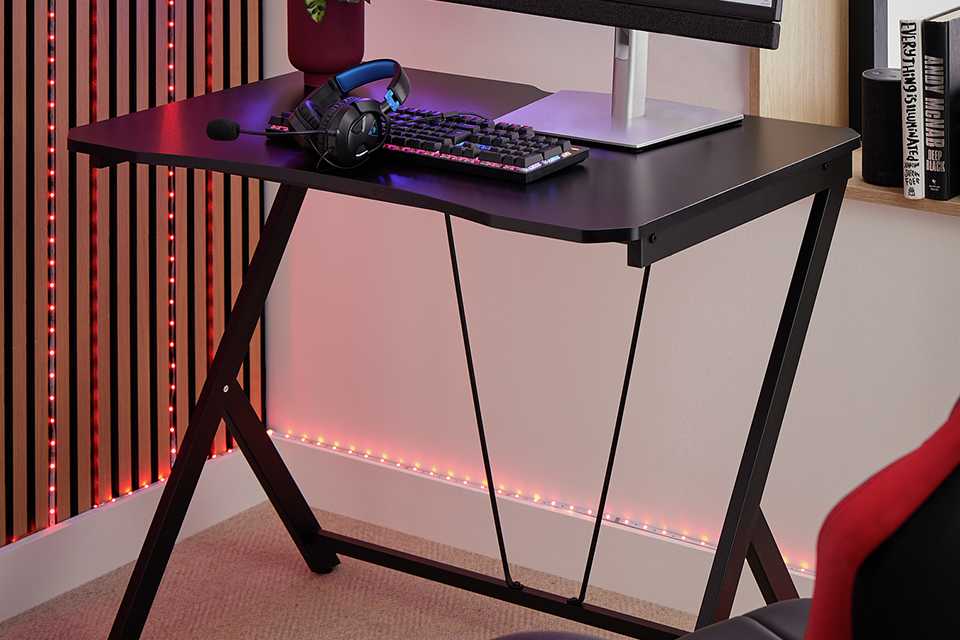
A gaming desk provides the perfect platform for your games system and accessories.
Carousel
Gaming keyboards and mice
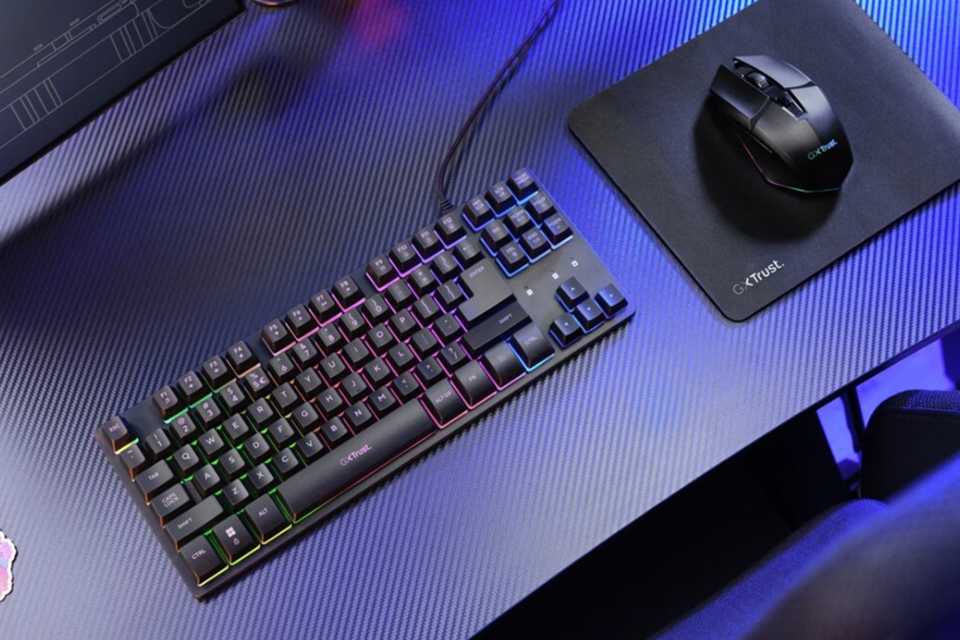
Give a boost to your gaming setup by adding the best gaming keyboard and mouse.
- Go for a corded or wireless keyboard with quick, responsive keys to make sure every keypress is registered.
- Look for a mouse with high-precision sensor to get accuracy. Choose from a range of wired and wireless gaming mice.
Don't forget a mouse mat to keep consistent and smooth tracking.
Gaming room accessories
From LED lights to unique gaming neon signs, from gaming headsets to speakers - here's everything you need to create an immersive gaming setup.
Carousel
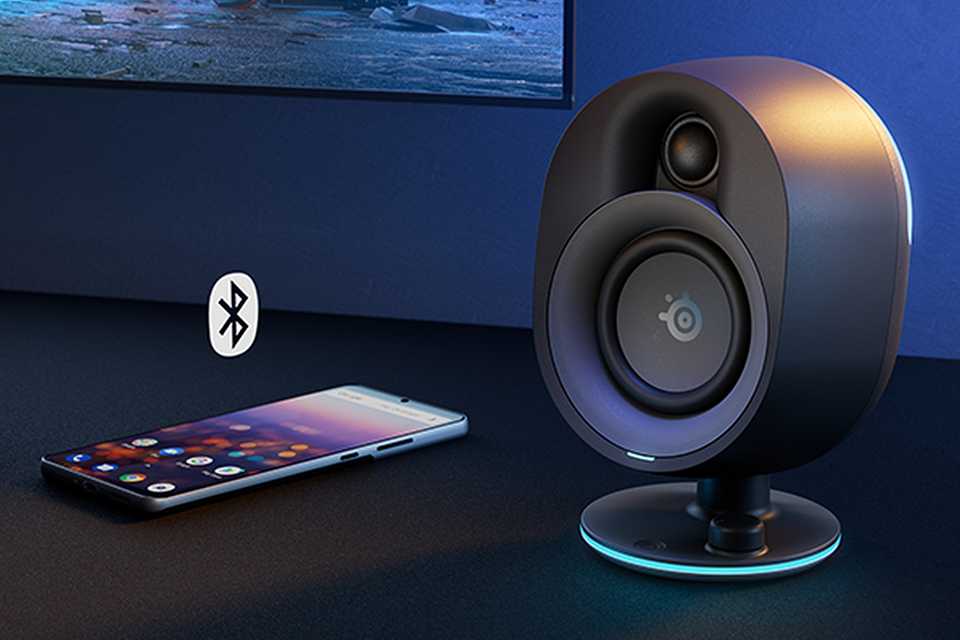
Laptop and PC speakers
When setting up your gaming room, make sure you consider the best speakers. Most modern games produce immersive, multi-channel sound, so you may want to go for a five‑ or seven‑speaker setup. Soundbars are also a good option, as they take up very little space.
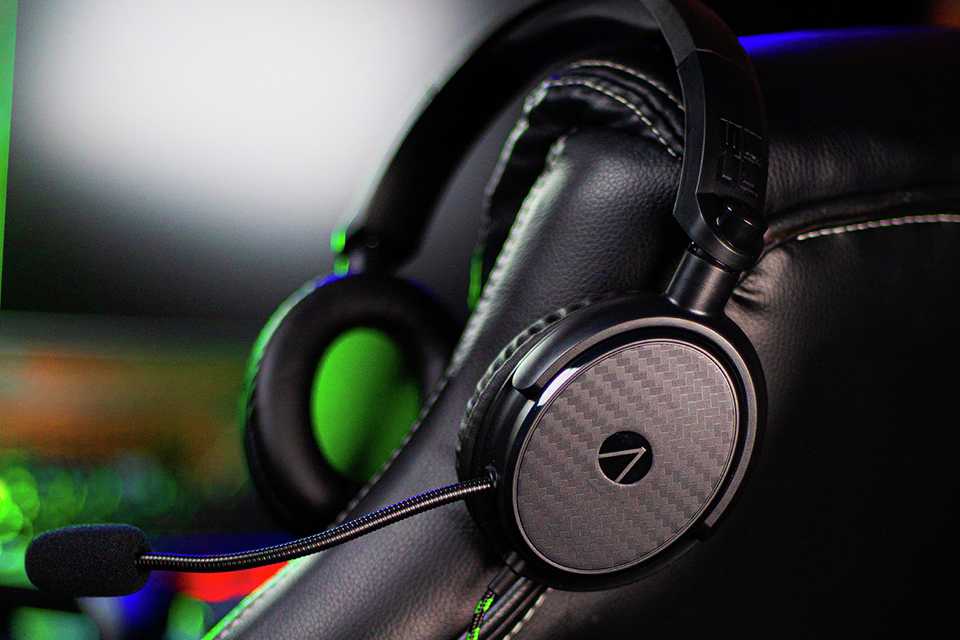
Gaming headsets
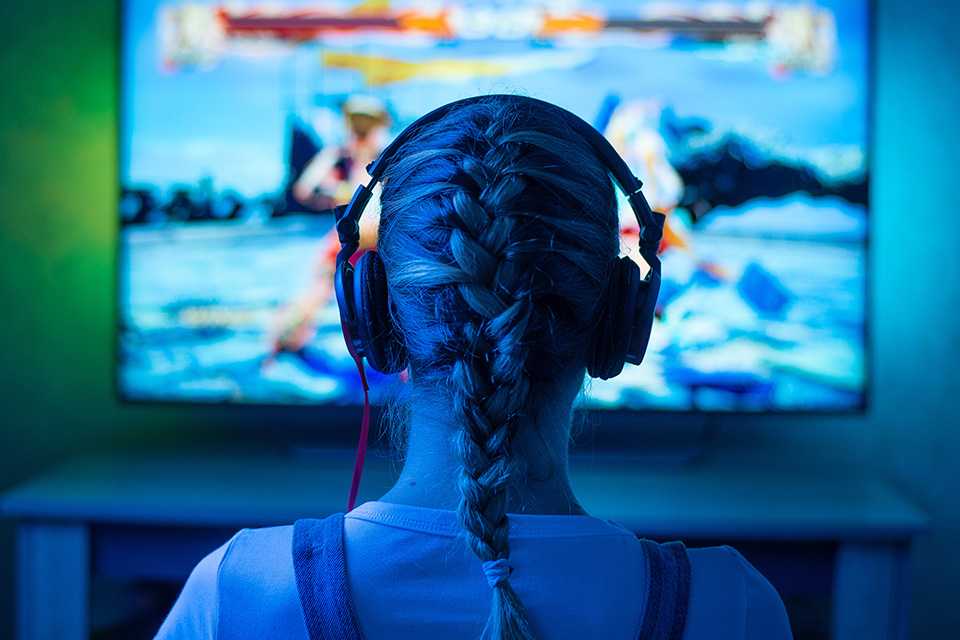
If you intend to play games online, you’re going to need a headset that hooks up to your gaming rig. Gaming headsets range from wired pairs to high-end, noise-cancelling models to advanced VR for an immersive experience.
Explore popular gaming room accessories
Slider Grid
- Save 20%£17.49Was
£21.99Free collection or delivery from £4.95 - £14.99Free collection or delivery from £4.95
- Save 20%£19.99Was
£24.99Free collection or delivery from £4.95 - Save £7.00£22.99Was
£29.99Free collection or delivery from £4.95 - Save 25%£74.99Was
£99.99Free collection or delivery from £4.95 - £12.99Free collection or delivery from £4.95






Live game streaming
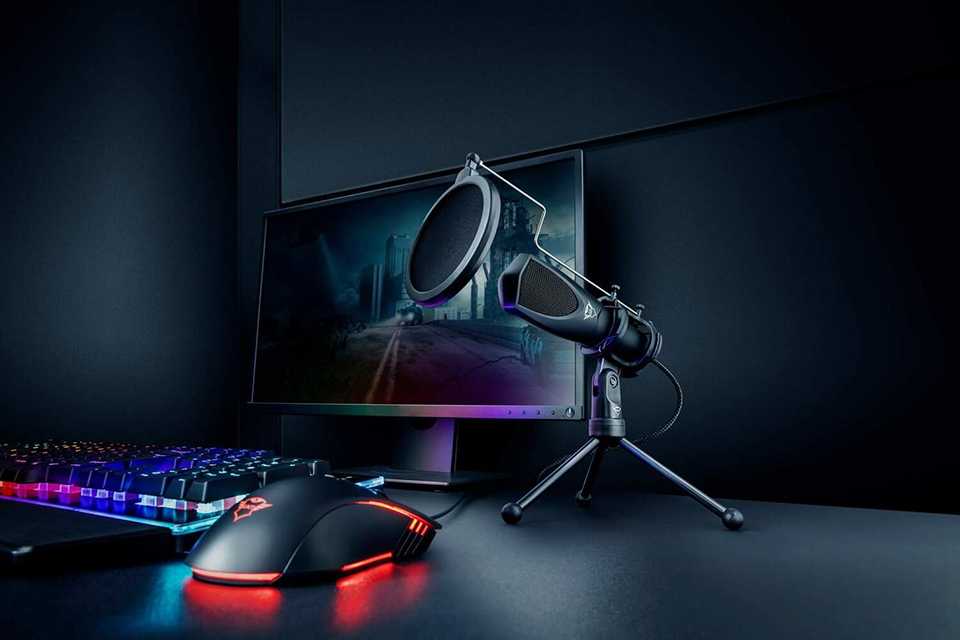
Streaming equipment
Fancy yourself as a bit of a pro gamer? Then you might want to look at live streaming your gaming sessions online. All you need is a microphone, a computer and an internet connection. You could also set up a webcam to capture your reactions while you play. Here's a guide to help you set up a game streaming environment.
Top game streaming accessories
Slider Grid





DIY gaming room ideas
Casual player, dedicated gamer, or a gaming couple. Whoever you are, find all the essentials from desks to mouse mats to help set up your own gaming PC and space.
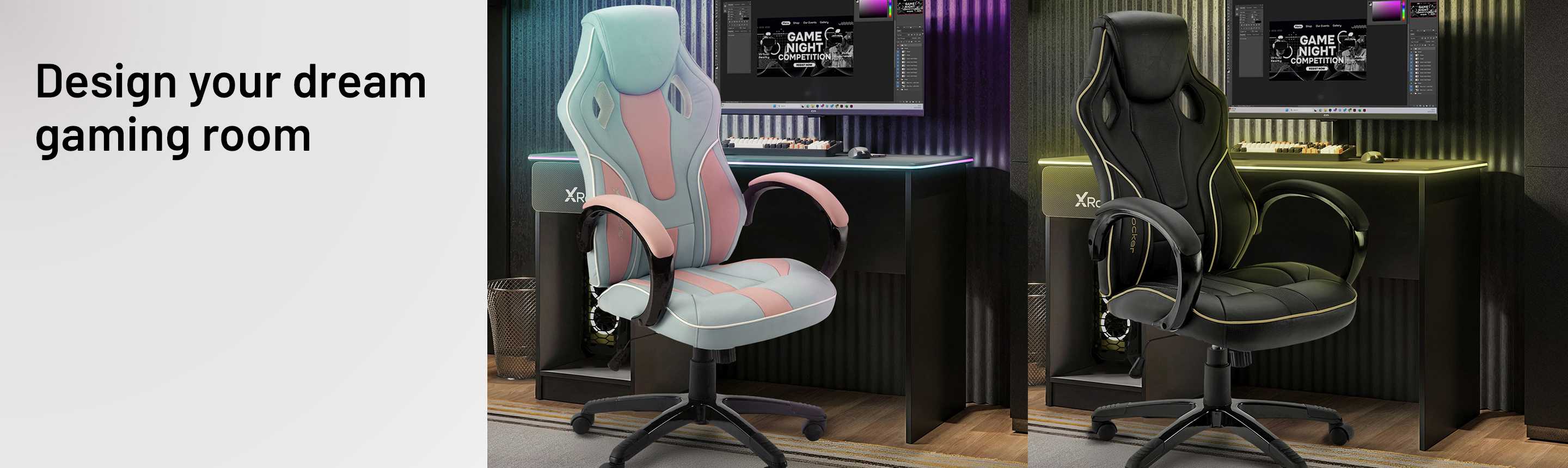
Gaming room extras
Slider Grid
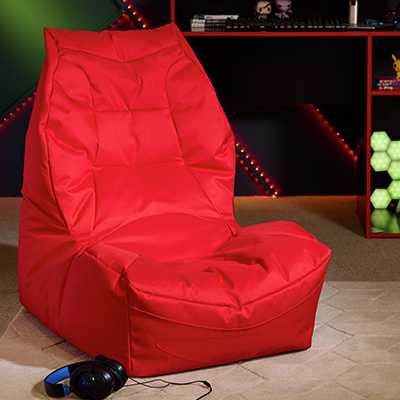
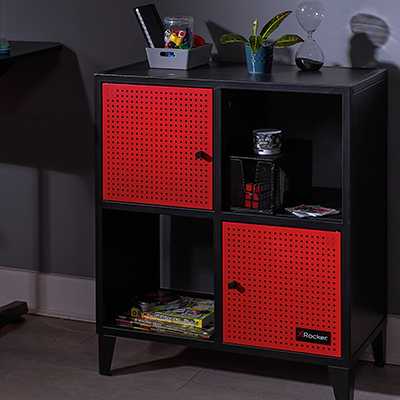

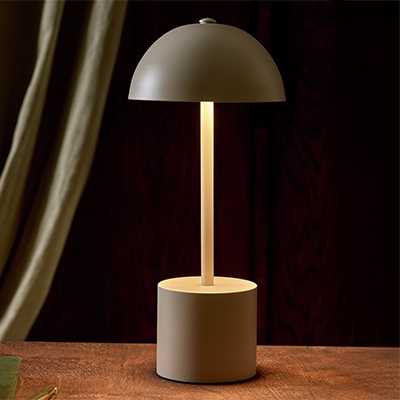
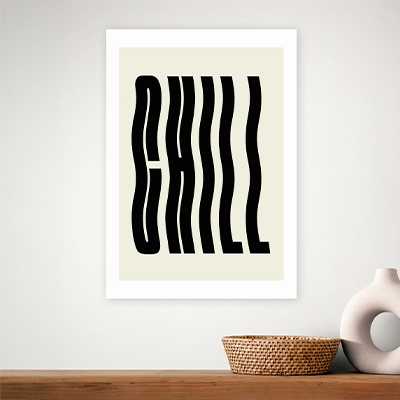
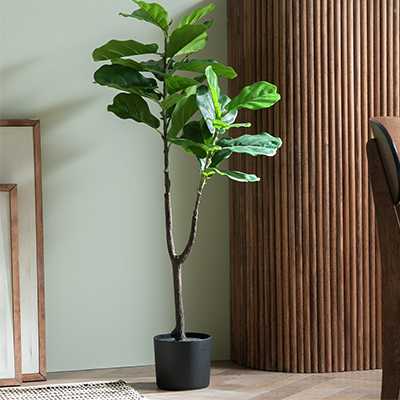
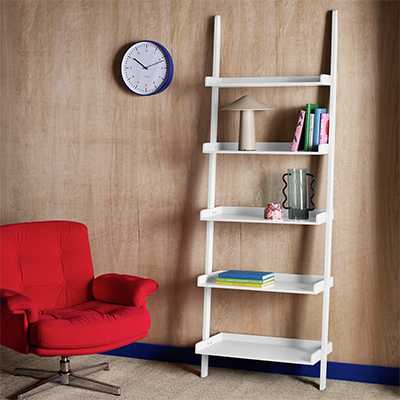
Gaming good-to-haves
Carousel
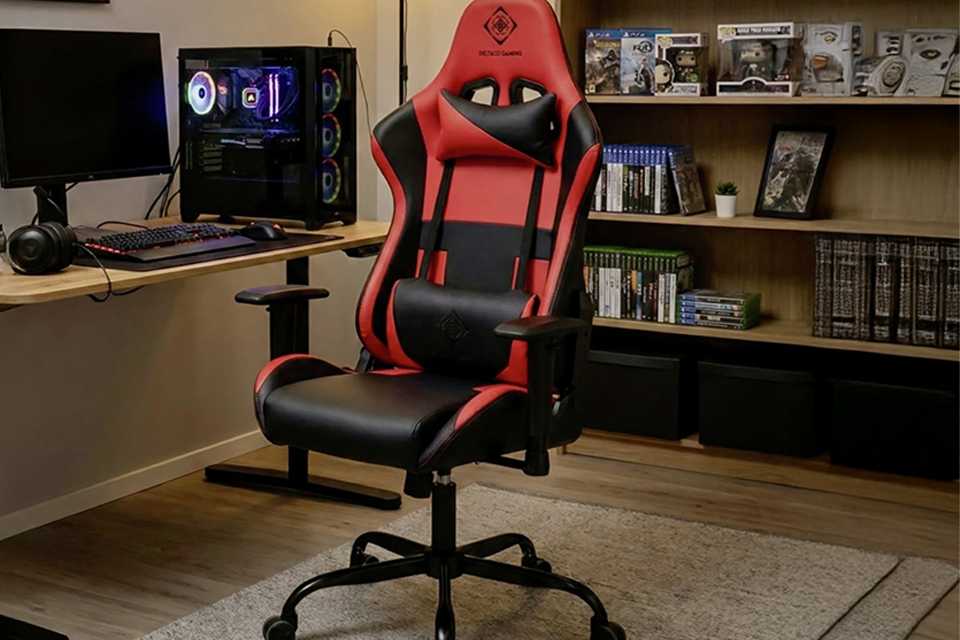
Gaming storage ideas
Keep all your gaming equipment and accessories handy with our storage solutions:
- Keep your games in bookcases, shelves or ladder storage that double as a showcase for your precious collection. Add to your gaming room décor and place toy cars or your favourite action figures on shelves for a personal touch. You could also use these as desk accessories.
- Looking for storage for a small games room? Wall-mounted shelves save on floor space, while hideaway options like multifunctional desks with storage help minimise clutter.
- For more ways to organise, try plastic boxes and cube storage that can be neatly tucked away or placed under the desk.
FAQs about gaming and gaming rooms
What does parental control mean?
Designed to monitor, restrict and guide your child's use of technology, parental controls help you manage your child's screen time. It also helps in setting age-appropriate restrictions on the widely available content. Moreover, you can track what they see or play too. Here's how to set up parental controls on different consoles.
How to build your own gaming PC?
Building a gaming PC can seem intimidating, but following a simple step-by-step process, you can have the PC of your dreams ready sooner than you think. Here is an overview of what you will have to do:
- Choose your gaming components like CPU, GPU, motherboard, RAM, SSD and case.
- Install the CPU, cooler, and RAM on the motherboard to start building your gaming setup.
- Mount the motherboard, power supply, and storage inside the gaming case.
- Install the graphics card.
- Connect all cables, boot up, install your OS, and update drivers to finish your gaming PC.
To learn more, read about the process and how to build your PC in detail. And, if you want to know the latest releases in gaming, explore upcoming games.
What are the benefits of gaming?
Gaming gets a bad rep sometimes but if played responsibly, there are many benefits. Some include:
- Improved cognitive skills like problem‑solving, memory, and reaction time.
- Better decision‑making, especially under pressure in fast‑paced games.
- Social connections through teamwork, communication, and online communities.
- Reduced stress by offering relaxation, immersion, and a sense of achievement.
- Enhanced creativity through world‑building, strategy, and imaginative gameplay.
What are the best gaming chairs for long sessions?
The best gaming chairs promote good posture, are built with high-quality materials, are comfortable for a long duration and allow adjustments. So look for a chair that is ergonomic, durable, comfortable and adjustable.
How do I choose the right gaming desk?
To choose the right gaming desk, consider the space you want to keep the desk in.
- If it's a corner, then an L-shaped gaming desk works best.
- Short on space? go for minimal table desks.
- Want to tuck away all gaming accessories in one place? A storage desk is for you.
Once you pick the type of desk, think about your setup. Would you need more than one monitor? Do you want to keep your speakers on it too? A large desk will accommodate everything. Make sure to check the height of the desk so your chair can fit in comfortably. Many gaming desks also come with advanced features like cup holders, built-in power strips and USB ports, and cable trays or holes.
What accessories do I need for a complete gaming setup?
Depending on the type of gaming setup, you may need the following things:
- Gaming monitor
- Gaming keyboard
- Gaming mouse
- Mouse mat
- Headset or speakers
- Microphone
- Webcam
- Controller
- Smart lights, LED lights
Are mesh or fabric chairs better?
Mesh chairs allow for maximum airflow, they stay cool for longer and are breathable. But they feel less plush and may sag over time if not made from a good quality material.
Fabric chairs are softer and more comfortable, giving a cosy feel. However, they're less breathable so can trap heat and absorb spills easily.
Depending on your lifestyle, you can select a chair that suits you.
What are some cheap gaming room ideas?
Here are some budget-friendly gaming room ideas for you:
- Repurpose your existing furniture - a simple study/office can work as a minimal gaming desk.
- Decorate with posters, collectibles, and art you already own.
- Optimise small spaces with wall mounted shelves and underdesk storage for your gaming accessories.
- If you've got a spare nook, transform it into a gaming corner.
- Use LED light strips instead of ambient lighting.
- You don't need to set up everything at once. Start with essentials like PC, monitor, chair, etc. and keep building your gaming room.
What is the ideal layout for a gaming room?
An ideal gaming room layout should focus on ergonomics and organisation. Think about these three factors - comfort, controlled clutter and flexibility while planning your room. Here are some ways to help you get started.
- Place your gaming desk/PC where there’s no direct window glare.
- Keep your chair centred with the screen for proper ergonomics.
- Use layered lighting, including ambient + task + accent lighting.
- Position speakers at ear level in a triangle with your seat.
- Keep clear walking paths and avoid clutter around the setup.
- Add décor behind or beside your setup to personalise without distracting.