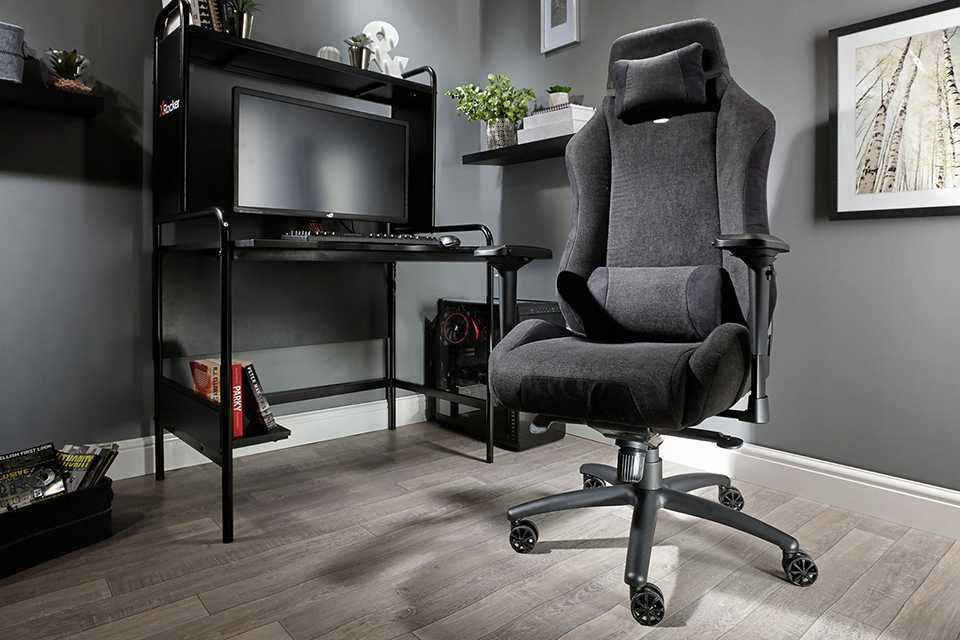
Gaming PCs and laptops guide
From the best gaming PCs for beginners to high‑performance processors and top systems for VR, our gaming PC guide covers everything you need to build the ultimate gaming setup. Explore the best gaming monitors, gaming headsets, and other accessories designed to elevate your experience.
Shop all gaming laptops and PCs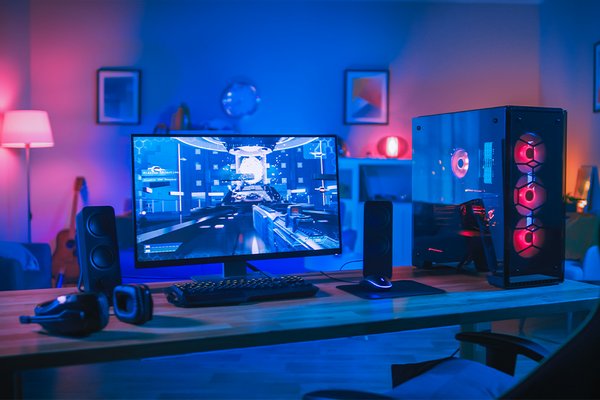&poi={$this.metadata.pointOfInterest.x},{$this.metadata.pointOfInterest.y},{$this.metadata.pointOfInterest.w},{$this.metadata.pointOfInterest.h}&scaleFit={($this.metadata.pointOfInterest.x>0)?$sfpoi:$sfcenter}&sm=aspect&aspect=3:2&sfcenter=center&sfpoi=poi&qlt=50&fmt=auto&noiser=0&fmt.jpeg.interlaced=true&fmt.jp2.qlt=40&)
Looking to invest in a gaming PC? These computers are designed specifically with gamers in mind. Learn about graphics cards, which components to look for, the benefits of gaming laptops vs desktops, and which gaming PC accessories you need to enhance your experience.
Gaming PCs, monitors, and laptops
Looking for the perfect gaming setup? Start by exploring the essentials. Discover the best gaming monitors, gaming PCs and gaming laptops to help you decide whether a powerful desktop or a flexible laptop is the right fit for your playstyle.
Carousel
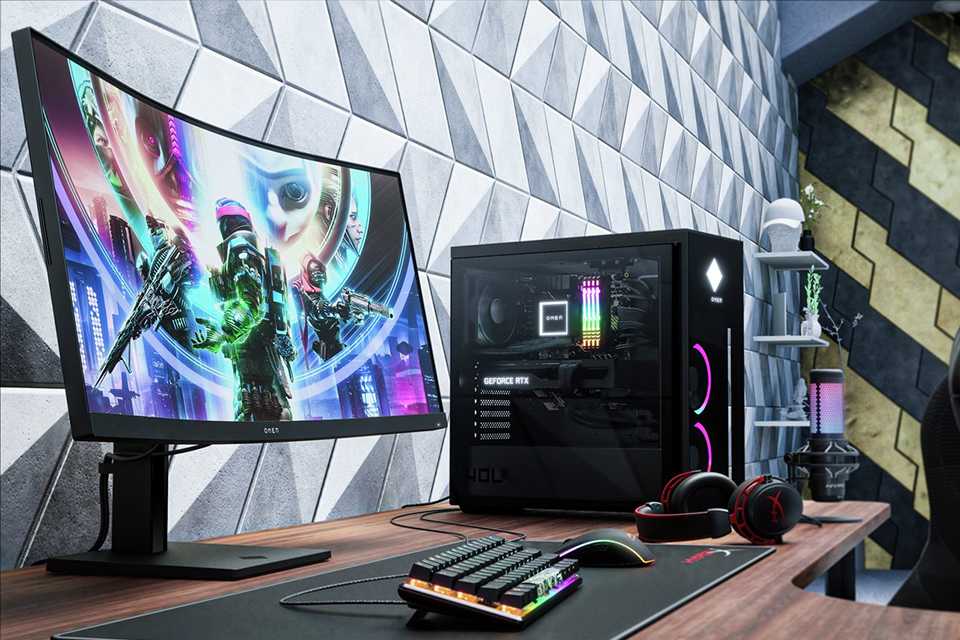
Gaming monitors
Pair your PC with a great gaming monitor. Designed specifically to enhance your gaming experience, they offer ideal refresh rate and faster response time. For an immersive experience, go for a curved screen, or try a larger screen size.
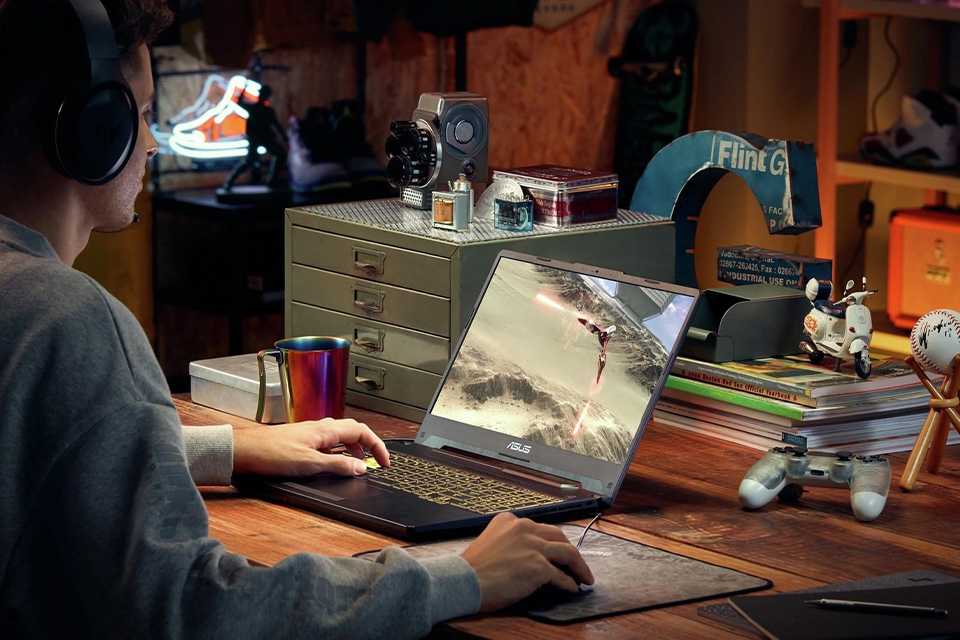
Gaming on the go
The biggest bonus to picking a gaming laptop is of course its portability. A good choice for beginners, they're also easy to set up. For something advanced, explore our best gaming laptops with a winning combination of powerful performance and mobility.
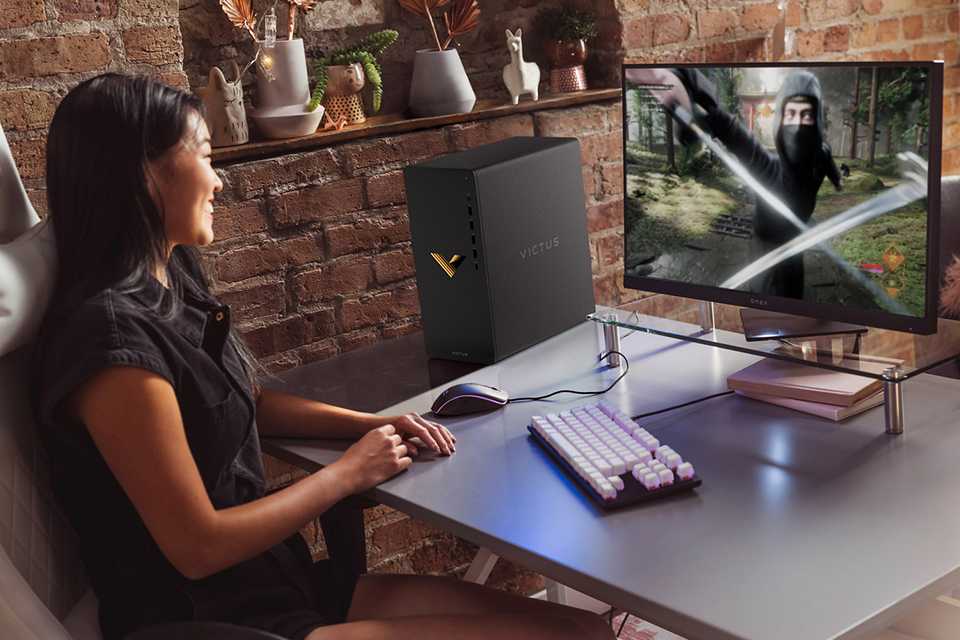
Top gaming PCs, monitors, and laptops
Slider Grid




Things to consider before buying a PC
From display to processors, graphics cards, and other essentials, here's everything to look for when choosing the right specs for your gaming PC or laptop.
Types of gaming monitors and laptop displays
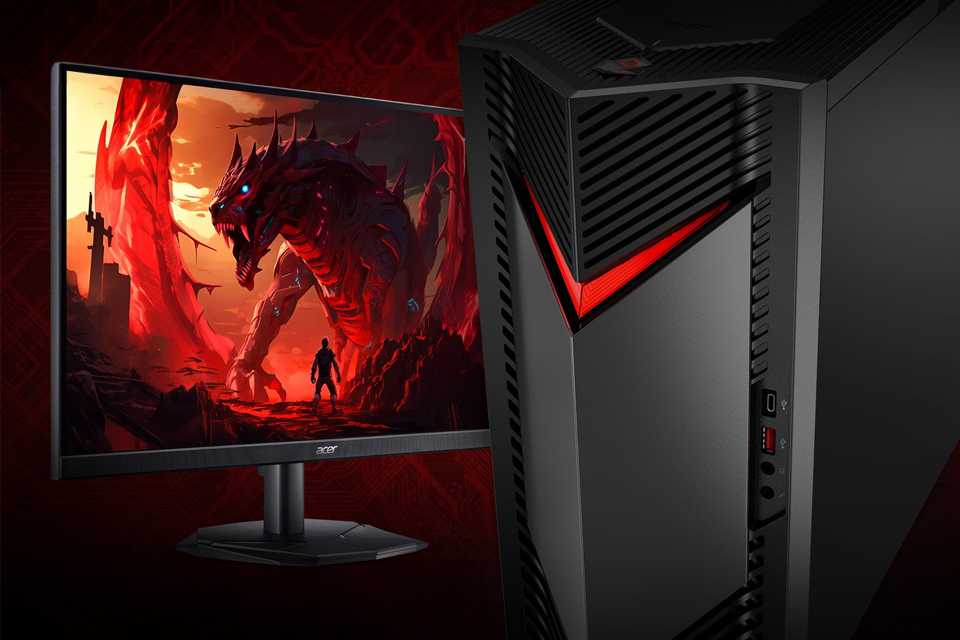
What is the best monitor for gaming?
Gaming monitors come in a variety of display types, each with different resolutions, refresh rates, and features. Here’s a quick guide to help you choose the right one.
- LED PCs deliver bright, sharp visuals suitable for everyday use.
- WLED screens stay slim while still offering strong brightness.
- LCDs are ideal if you want clear, budget‑friendly displays.
- OLED PCs provide rich colours, deep blacks, and faster response.
- Look for additional features such as built‑in speakers, adjustable stands, and multiple ports for added convenience.
- Check for high refresh rates and resolutions to make games look smoother and sharper.
- Gaming laptops offer excellent displays, including FHD, QHD, WQXGA, and WQXGA+ options. For a better experience, consider using a dual‑screen setup alongside your gaming laptop.
Best graphics cards for gaming PCs
Choosing the right graphics card shapes your entire gaming experience. Whether you’re picking a laptop or PC with built‑in power, or selecting a standalone GPU for a custom build, make sure to prioritise the performance you need.
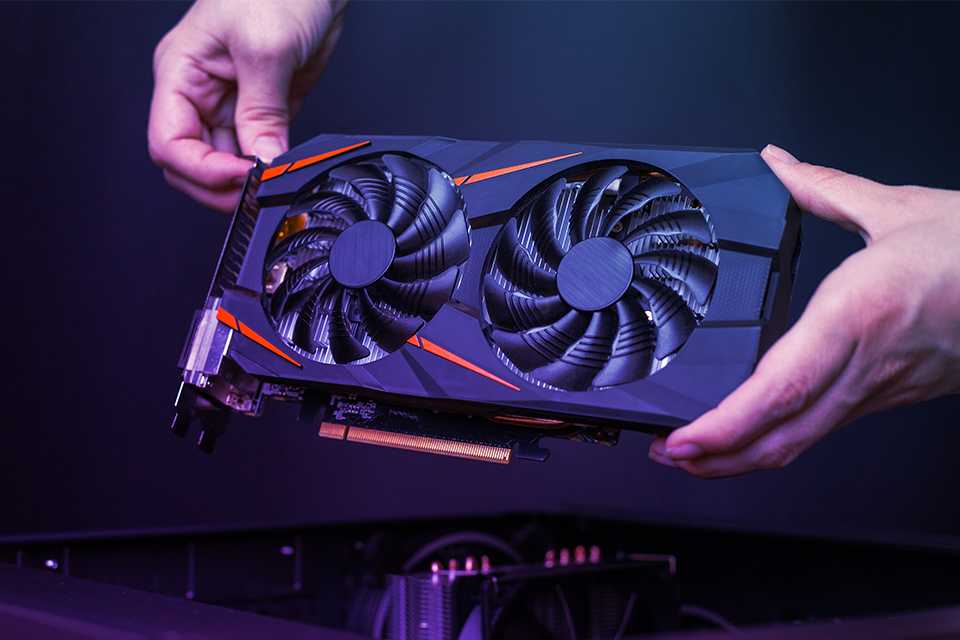
What kind of graphics card do you need?
The graphics card, or GPU, is arguably the most important factor when choosing your gaming PC or gaming Laptop, especially if you're after the best graphics. The higher the graphics card specifications, the higher the resolution and frame rates you can expect.
NVIDIA is a leading producer of graphics cards and has options for each level of gaming. NVIDIA’s latest 50-series GPUs power some of the world's fastest gaming PCs and laptops. Built on the ultra-efficient NVIDIA Blackwell architecture, they deliver unprecedented performance for gaming, AI workload, ray tracing, and more.
NVIDIA features and benefits
Discover how NVIDIA GPUs power the best gaming PCs for streaming, immersive VR gameplay, video editing, and more.
Carousel
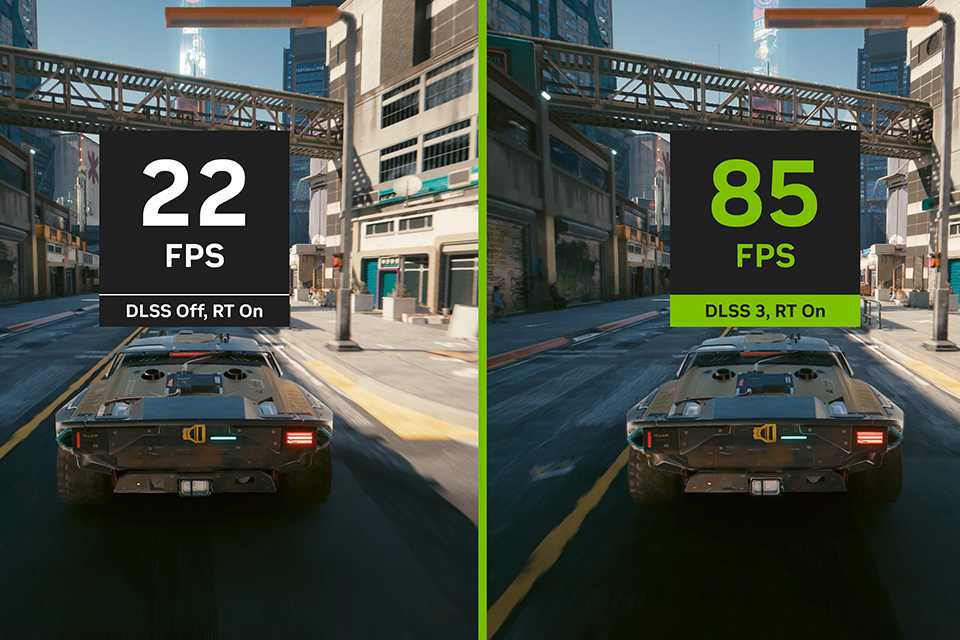
The performance multiplier, powered by AI
DLSS is a revolutionary breakthrough in AI-powered graphics that massively boosts performance. It is powered by the new fourth-gen Tensor Cores and Optical Flow Accelerator on GeForce RTX 40 Series PC and Laptops. DLSS 3 uses AI to create additional high-quality frames.
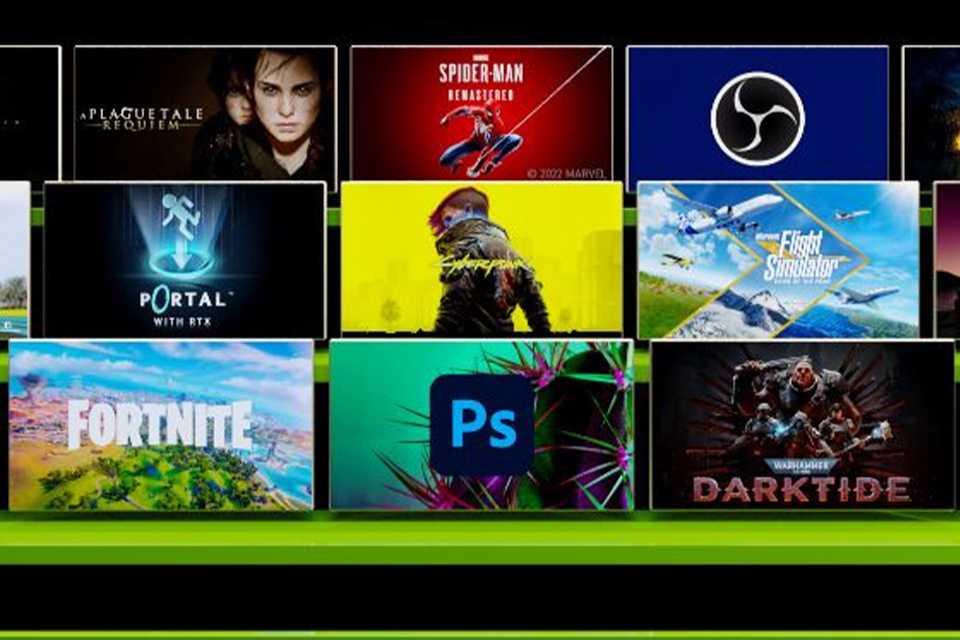
Hyperrealistic. Hyperfast.
The Ada architecture unleashes the full glory of ray tracing, which simulates how light behaves in the real world. With the power of RTX 40 Series PCs and laptops and third-gen RT Cores, you can experience incredibly detailed virtual worlds like never before.
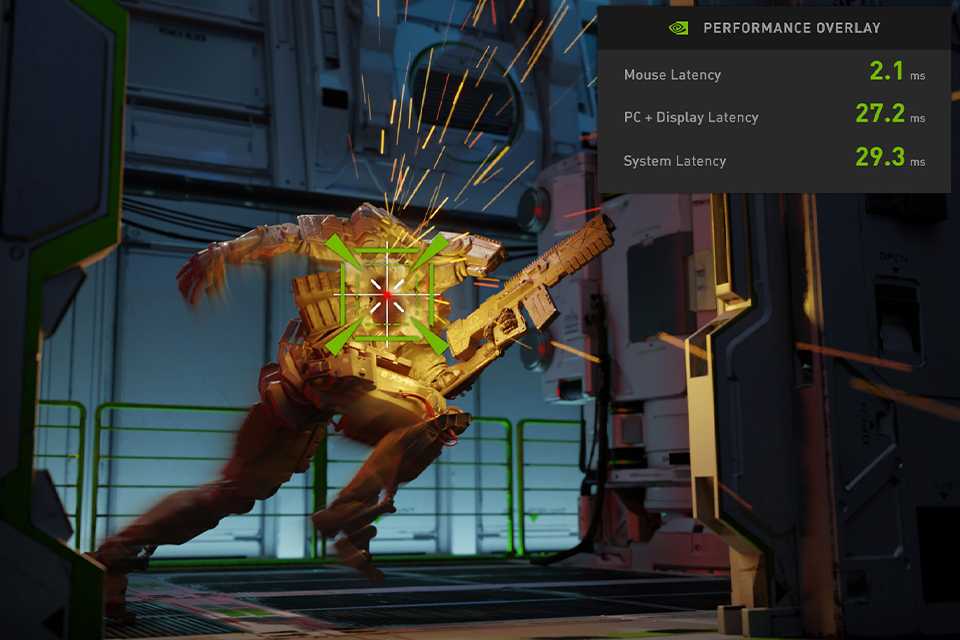
Victory measured in milliseconds
NVIDIA Reflex delivers the lowest latency and best responsiveness for the ultimate competitive advantage. Built to optimise and measure system latency, Reflex provides faster target acquisition, quicker reaction times, and the best aim precision for competitive games.
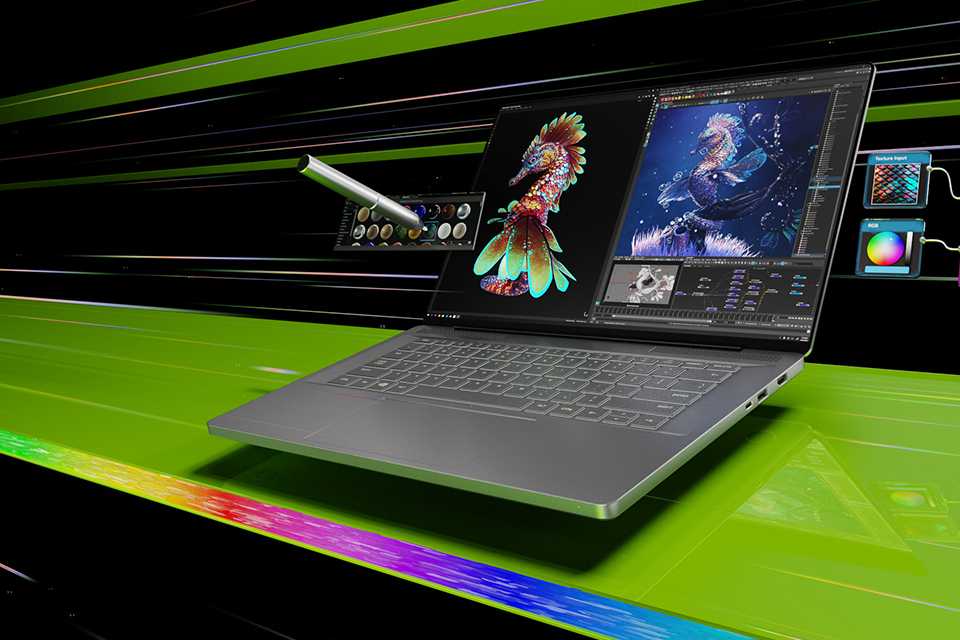
Your ideas, accelerated by NVIDIA studio
Take your creative projects to the next level with NVIDIA Studio. Get unmatched performance in 3D rendering, video editing, and graphic design. Experience RTX accelerations in top creative apps, world-class NVIDIA Studio, and a suite of exclusive AI-powered software.
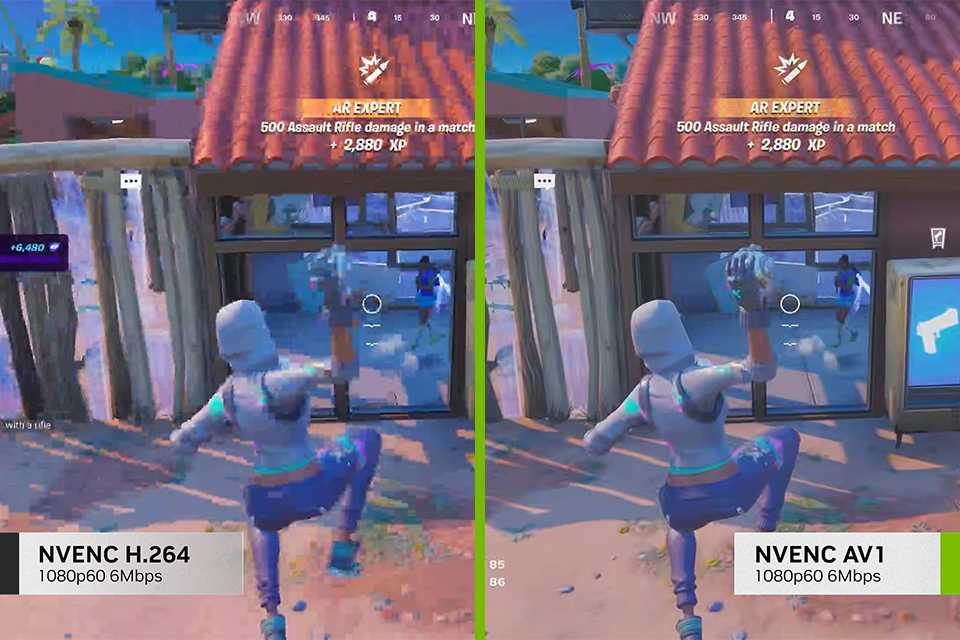
Built for live streaming
Steal the show with the best live streaming quality, the highest gaming performance and cutting-edge AI features. NVIDIA’s eighth generation NVIDIA Encoder (NVENC) ushers in a new era of high-quality broadcasting with AV1 encoding support. Also, the NVIDIA Broadcast App unlocks incredible voice and video effects, alongside exclusive optimisations and AI effects in your favourite broadcasting apps to transform any room into your home studio.
PC processors

What kind of PC processor do you need?
The processor (or CPU) defines how well your PC runs and multi-tasks. If you're interested in VR, it's recommended you get a high-end processor. Processor speed is measured in GHz (gigahertz) - 2.5GHz is the minimum recommended speed for mid-range gaming. The number of processor cores in a PC influences how many tasks it can handle simultaneously - quad-core or hex core are recommended for gaming.
- Shop all processors
Carousel
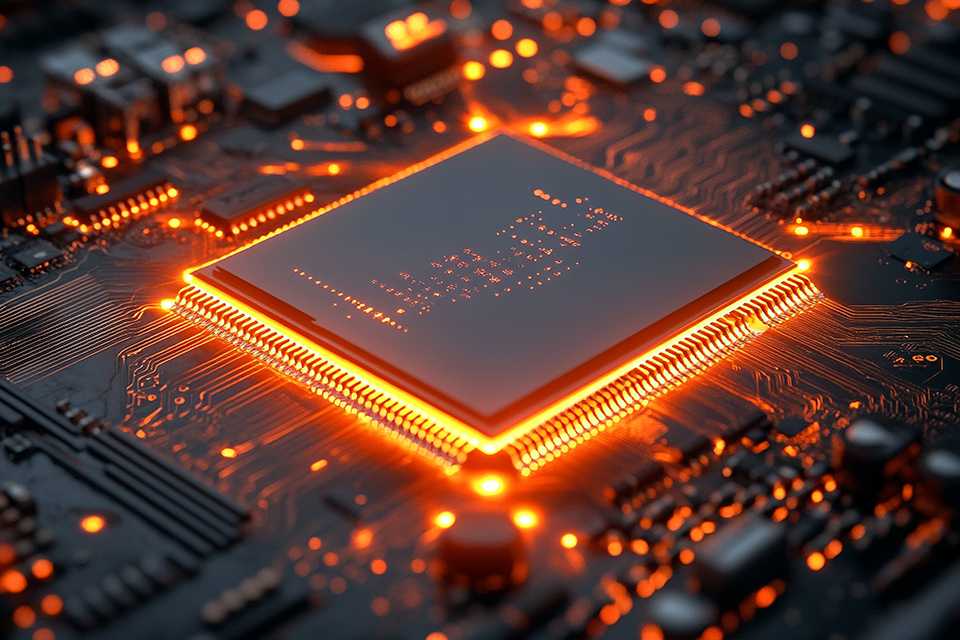
High-performance processors
Play the most demanding games with these next-level processors.
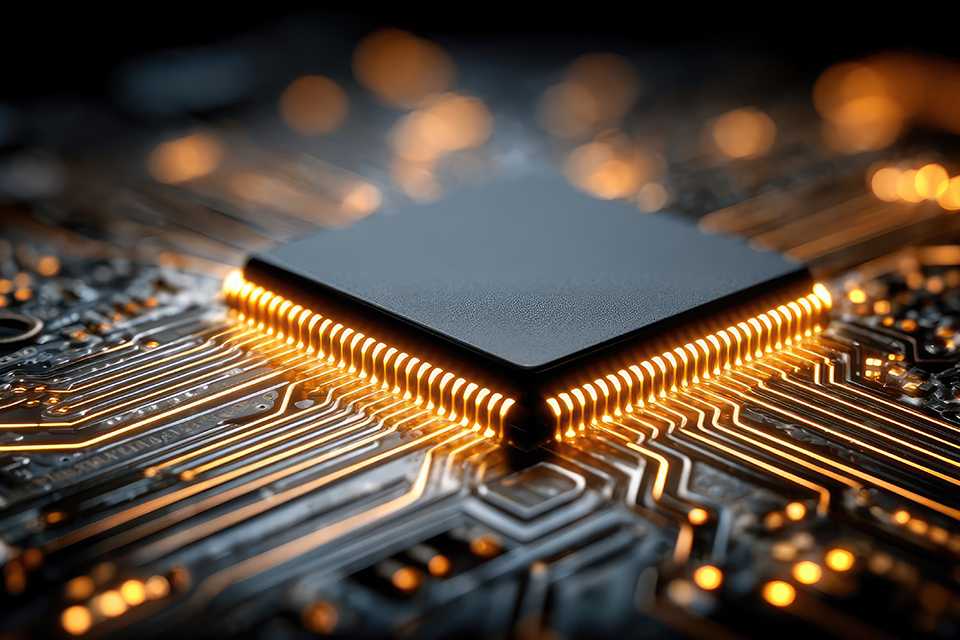
Mid-performance processors
Ideal for multi-tasking whilst playing mainstream games.
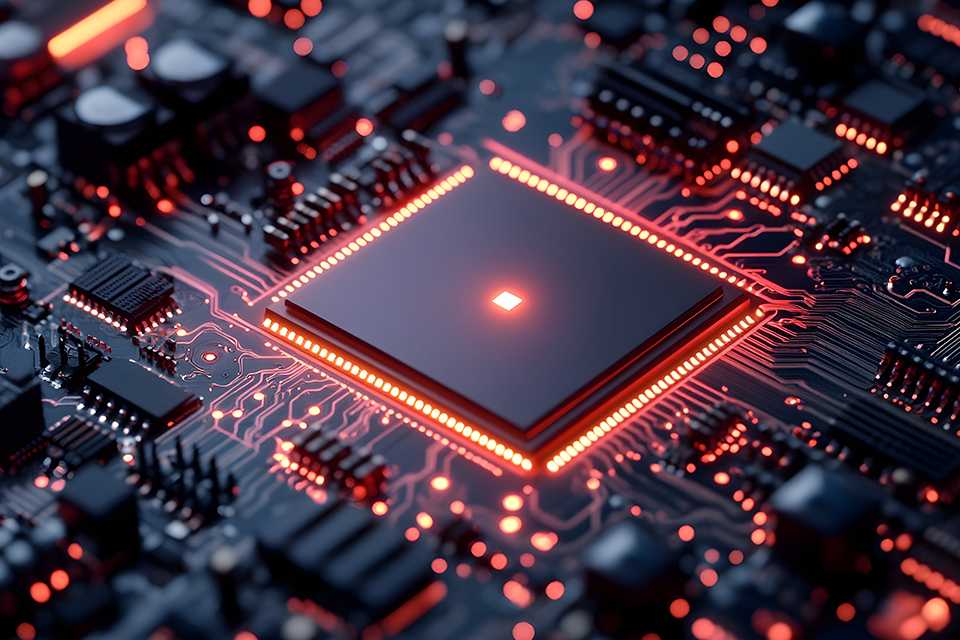
Entry-level processors
Suitable for most mainstream games.
Hardware know-how
Carousel
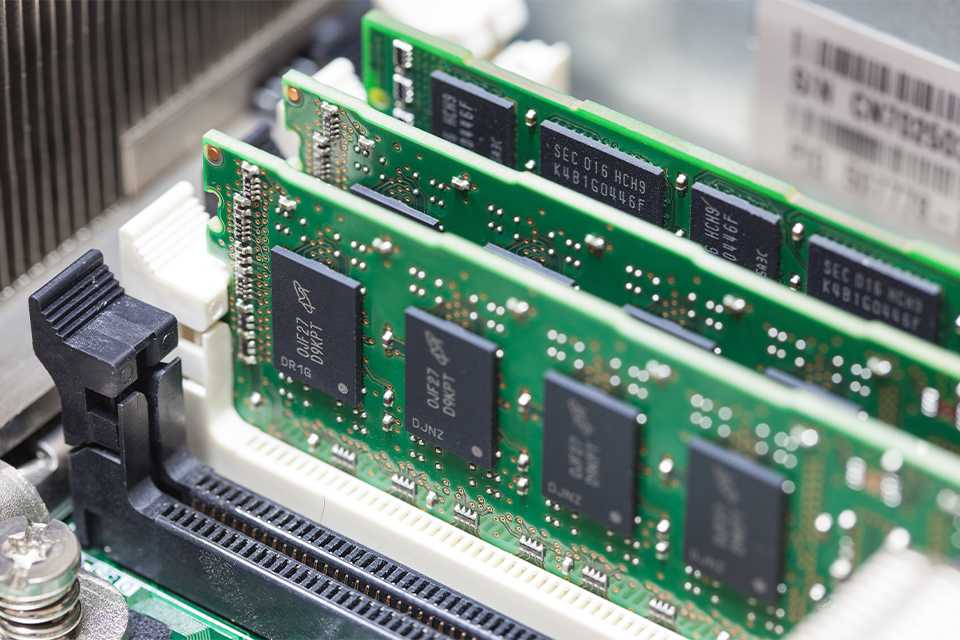
RAM
RAM (random access memory) affects speed and performance. 8GB is the minimum needed for most modern games, but 16GB will offer greater speed and multi-tasking - all the better for competitive gaming. Basic games require less RAM than mainstream titles, whilst more RAM may be needed for good performance with high-end games and virtual reality.
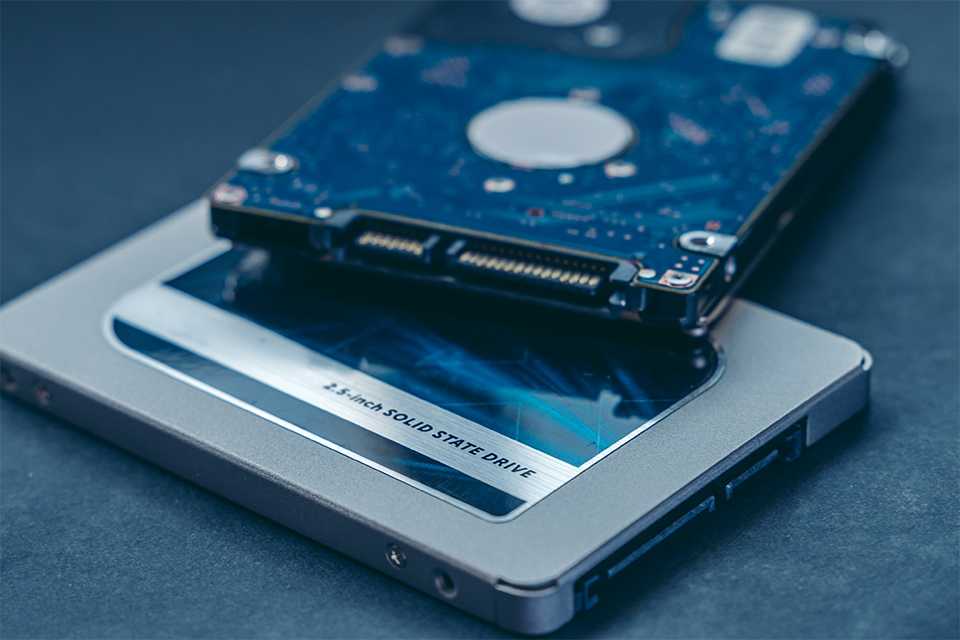
Storage
Gaming PCs are likely to have both HDD (hard disk drive) and SSD (solid-state drive) storage. Data saved in an SSD is typically fast to access and can speed up the performance of your PC whilst HDDs are able to store vast amounts of data, such as your games library.
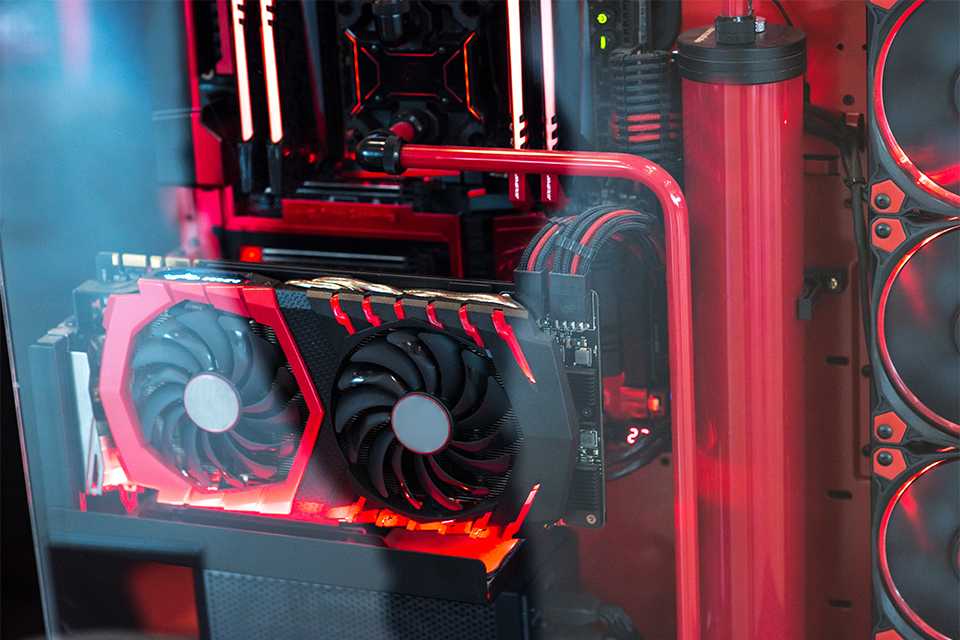
Gaming PC comparison
Here’s a quick comparison of gaming PC parts to help you choose the right build for your gaming needs.
| PC component | Budget gaming PCs | Mid-range gaming PCs | High-end gaming PCs |
|---|---|---|---|
CPU | Intel Core i3/i5, or Ryzen 3/5 | Intel Core i5 or Ryzen 5 | Intel Core i7/i9 or Ryzen 7/9 |
GPU | GTX 1650 / RX 6500 XT | RTX 3060 or RX 6700 XT | RTX 4080/5080/5090 or RX 7900 XTX and above |
RAM | 8-16 GB DDR4 | 16 GB DDR4 / DDR5 | 32 GB DDR5 or above |
Storage | 1 TB SSD | 1 TB NVMe SSD | 2 TB NVMe SSD or above |
Display | 1080p, 60–75 Hz | 1080p–1440p, 120–165 Hz | 1440p–4K, 165–240 Hz or above |
Cooling | Basic air cooling/ pre-installed PC fans | Improved air cooling (240mm) | Advanced air cooling or liquid cooling (360mm) |
Ideal gaming style | Classic esports, older titles with low to medium settings | Modern strategy and shooting games with medium-high settings (1080p–1440p) | Modern AAA game with ultra settings, 4K gaming, ray tracing, and live streaming |
Build a custom gaming PC
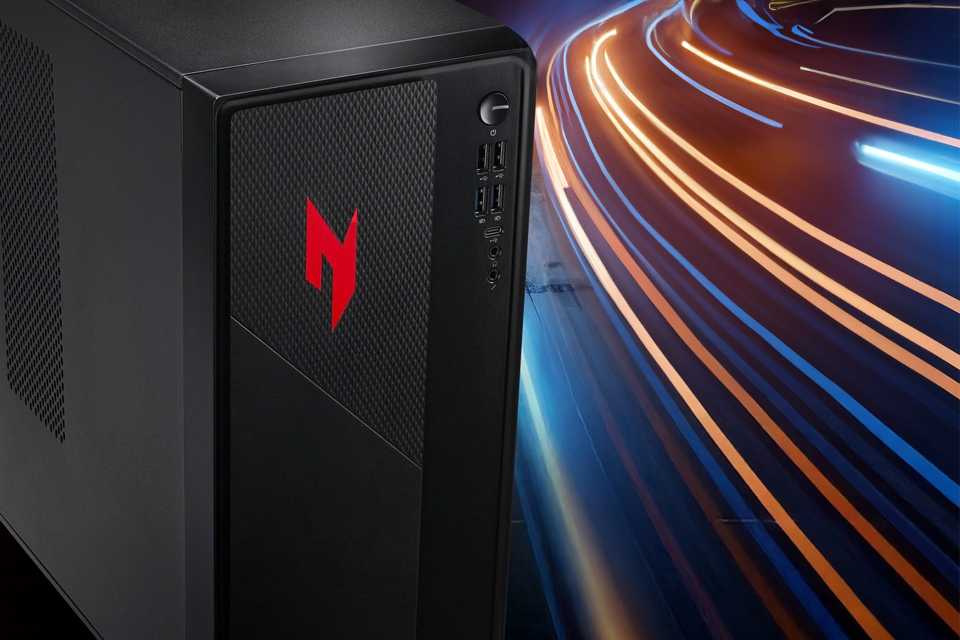
Building your own PC?
Here’s a handy checklist to help you get started on your custom PC build:
- A suitable PC case with good airflow
- A high-performance CPU designed for gaming
- A compatible motherboard for the chosen CPU
- Reliable CPU fans and coolers
- DDR4 or DDR5 memory compatible with the motherboard
- Adequate RAM capacity to support gaming and, if required, streaming
- A fast solid-state drive (SSD) for the operating system and games, along with a hard disk drive (HDD) for bulk storage
- A dedicated graphics card capable of handling heavy gaming graphics
- Gaming capture cards and streaming equipment, if needed
- A gaming monitor, keyboard, mouse, and other essential gaming peripherals
How to take care of your PC
Complete your gaming setup with accessories


Ready to start gaming?
Carousel
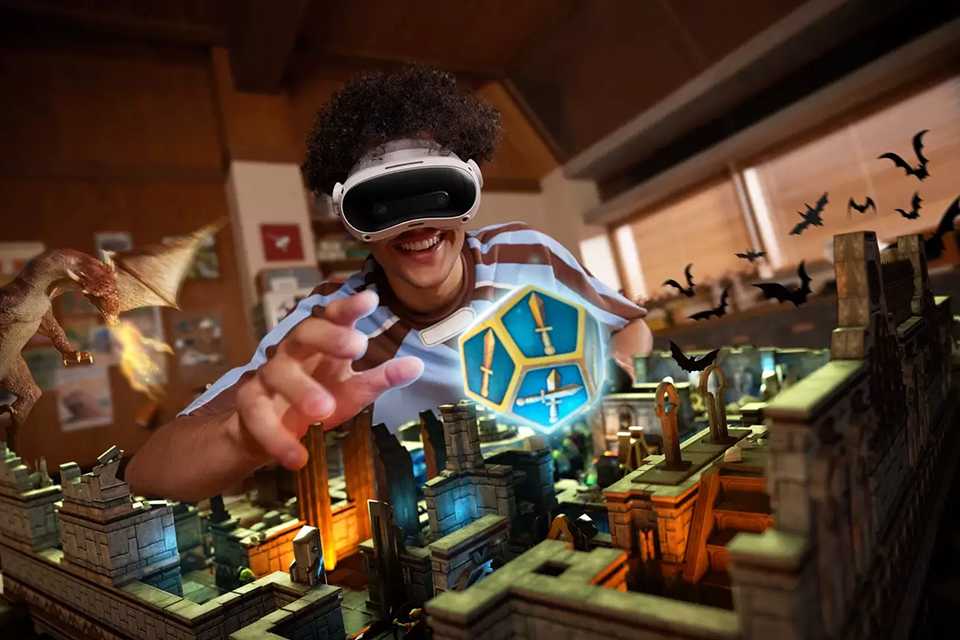
VR Headsets
Be fully immersed with virtual reality headsets that pair with your gaming PC, like the HTC VIVE XR Elite.

Top PC games
Explore our range of latest and best PC games to play on your new gaming computer. From immersive multiplayer adventures to deep strategy games, and action-packed favourites, we’ve got it all covered for every gaming style.
Slider Grid





Frequently asked questions about gaming PCs
Is RAM, the SSD or the graphics card most important for gaming?
An upgraded SSD will give you more space to install plenty of games to keep you going and will help improve load times, getting you into the game quicker. Improving your RAM will ensure slick, smooth gameplay and great multitasking capabilities. The graphics card is the main event in your setup, providing crystal-clear visuals and the best possible frame rates. To get the most out of your graphics card, add a gaming monitor. Finish your setup with a gaming headset and a gaming mouse to really get into the game.
Are gaming laptops suitable for everyday use?
Yes. A gaming laptop can handle everyday tasks like streaming, browsing, and work with ease thanks to its fast processors and generous RAM. They’re brilliant all‑rounders, though battery life may be shorter compared to lightweight laptops. Set yourself up for a long gaming session with a gaming desk to get your setup just right, and settle back into a comfy gaming chair.
What specs should I look for in a gaming computer?
When choosing a gaming computer, look for a high‑performing, multi‑core CPU and a powerful graphics card, along with at least 16GB of RAM, fast SSD storage, and an efficient cooling system. Be sure to review all specifications carefully to ensure they match your gaming needs.
What do you need for a gaming PC for beginners?
Beginners who are just starting their gaming journey will need an entry‑level gaming CPU, a graphics card, and a gaming monitor. At least 16 GB of RAM with SSD storage is also important, along with other PC peripherals such as a gaming mouse, keyboard, and headset.
What are the 7 components of a PC?
A PC has seven main parts: the CPU, motherboard, memory (RAM), storage, power supply, graphics card, and the CPU case.
Is faster RAM always better?
Not always. Faster RAM only helps certain tasks. For most systems, compatibility and capacity matter more. A faster RAM is mainly important when gaming, video editing, or other memory-heavy tasks.
What are good gaming PCs?
Good gaming PCs have a powerful processor, a strong graphics card, at least 16GB of RAM, and a good cooling system. Check that the specifications suit your preferred gaming needs.