Dash cam buying guide
Stay safe and vigilant with our wide selection of front and rear dash cams. Find everything you need including SD cards and dash cam cables, so you can drive stress-free.
&poi={$this.metadata.pointOfInterest.x},{$this.metadata.pointOfInterest.y},{$this.metadata.pointOfInterest.w},{$this.metadata.pointOfInterest.h}&scaleFit={($this.metadata.pointOfInterest.x>0)?$sfpoi:$sfcenter}&sm=aspect&aspect=3:2&sfcenter=center&sfpoi=poi&qlt=50&fmt=auto&noiser=0&fmt.jpeg.interlaced=true&fmt.jp2.qlt=40&)
What is a dash cam?
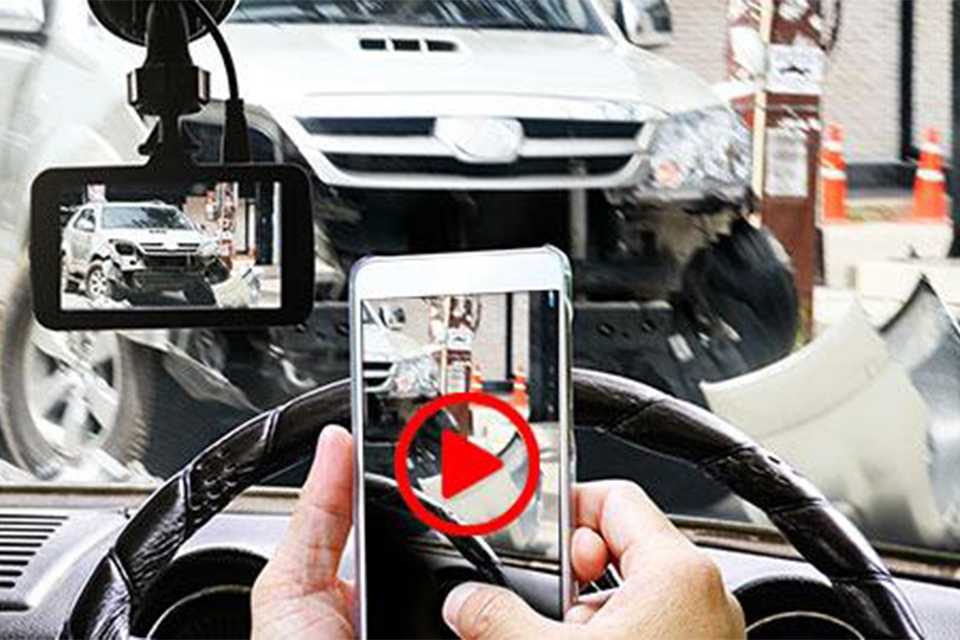
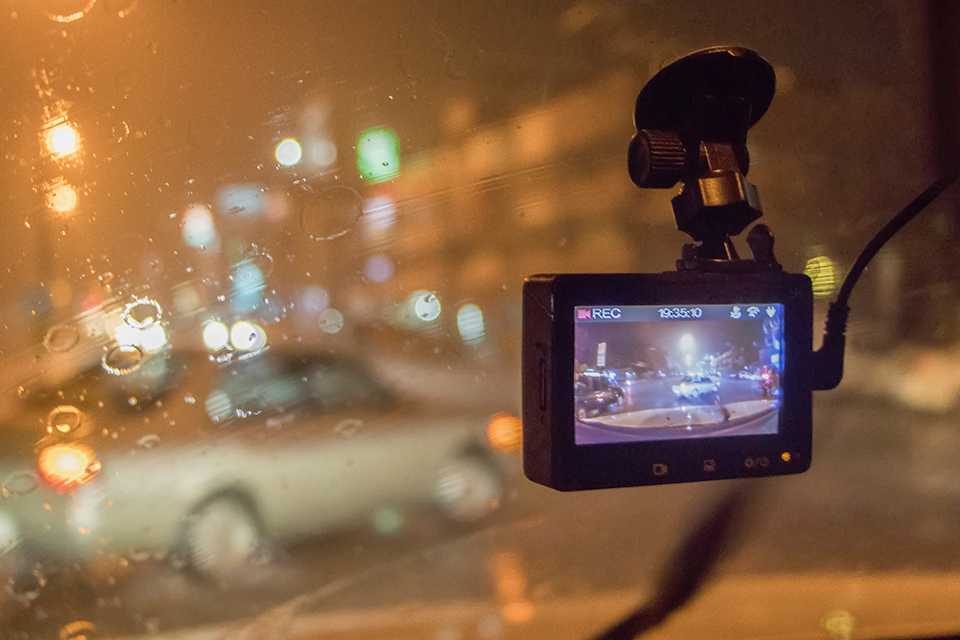
Dash cams or dashboard cameras record what happens during your car journey. They can capture a view of the road or of the inside of your vehicle, depending on where you place them and the kind you choose to buy. They are valuable 'eyewitnesses' as their recorded video can be used as evidence in the unfortunate event of an accident or other incidents that may occur while driving. This makes them super helpful in keeping insurance premiums low. And if road trips are your thing, a dash cam is the perfect way to record your journey and preserve your memories.
Types of dash cams
Our favourite dash cams
Slider Grid
- Save 20%£79.99Was
£99.99Free collectionDelivery from: £4.95 - £19.99Free collectionDelivery from: £4.95
- Save 1/3£99.99Was
£149.99Free collectionDelivery from: £4.95 - Save 1/3£99.99Was
£149.99Free collectionDelivery from: £4.95





Shop by brand
Carousel


Specs and features

Image quality
The quality of the footage captured by your dash cam is influenced by things like the camera's lens, sensors and megapixels. The higher the number of pixels, the sharper the image quality. However, higher quality cameras that record in HD use up space quicker on memory cards. To get the most out of an HD dash cam, you may also want to opt for a high capacity SD card with several GB of storage space. Check out the three top dash cam definitions available below to find the picture quality that best suits your needs.
Comparing dash cam image quality
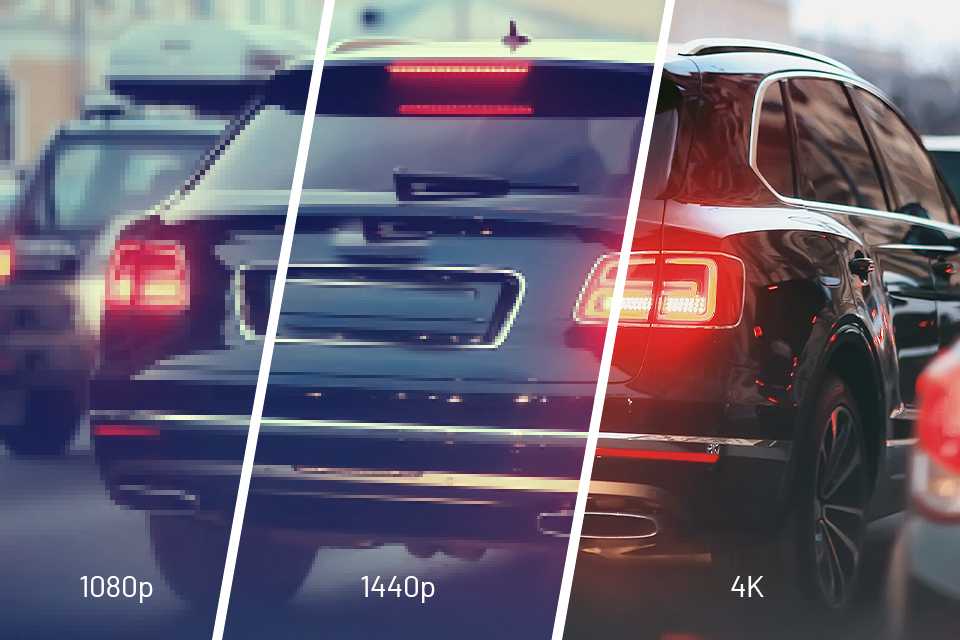
1080p Full HD
- Captures events and scenery clearly close-up and further away.
Shop all HD dash cams
1440p Quad HD
- Gives you a wider view. Higher resolution allows you to zoom in and identify details.
Shop all Quad HD dash cams
4K HD
- 4 times the resolution of 1080p, this is the ultimate quality you can have on a dash cam. Perfect for seeing number plates at the furthest distance with crystal clear vision day and night.
Shop 4K HD dash cam
Other key features
How do dash cams work?
What size SD card do I need for my dash cam?
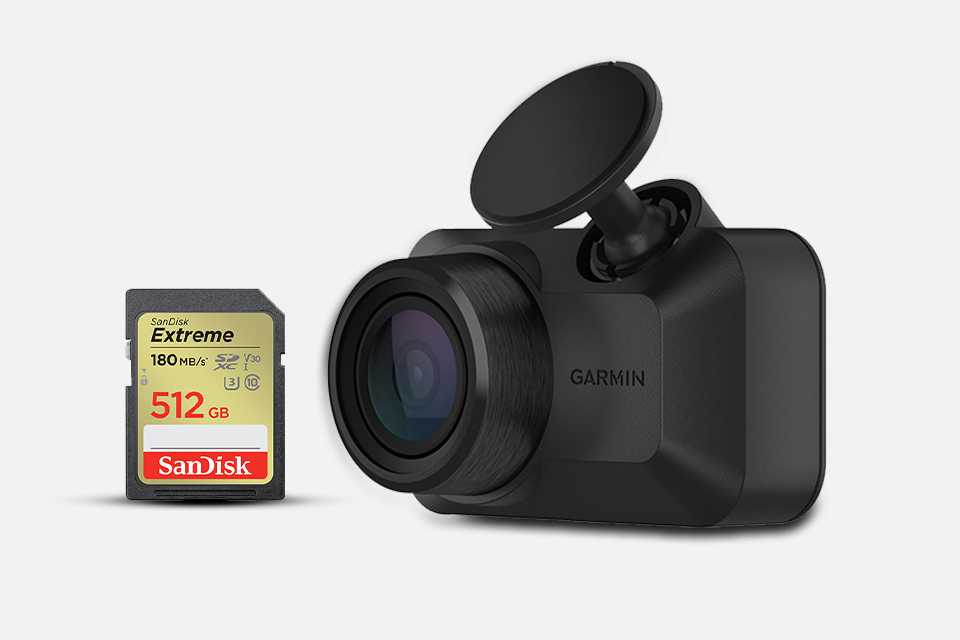
Most dash cams will take either an SD or Micro SD card. The more gigabytes (GB) a memory card has, the more video it can store before it gets recorded over. If you record at the highest quality, the memory card will fill up quicker. Wondering how long dash cams record for? Here's an example of recording time by memory card size:
Estimated recording time in 1080p:
- 32GB – 4 Hours
- 64GB – 8 Hours
- 128GB – 16 Hours
Install and go
Where should I put my dash cam?
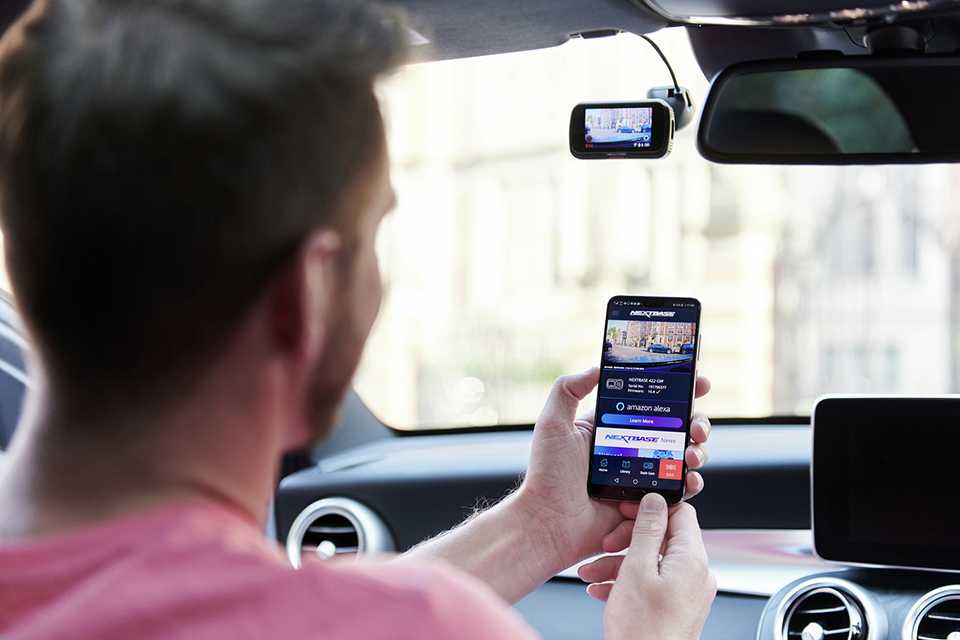
- Dash cam footage helps to prove innocence or wrongdoings in accidents, so it's vital to position it just right.
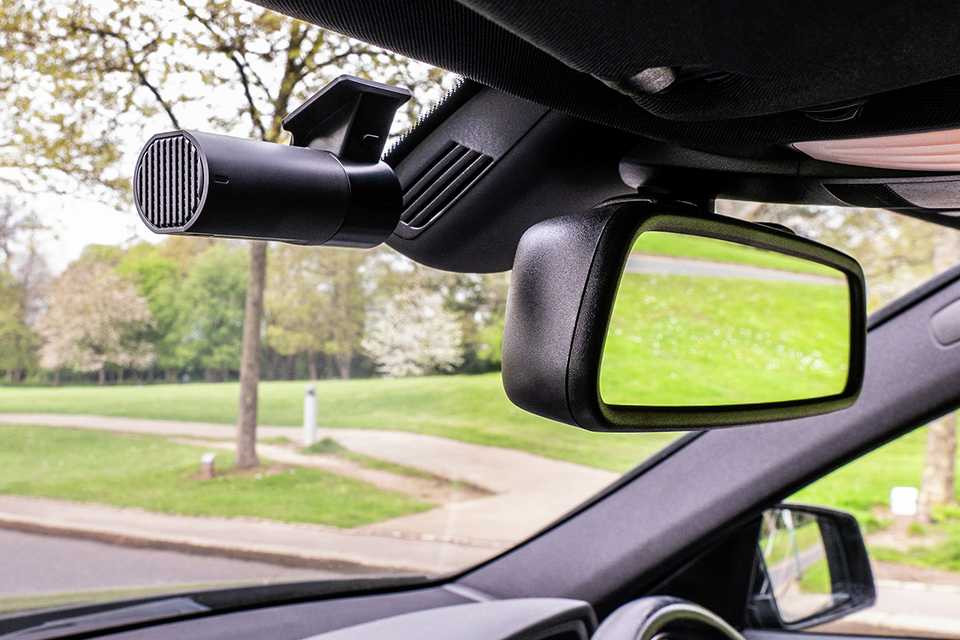
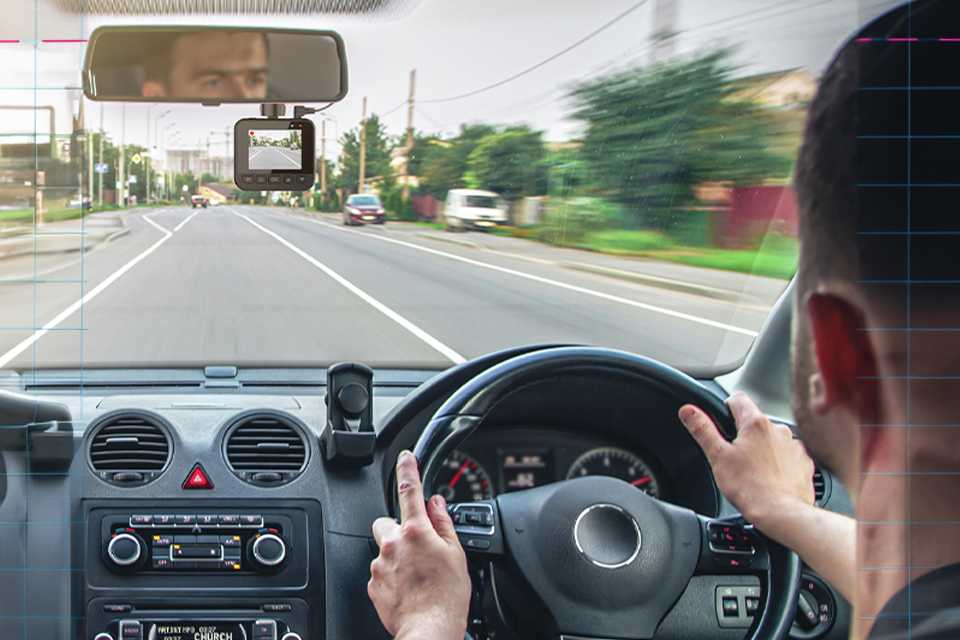
- The best place for your dash cam is high up to the left of your rear-view mirror where it can capture both sides of the road without blocking the driver's view.
- Make sure it's within the space where the windscreen wipers clean to avoid dirt obstructing the view. 40mm intrusion into this surface area is the maximum permitted in UK law.
How do you install a dash cam?
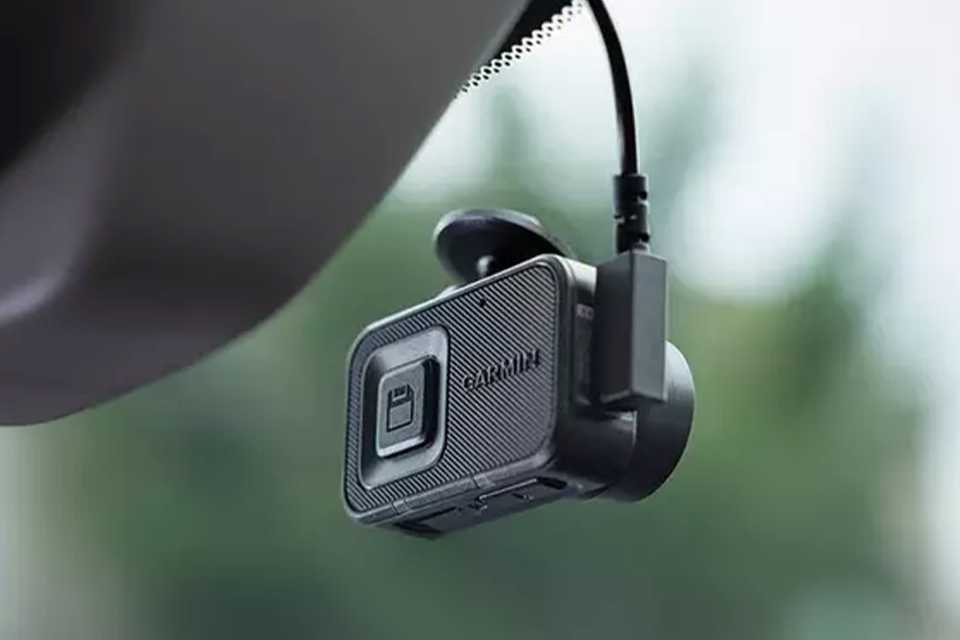
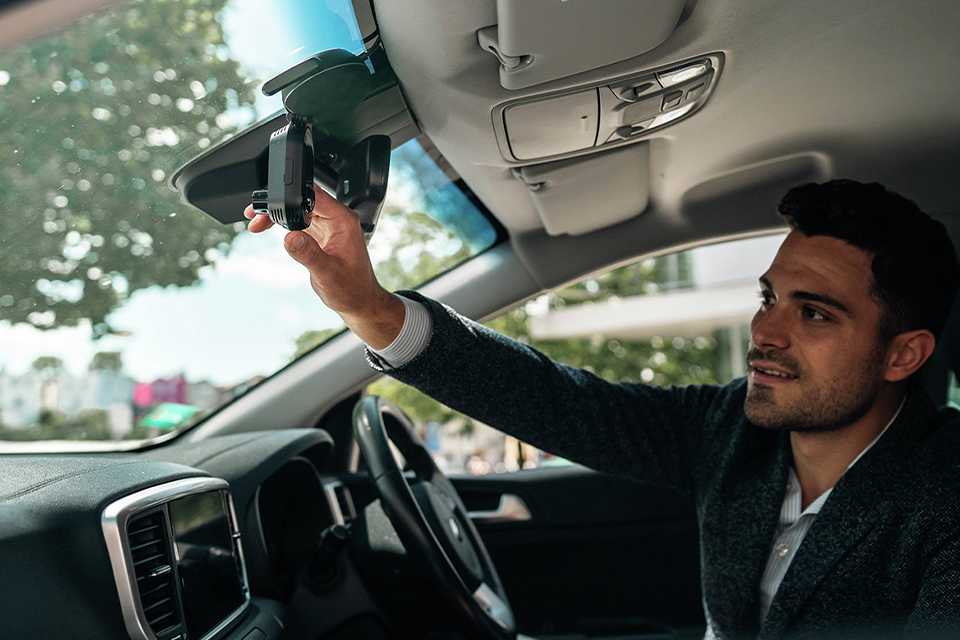
- Most dash cams attach to your windscreen or dashboard via a suction cup. Some will attach to your rear-view mirror.
- Dash cams are powered by your car's 12V accessory outlet. Some can also be charged via USB port. They can last a short time on battery power.
- You can also get a dash cam installed professionally and wired to your power, but you will need an additional hardwiring kit.
FAQs and jargon
Do I need a screen on my dash cam?
It is personal preference whether you want a dash cam with or without a screen. A safely mounted dash cam on your windscreen will not be in the visible area, meaning if you place your dash cam in the approved MOT location, you will not be able to see the screen.
What is hardwiring?
Most dash cams come with a hardwiring accessory kit that allows the dash cam to function even when the car is turned off. However, not all hardwiring kits are the same - some will turn on for a few minutes if an impact is detected while others will record in time-lapse to capture 24/7 footage.
What is Parking Mode?
Always-on-parking-mode is by far the best option as it will record all night and day. It keeps the dash cam always recording in time lapse mode. This ensures you always record everything even when your car is off. If the G-Sensor picks up movement it will turn the camera to live recording for a few minutes and then back to time lapse. Additional hardwiring kit would be required.
Does Parking Mode drain the car's battery?
Most dash cams that offer always-on-parking-mode will also have car battery monitoring built-in to ensure you don’t get left with a flat battery. If it detects the battery is dropping below the required voltage it will simply turn off the dash cam and only power it when it detects impact.
What happens to old footage on loop recording dash cams?
Loop recording allows a dash cam to overwrite previously captured footage on your camera's SD card. To avoid losing important footage before an overwrite, you can save the clips you need via physical buttons on the camera, or through a companion app.
How do auto-start dash cams work?
Auto-start dash cams start recording the moment you turn on your car or truck. They may draw power from the vehicle's cigarette lighter or by being hardwired to the fuse box, depending on your choice of camera.