What is an eSIM? Benefits, setup, and compatibility explained
Discover how eSIMs work, which devices support them and how they can help you stay connected at home or while travelling.
Shop all eSIMs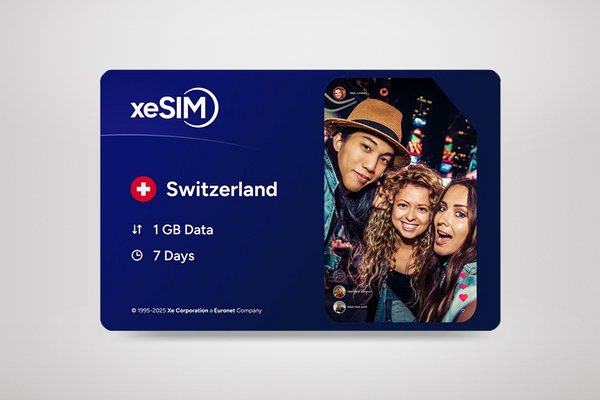&poi={$this.metadata.pointOfInterest.x},{$this.metadata.pointOfInterest.y},{$this.metadata.pointOfInterest.w},{$this.metadata.pointOfInterest.h}&scaleFit={($this.metadata.pointOfInterest.x>0)?$sfpoi:$sfcenter}&sm=aspect&aspect=2:1&sfcenter=center&sfpoi=poi&qlt=50&fmt=auto&noiser=0&fmt.jpeg.interlaced=true&fmt.jp2.qlt=40&)
By Steven Smith | Last edited: July 2026
What is an eSIM and how does it work?
What is an eSIM?
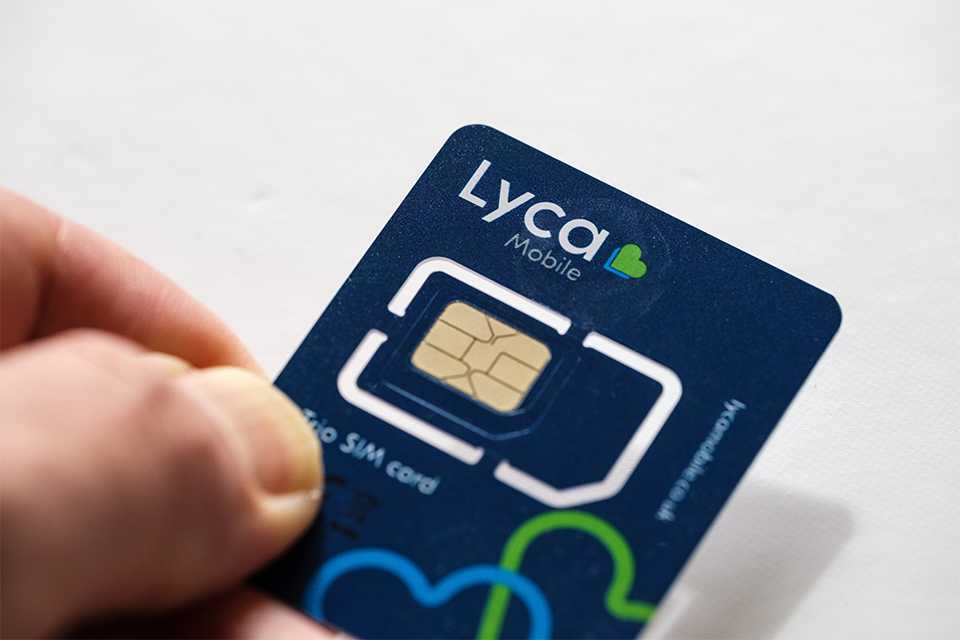
Forget fiddling with tiny SIM cards. An eSIM is a built-in digital SIM that comes integrated into many modern smartphones, tablets and smartwatches. It provides the same mobile connectivity for calls, messaging and data, but without the physical card. Simply download your network profile to get started. The result is a more convenient setup, greater flexibility when changing networks and an easier way to stay connected wherever you are.
How does an eSIM work?
An eSIM works by downloading a digital network profile onto a chip that is already built into your device. This profile tells your phone, tablet or smartwatch which mobile network to connect to. You typically activate an eSIM by scanning a QR code, using a provider app or entering activation details supplied by your mobile provider. Once activated, your device connects to the network just like it would with a physical SIM card.
At a glance:
- An eSIM is a digital version of a SIM card
- It is built into compatible devices
- It can be activated digitally without inserting a physical SIM
- Some devices support both an eSIM and a physical SIM
- Multiple eSIM profiles can be stored on some compatible devices
- Not all phones, tablets and smartwatches support eSIM technology
Key eSIM terms explained
Understanding a few common terms can make comparing eSIM devices and plans easier.
eSIM and embedded SIM: eSIM stands for embedded SIM. It is a digital SIM built into a compatible device that allows you to connect to a mobile network without inserting a physical SIM card.
EID: An EID (Embedded Identity Document number) is a unique identifier linked to the eSIM hardware within a device. Some providers may ask for this number when activating or transferring an eSIM.
Dual SIM: Dual SIM allows a compatible device to use more than one mobile plan at the same time. This could be a physical SIM and an eSIM, or multiple eSIM profiles, depending on the device.
Data-only eSIM: A data-only eSIM provides mobile internet access but does not normally include a phone number for calls or text messages. These plans are commonly used for travel.
eSIM profile: An eSIM profile is the digital version of a mobile plan that is downloaded and stored on your device's eSIM. A device can often store multiple eSIM profiles, allowing you to switch between different mobile networks or plans without changing a physical SIM card.
eSIM vs physical SIM card
Both eSIMs and physical SIM cards connect your device to a mobile network, but they work differently. A physical SIM is a removable card, while an eSIM is built into your device and activated digitally. The best choice depends on your device, mobile provider and how you prefer to manage your mobile plan.
| Feature | eSIM | Physical SIM |
|---|---|---|
Format | Built into a device as a non-removable chip with a digital profile | Plastic SIM card |
Installation | Downloaded digitally | Inserted into a SIM tray |
Switching plans | Usually managed digitally | Usually requires replacing the SIM |
Travel use | Can be useful for travel plans | May require SIM swapping |
Compatibility | Compatible devices only | Devices with a SIM slot |
Risk of loss | Cannot be physically misplaced | Can be lost or damaged |
Can I use an eSIM and a physical SIM at the same time?
Want the flexibility of two numbers on one phone? With dual SIM support available on many modern devices, you can keep both an eSIM and a physical SIM active at the same time.
This can be useful if you want to:
- Keep work and personal numbers separate
- Keep your regular number active while travelling
- Use different providers for calls and data
- Manage multiple mobile plans on a single device
- Take advantage of the best value plans for different needs
What are the benefits of an eSIM?
An eSIM offers a digital way to connect to a mobile network without the need to insert a physical SIM card. Depending on your device and network provider, benefits may include:
- Easy digital activation
- Dual SIM functionality on compatible devices
- Easier access to travel data plans
- The ability to store multiple eSIM profiles on some devices
An eSIM may be a good option if you:
- Want a digital alternative to a physical SIM card
- Need separate work and personal numbers on one device
- Want greater flexibility when managing mobile plans
- Travel frequently and want easier access to local data plans
Note: Availability and features vary between providers and devices.
Can I use an eSIM for travel?
Staying connected while travelling is easier than ever with an eSIM. Many travellers use travel eSIMs to access mobile data abroad without having to remove or replace their existing SIM card, making it simple to get online as soon as they arrive. Travel eSIM plans are available for individual countries, regions (such as Europe or Asia), and even worldwide coverage.
Before purchasing a travel eSIM, check:
- Which countries and destinations are covered
- How much data is included
- How long the plan remains valid
- Whether calls and texts are included, or if the plan is data-only
- Whether your device is eSIM-compatible and unlocked
- When the plan activates (for example, on installation or first use)
- Whether hotspot or tethering is supported
To avoid unexpected charges and find the best option for your trip, compare plans, coverage and features before you travel.
How to set up an eSIM
Get connected quickly with our simple guide to eSIM setup.
Before you get started:
eSIM setup steps, transfer options, and available features can vary depending on your provider, device, and mobile plan. Always follow the instructions provided by your eSIM provider and check device compatibility before purchasing or activating an eSIM.
The setup process can vary, but typically involves:
- Connecting to Wi‑Fi
- Opening your SIM or network settings
- Selecting "Add eSIM" or "Add mobile plan"
- Scanning a QR code or entering activation details
- Downloading and installing the eSIM profile
- Choosing settings for calls, texts and mobile data
- Completing the activation process
Note: Device menus and setup steps may vary by device and software version. Follow the on-screen prompts and your eSIM provider's activation instructions.
Troubleshooting common eSIM setup issues
If your eSIM is not working correctly, check if/whether:
- Your device supports eSIM technology
- The activation code or QR code is still valid
- Your device is unlocked or compatible with your provider's network
- A stable Wi‑Fi connection was available during setup
- Mobile data settings have been configured correctly
- Data roaming is enabled if you are using the eSIM while travelling
- Network coverage is available in your current location
If the issue persists, contact your eSIM provider or mobile network operator for further assistance.
Things to check before choosing an eSIM
Choosing the right eSIM is easier when you know what to look for. Check these key points before selecting an eSIM:
- Confirm that your device supports eSIM technology
- Check that your chosen network provider offers eSIM plans
- Make sure your device is unlocked, if required
- Make sure the plan includes the calls, texts or data services you need
- Check that the network coverage is suitable where you'll use it
- Ensure the plan supports your destination if you're travelling abroad
- Understand how eSIM transfers work if you later change devices
Want to check the best network for your area? If you’re in the UK, you can use this mobile coverage checker to compare 4G and 5G availability by postcode before choosing an eSIM.
Frequently asked questions about eSIM cards
How does an eSIM work on a phone?
An eSIM stores a digital network profile on hardware built into the phone. Once activated using a QR code, app or provider instructions, the device connects to the mobile network without needing a physical SIM card.
How do I know if my phone supports eSIM?
To know if your phone supports eSIM, check your phone's specifications, manufacturer website, or mobile network settings.
Look for terms such as:
- eSIM support
- Dual SIM
- Nano SIM + eSIM
- Dual eSIM
Many newer smartphones support eSIM technology, although compatibility varies by model. If you're unsure, check the product details or confirm with the device manufacturer.
Which eSIM is best for global travel?
The best eSIM for global travel depends on your destinations, data needs and trip length. Compare coverage, data allowances, validity periods, speeds, and whether calls and texts are included. For multi-country trips, look for a global or regional eSIM that provides coverage across multiple destinations under a single plan.
Is it better to get an eSIM for international travel?
Yes, an eSIM can be a convenient choice for international travel, as it lets you add a travel plan without replacing your existing SIM. It may also help reduce roaming costs, but the best option depends on your destination, coverage needs and available plans.
Can you make free phone calls with eSIM?
An eSIM does not automatically include free phone calls. Calling features depend on the plan you choose. Some eSIM plans include calls and texts, while others are data-only and require internet-based apps such as WhatsApp or FaceTime Audio for voice calls.
Will my eSIM automatically transfer to my new phone?
Not always. Some providers support direct transfers between compatible devices, while others require a new activation process. Check your provider's guidance before changing devices.
How do I request a new eSIM?
Most providers let you request a replacement eSIM through their website, mobile app or customer support. The exact steps vary by provider and device, but you’ll usually receive a new eSIM profile digitally to download and activate on your phone.
Can I buy an eSIM to use in another country?
Yes. Many travel eSIMs are designed for specific countries or regions, making it easy to stay connected abroad. Before purchasing, check device compatibility, network coverage, data limits, validity periods, and activation requirements to ensure the plan meets your travel needs.
How can I get an eSIM in the UK?
You can get an eSIM in the UK by choosing a mobile provider that supports eSIMs, such as EE, O2, Vodafone or Three. If your current phone is eSIM-compatible, you can buy and activate an eSIM digitally without needing a new device. Simply purchase an eSIM online or in store and scan the QR code provided to get started.