Gaming for kids
From tips to advice and more - explore everything on age-appropriate games, consoles, gaming accessories and more for your young gamers.
Shop all kid-friendly video games&poi={$this.metadata.pointOfInterest.x},{$this.metadata.pointOfInterest.y},{$this.metadata.pointOfInterest.w},{$this.metadata.pointOfInterest.h}&scaleFit={($this.metadata.pointOfInterest.x>0)?$sfpoi:$sfcenter}&sm=aspect&aspect=3:2&sfcenter=center&sfpoi=poi&qlt=50&fmt=auto&noiser=0&fmt.jpeg.interlaced=true&fmt.jp2.qlt=40&)
Need help picking the right video games and gaming consoles for your kid? Unlock all you need to know about age ratings, parental controls, and online safety. Explore child-friendly games across genres such as sports, adventure, driving, action, and more that'll keep them engaged and learning.
Shop kids' games by age
Looking for a suitable game for your kid? We've grouped games by minimum age and PEGI rating to help you.
What are the benefits of gaming for kids?
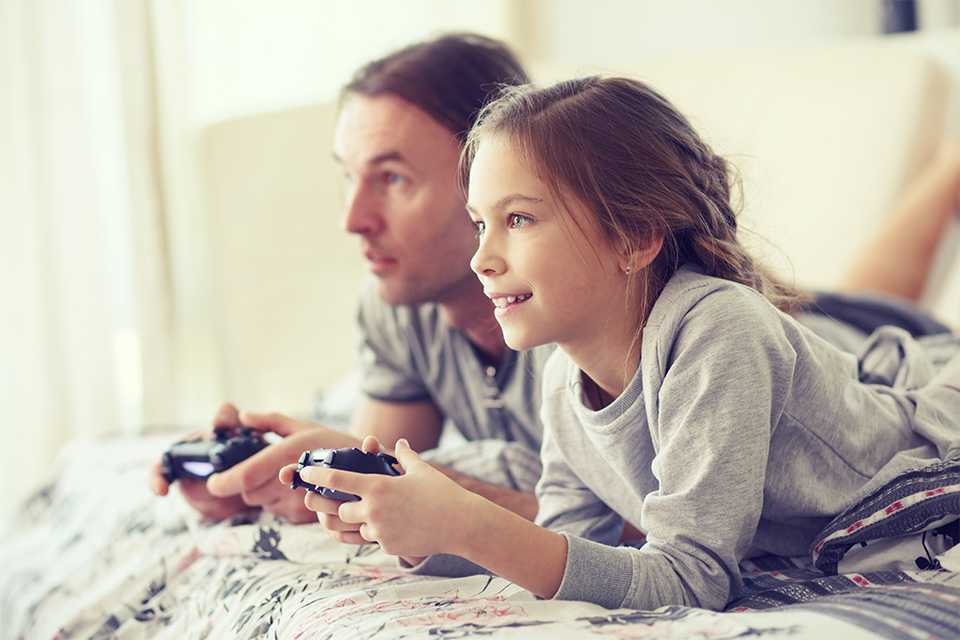
Level up learning
- Building games like Minecraft can encourage creativity and imagination. Let your child build whatever their mind conjures up.
- Playing together with a family member or friend can also help to improve their team working and social skills.
- Puzzle games can support problem-solving skills, as kids have to find the right solution in order to progress through the game.
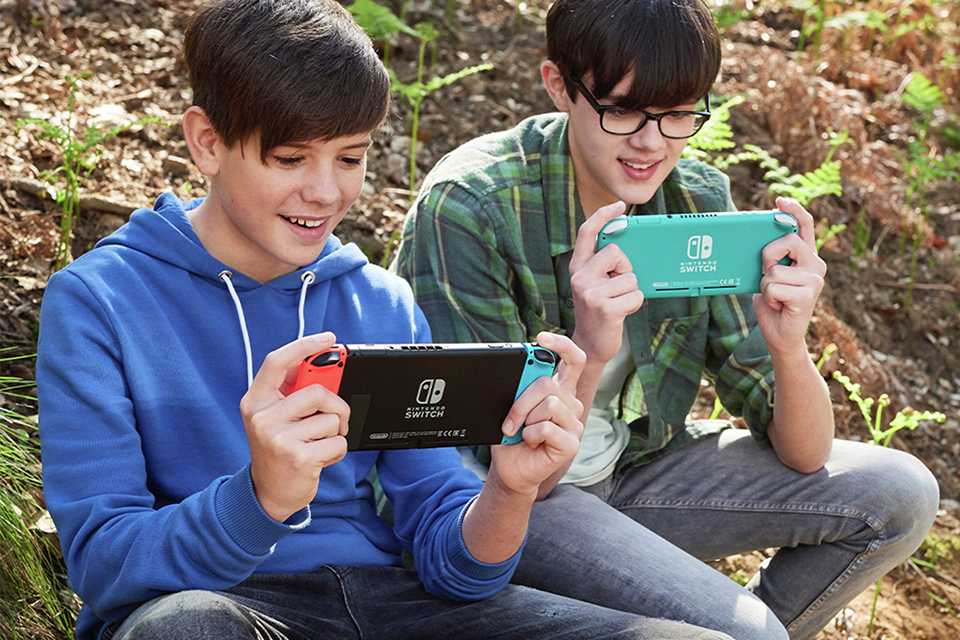
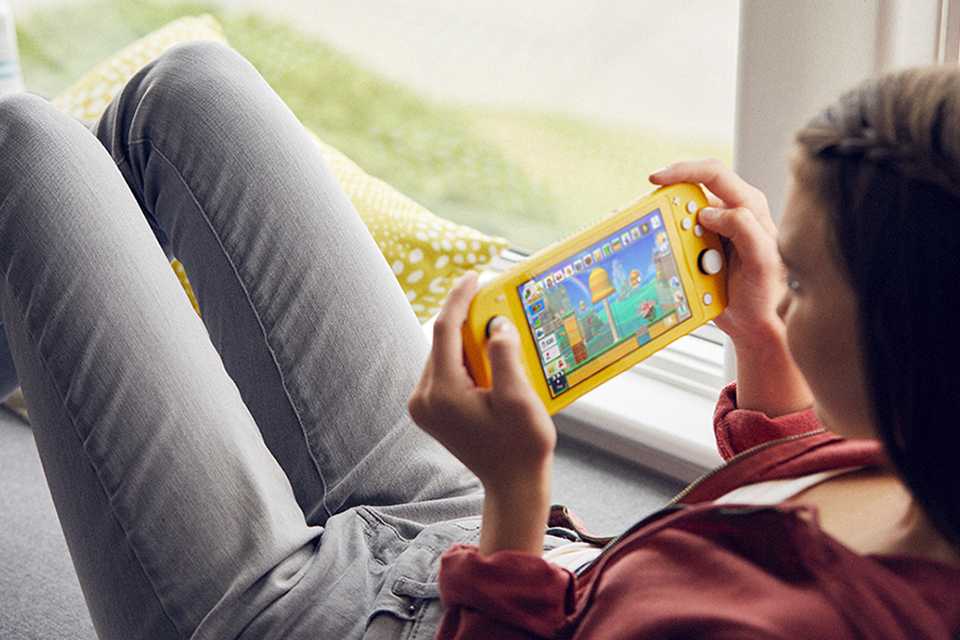
- Handheld gaming consoles like the Nintendo Switch, Switch 2, and Nintendo Switch Lite are great for long car journeys, keeping them entertained when they can't get out and stretch their legs.
- Perfect for super-active kids, active video games encourage children to collaborate and get moving even when indoors.
- Read moreopens in new tab
What's the best games console for kids?
Carousel

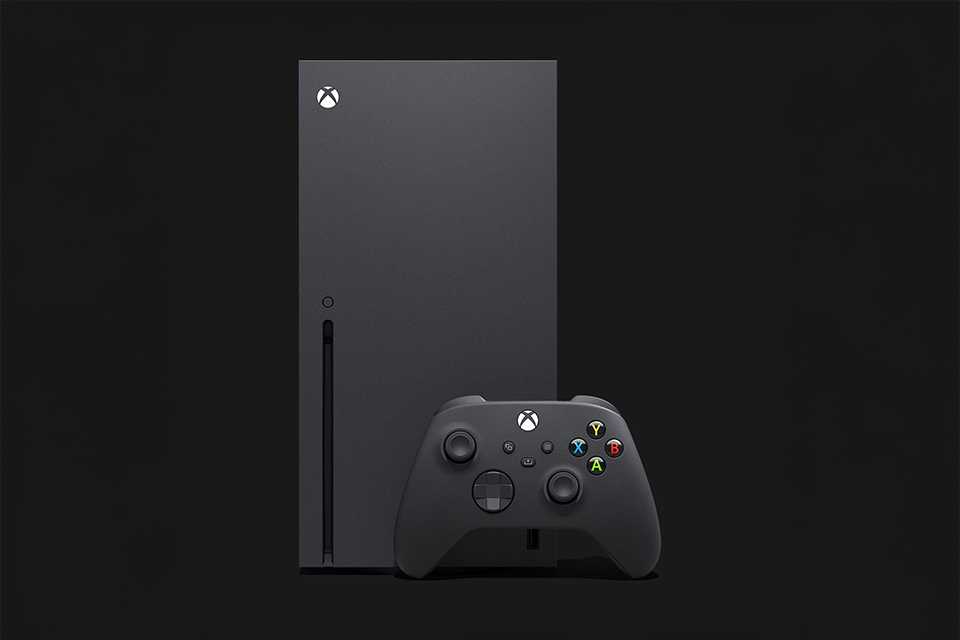
Which games are suitable for kids?
It's important to look for the PEGI rating of a game to see if it's appropriate - think of it like the certificate for a film. The older the rating, the more mature the content. It's worth noting that PEGI ratings don't provide guidance for how difficult a game is - EA Sports FC (previously known as FIFA), for example, is rated PEGI 3.

What does PEGI mean?
PEGI stands for Pan European Gaming Information. Every game receives a PEGI rating, which defines what age group it is suitable for.
• PEGI 3: Suitable for ages 3 and up. Shouldn't contain images or sounds likely to frighten young children.
• PEGI 7: Recommended for persons 7 and older. No parental guidance needed.
• PEGI 12: Suitable for persons 12 and older. Medium parental guidance.
• PEGI 16: Suitable for persons 16 and older. Strong parental guidance.
• PEGI 18: Suitable for adults only.
Carousel
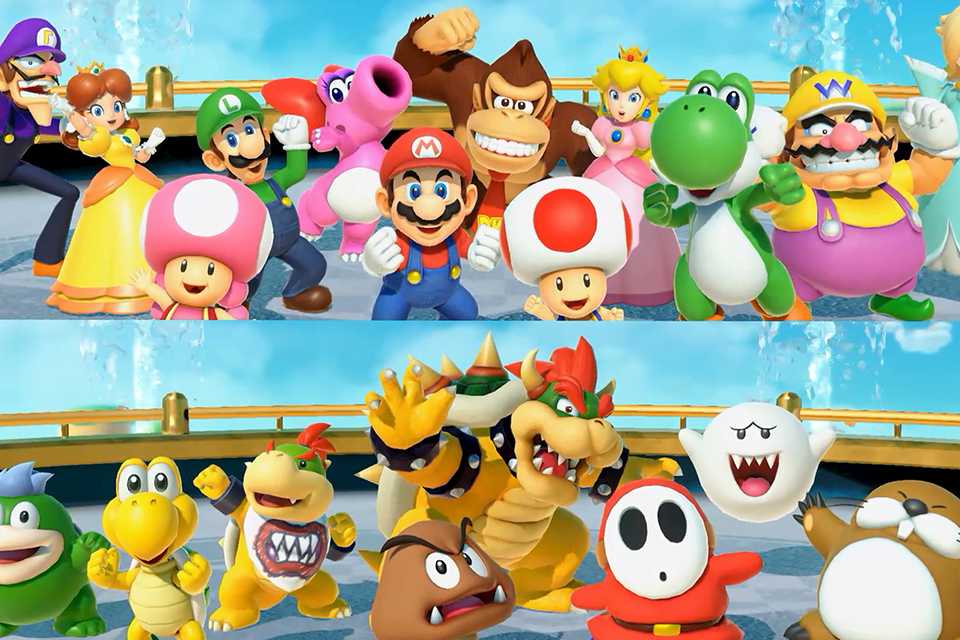
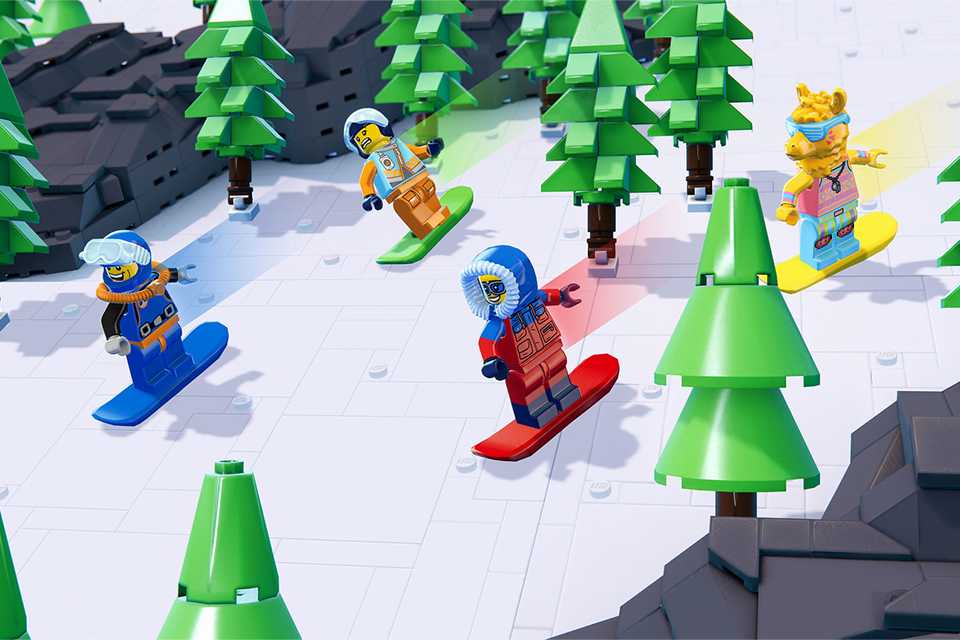


Find kids' games by console
The world of kids' gaming is packed with a nearly overwhelming number of options to choose from. Find the right fit for your child's age and play style by exploring your options one console at a time. Check out a wide range of kid‑friendly titles across Nintendo, PlayStation and Xbox.
Carousel
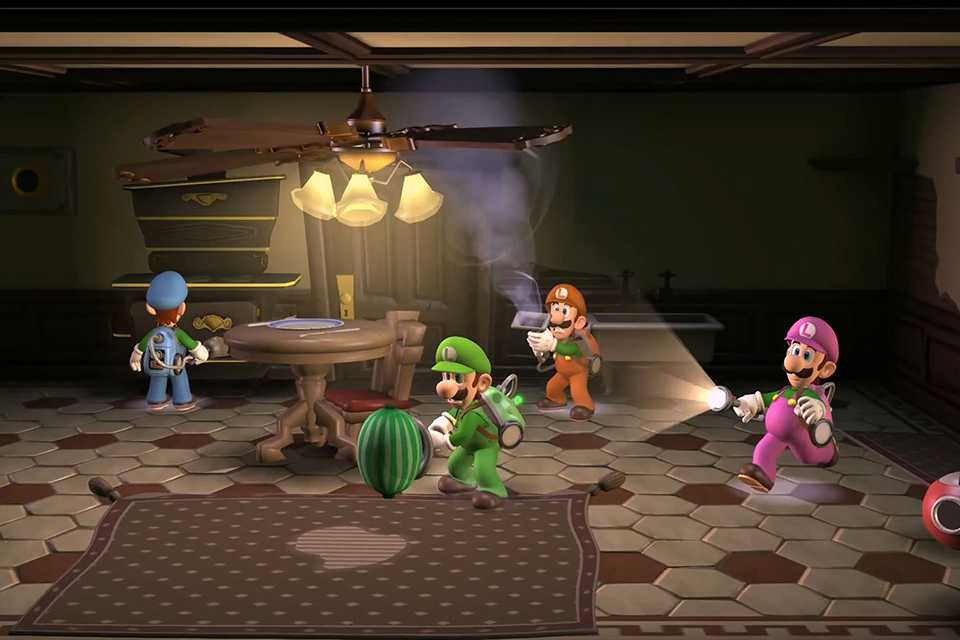
Nintendo games for kids
Explore exclusive Nintendo titles such as Mario and other popular games.

PlayStation games for kids
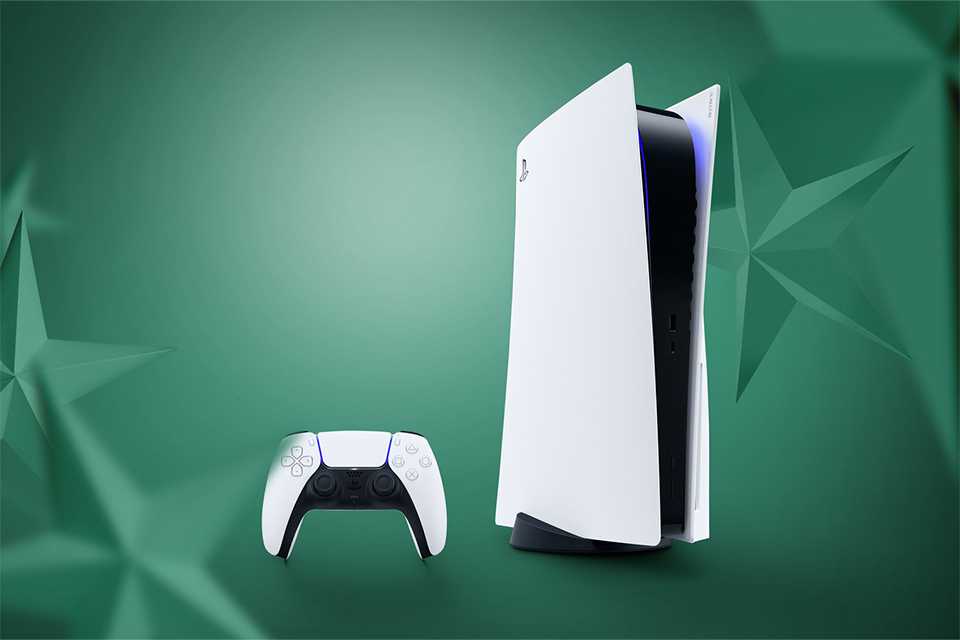
Find the best of PlayStation exclusives and other titles compatible with PS5 and PS4.

Games for the whole family

Multiplayer madness!
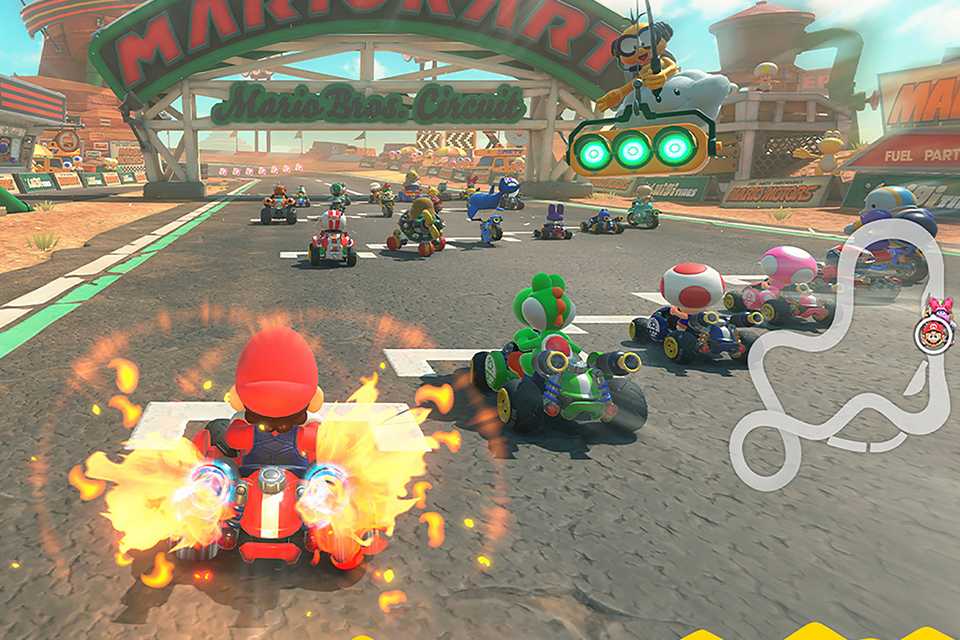
Call a family meeting! It's time to find out if you can beat the kids at Mario Kart, throw an impromptu dance party with Just Dance and much more. Be spoiled for choice with the number of family-friendly multiplayer options every console has to offer.
- Shop multiplayer games
Most popular gaming franchises & series
Let your child dive headfirst into world building with well-loved games like Minecraft or have them settle sibling rivalries with a Nintendo classic like Mario. These engaging franchises can build a sense of teamwork and adventure, encouraging kids to pick up new skills while having the time of their lives.
Carousel
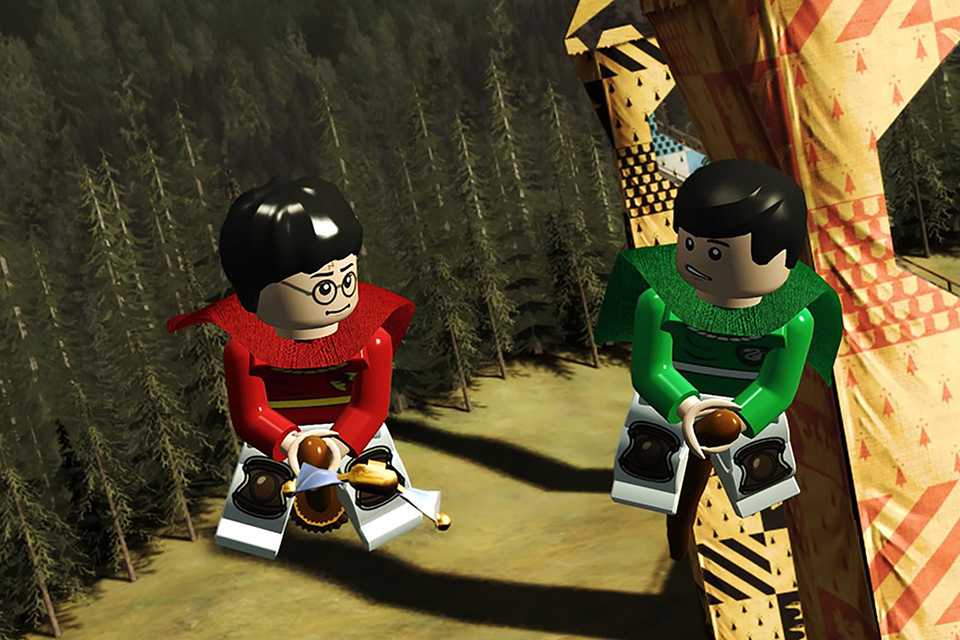
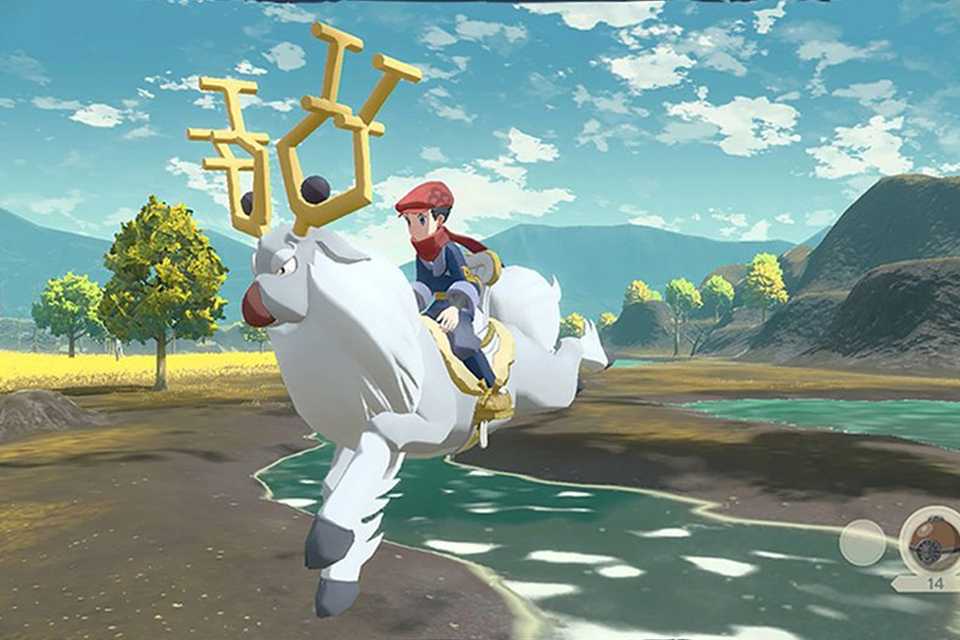
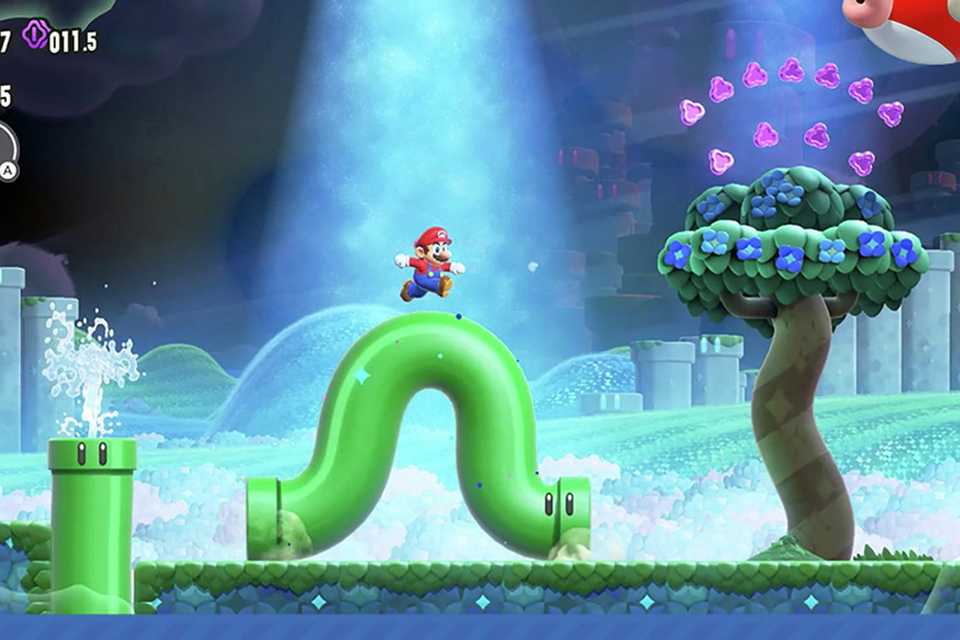

Other types of gaming
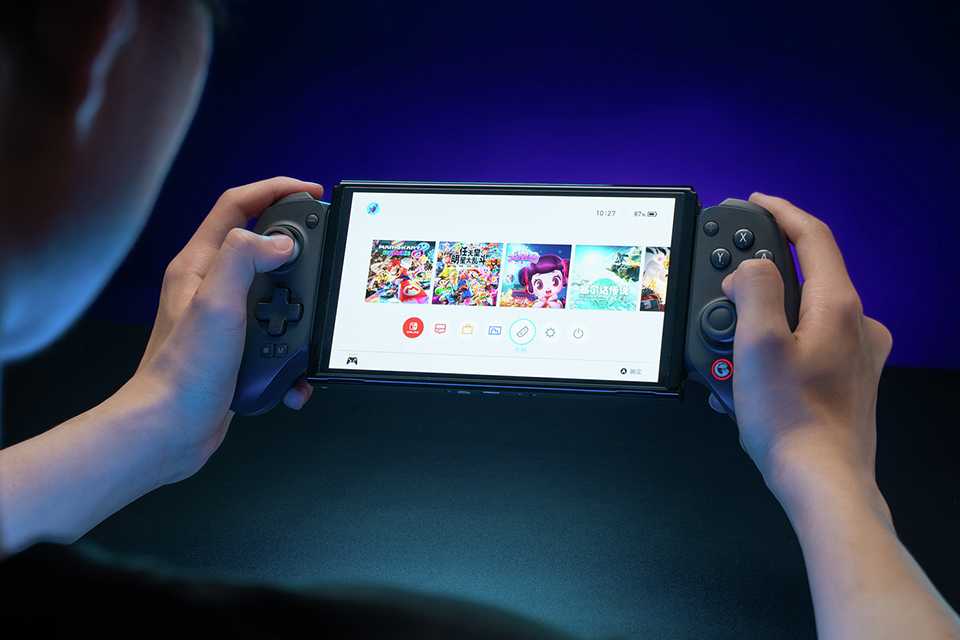
Video games are more than just big console adventures. Expand your child's world of entertainment and learning with puzzle‑solving, active gaming and handheld play, perfect for long journeys or quick sessions. Devices like Nintendo Switch Lite offer lightweight, on‑the‑go gaming, while a wide mix of genres from action to sports helps kids discover new paths to creativity and fun.
Carousel
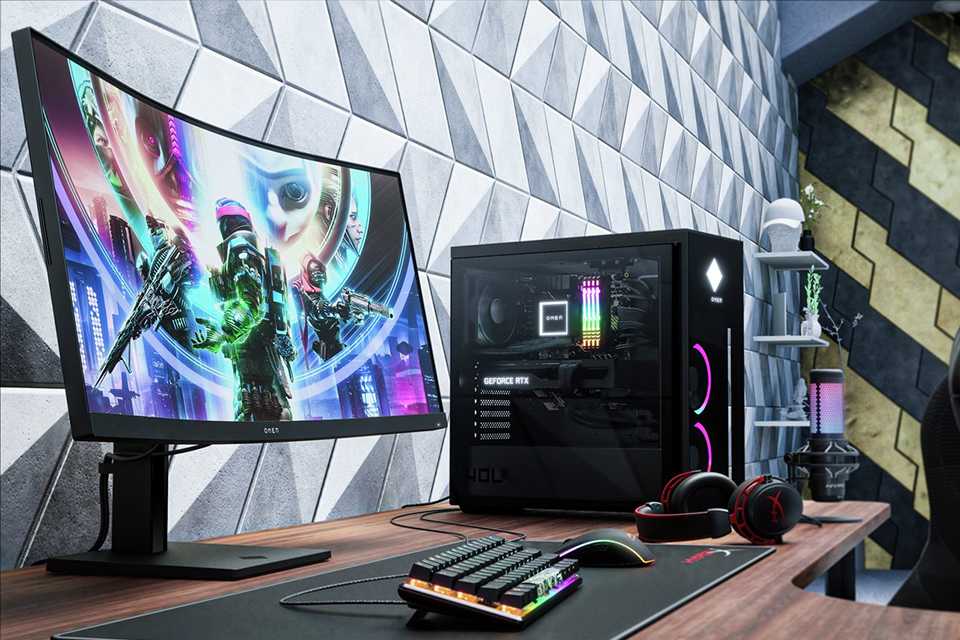
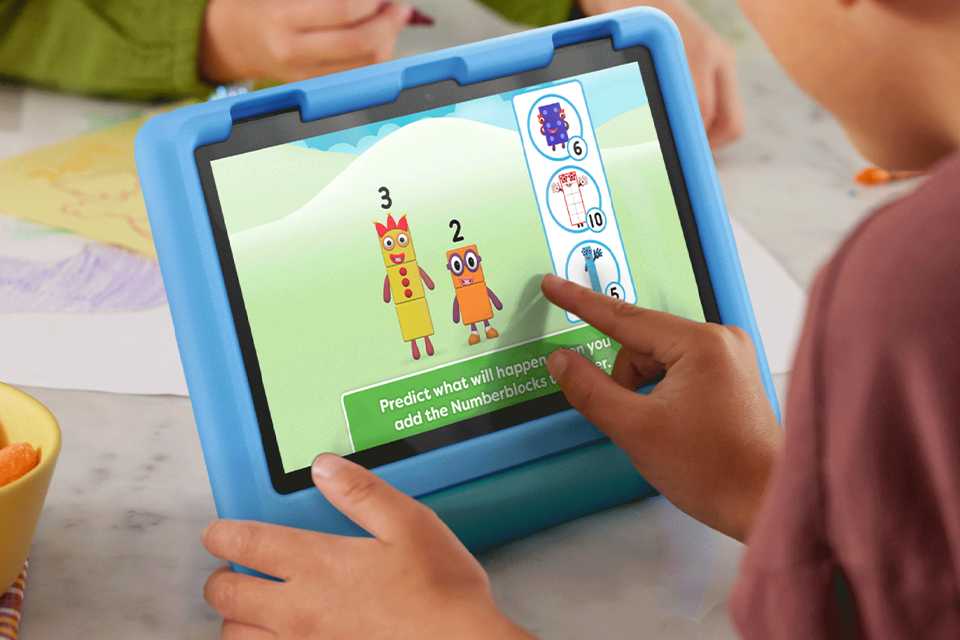
Gaming safely
Keeping kids safe online starts with picking age‑appropriate games, applying sensible privacy settings, and making the most of parental controls across consoles. Remember to always adjust communication options, review in‑game settings, and encourage sportsmanship. It also helps to teach your children how to recognise signs of bullying or inappropriate behaviour if they're gaming with strangers in a multiplayer setup.
Carousel
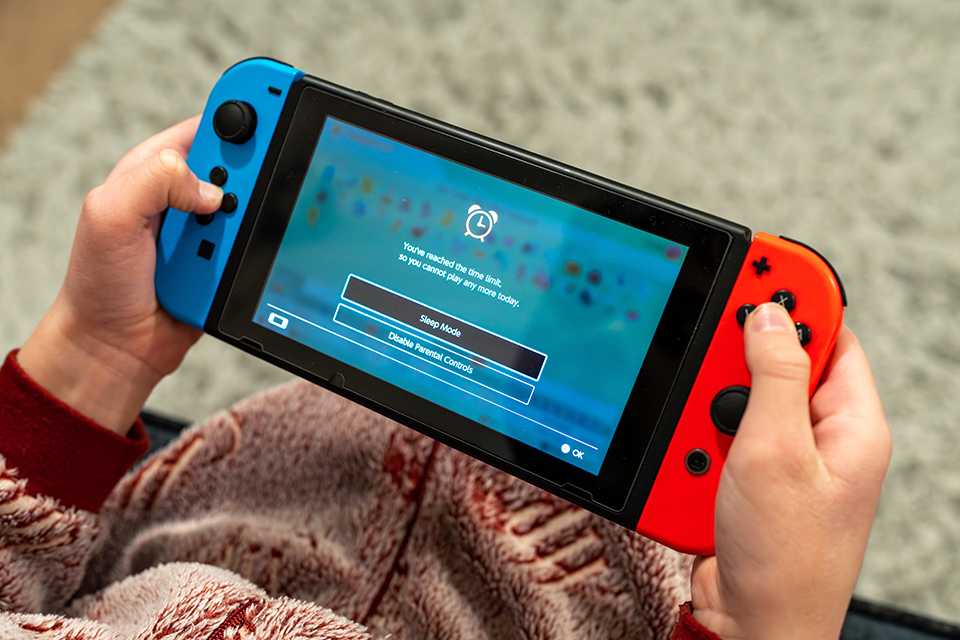
Playing time
Experts agree that it's important to set limits on screen time. An hour a day is a good starting point for younger children.
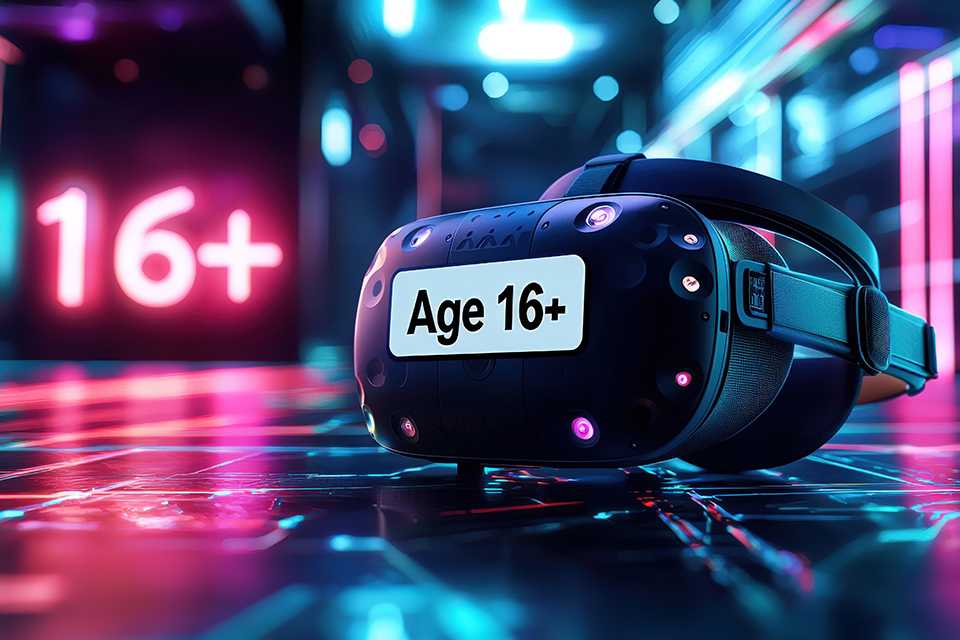
Age appropriateness
It's really important to choose games that are suitable for your kid's age. PEGI ratings can help with this, but you should also consider other factors like if a game will be too difficult or too scary for your child.
Activity
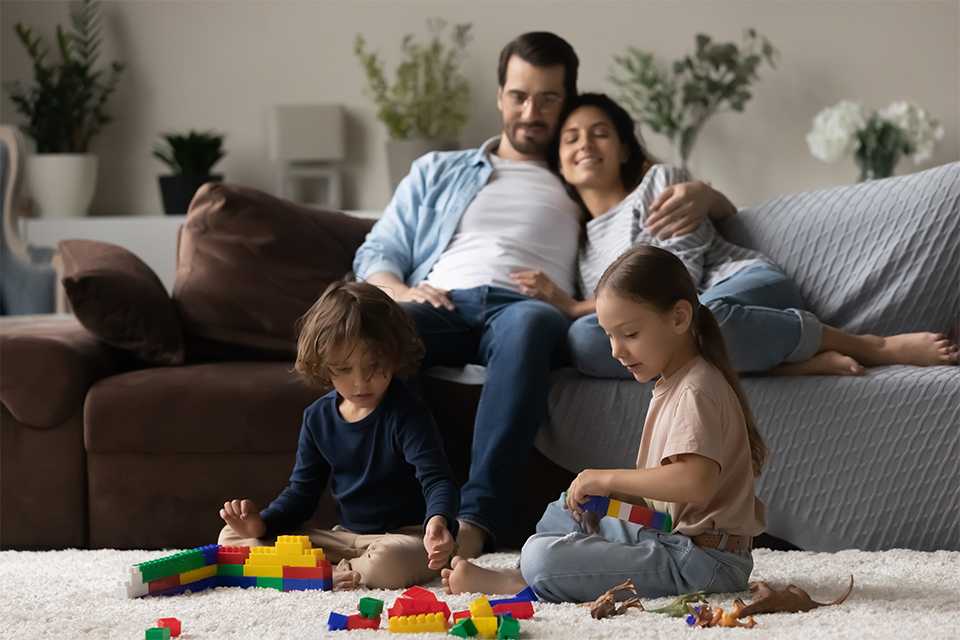
Game time should always be balanced with staying active. Although some consoles have games you can play on your feet, it's still recommended to take regular breaks and stay active away from the screen.

Online safety
Most consoles have access to the internet and social media. You can limit your child's access to these sites and apps by setting parental controls.
Parental controls
Parental controls are a feature of all games consoles that let you restrict content, usage and permissions.
Nintendo Switch Parental Controls App
As a parent, it's not easy to supervise every single moment your child spends with entertainment devices. The Nintendo Switch Parental Controls smart device app is a free smart device app that you can link with Nintendo Switch to easily monitor what and how your children are playing. If you do not have a smart device you can also set certain restrictions on Nintendo Switch directly.
How to set parental controls on a Nintendo Switch
- Open up the systems settings section from the Nintendo Switch's home page.
- Go to parental controls, then select this console and then restriction level. You'll be given a choice of pre-set restrictions for child, pre-teen, or teen, or custom settings that you can set yourself.
- If you choose custom settings, you can restrict certain game ages, social media posts, online features and playing time.
Click here for more information about Nintendo Switch Parental Controls
How to set parental controls on a PlayStation 5
- From the PS5 home screen press up on the d-pad to get to the functions area.
- Go to the settings tab, then click on parental controls, and then on restrict use of PS5 features.
- You'll then need to set up a parental control passcode and from here you can set the level of control.
Click here for more information about PlayStation Parental Controls
How to set parental controls on an Xbox One
- Once you've created a user account for your child, you can add them to your Xbox family in the setting section.
- Then click on your child's account and accept the privacy setting agreement.
- You can then set restrictions for access to content and apps, web filtering and descriptions in One Guide.
Click here for more information about Xbox One Parental Controls
Advice to keep your children safe online
Get free expert advice from Internet Matters on how to make your children's online life fulfilling, fun and above all safe. The non-profit organisation offers simple advice on the main issues children may be exposed to when browsing the internet, alongside safeguarding tips for setting up appropriate controls and filters across your devices.
Learn more
What age should kids start gaming?
Children can start exploring simple video games around ages 3-5, preferably with consistent adult supervision. Choosing age‑appropriate games and limiting screen time helps ensure a child's gaming fosters learning, creativity and fun, rather than overstimulation.
What is the 20-20-20 rule for gaming?
The 20‑20‑20 rule is a simple practice that helps protect eyesight from screen time induced eye fatigue. Every 20 minutes, look at something 20 feet away for at least 20 seconds to reduce eye strain during gaming sessions.
How do you clean gaming equipment?
Here are some quick general tips to clean your gaming equipment regardless of which console you use. Turn devices off first. Use a soft, dry microfibre cloth for screens and surfaces, and lightly dampen with an approved electronics cleaner if needed. Avoid using sprays, excess moisture or household chemicals.
How often should you clean your gaming setup?
Maintaining a gaming setup handled by kids can be challenging. Little hands can get things messy fast! Light cleaning like a quick wipe down with soft, dry microfibre cloths once a week helps remove dust and germs, while electronics-friendly cleaning solutions can help with stickier messes. Deeper cleaning like brushing with gadget cleaning tools every 1–2 months keeps controllers, keyboards and screens hygienic and working well in the long run.
Discover more inspiration
Carousel


You can now collect and spend Nectar points when you shop at Argos