By Steven Smith | Last edited: July 2026
Upgrading an old device or buying your first-ever smartphone? Our guide walks you through the essential features to look for and decide what actually suits your lifestyle. From working or vlogging to clicking pictures or casually surfing, here are the best phones for your budget.
Shop phones by budget
Here's a quick, step-by-step way to explore and select a phone from a range of different budgets, brands, and storage preferences.
- Step 1 of 3 - Budget - active1
- Step 2 of 3 - Brands - incomplete2
- Step 3 of 3 - Storage - incomplete3
What's your budget?
Select the price ranges you want to see (you can choose more than one).
Difference between iOS and Android
All mobile phones run on an operating system, and the most popular smartphone operating systems are iOS and Android. The below comparison will help you understand what each system does.
| Feature | iOS (Apple) | Android (Samsung, Google, etc.) |
|---|---|---|
Which apps are pre-installed? | Apple Maps, Apple Music, FaceTime, Safari, and more. | Google Maps, Google Chrome, Google Drive, YouTube, Google Docs, and more. |
How do I get more apps? | The Apple App store has over 1M downloadable apps. | The Google Play store has over 1M downloadable apps. |
Do they include cloud storage? | You get 5GB free iCloud storage, but you can pay for more space. | You can get 15GB Google Drive storage with your Google account. |
Will it sync with other devices? | Yes, you can sync an iPhone with your iPad, iPhone, Apple Mac, and Apple TV. | Yes, Android tablets and Google smart tech. |
Anything else I should know? | Newer models often come with free trials for Apple Pay and Apple TV. | Android phones have a customisation friendly interface. |
Specifications: processors, battery, and mobile phone storage
We’ve simplified the in-depth features and specs that mobile phones offer. From battery and charging, storage and processors, we’ve demystified the nitty-gritty details to help make your decision easier.
Carousel
Mobile phone processors
What is a processor?
The processor is your phone's brain. The better the processor, the smoother and faster your phone will run.
Processor specs
Every processor has a number of cores, dual (2), quad (4), hexa (6) or octa (8), and the more it has, the smoother it can do more things at one time.
Processor speed
It is measured in GHz, and a faster processor is a more powerful processor.
RAM
More RAM means better performance. It provides a much smoother transition when you're using multiple applications at once.
To get the performance you want, choose a phone with sufficient cores and speed for your usage.
Battery & charging
Battery size
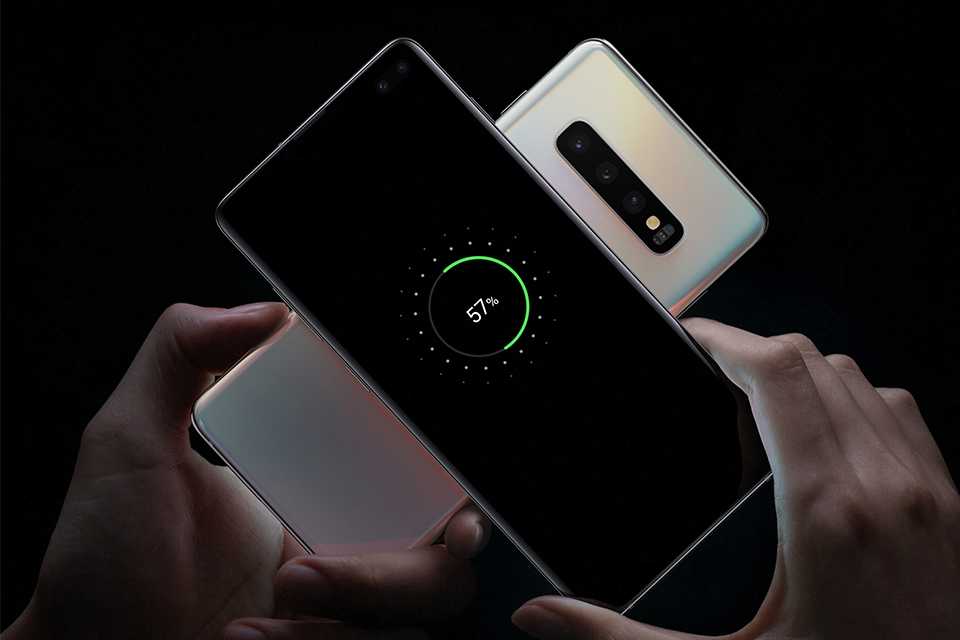
A bigger battery often means more battery life. Battery size is measured in mAh (milli-amp hours).
How do screen quality and processing power affect battery life?
Screen brightness and fast performance can sometimes place a greater demand on the battery. This means that mid-range models often have better battery life than top-of-the-range phones.
Battery saving tips
- Use Wi-Fi instead of 4G or 5G.
- Use the power-saver mode.
- Turn down screen brightness.
- Close background apps.
- Turn off your location.
If you're going away or find yourself always running out of charge, a portable power bank is a great way to make sure your phone can last all day.
Mobile phone storage
Internal storage
Internal storage is the amount of physical storage space on your phone.
- With 8-32GB, you may find that space fills up quickly if you take lots of photos and videos.
- 64-128GB phones provide ample space, with more room for apps, games and podcasts too.
- Devices with 256-512GB have more than enough space for all the essentials, as well as high-quality video files, offline downloads, and games.
Cloud storage
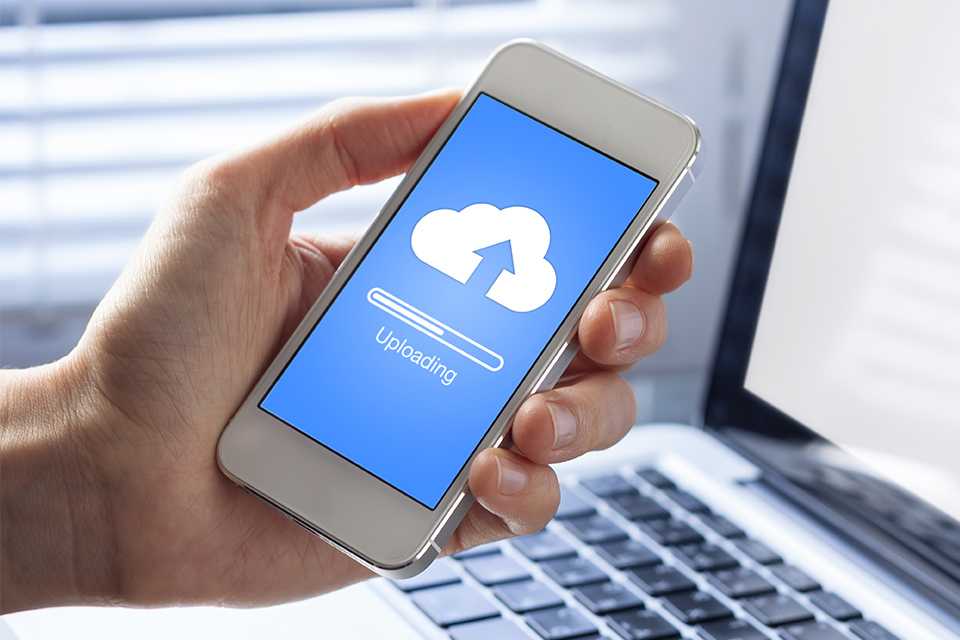
Cloud storage enables you to store your files on the internet, on a host server. Most Android and Apple phones come with a set amount of free cloud storage, through Google Drive or the iCloud. Storing items in the cloud frees up physical storage and lets you access your files from other devices.
SIM free, SIM only, digital SIM & pay as you go phones
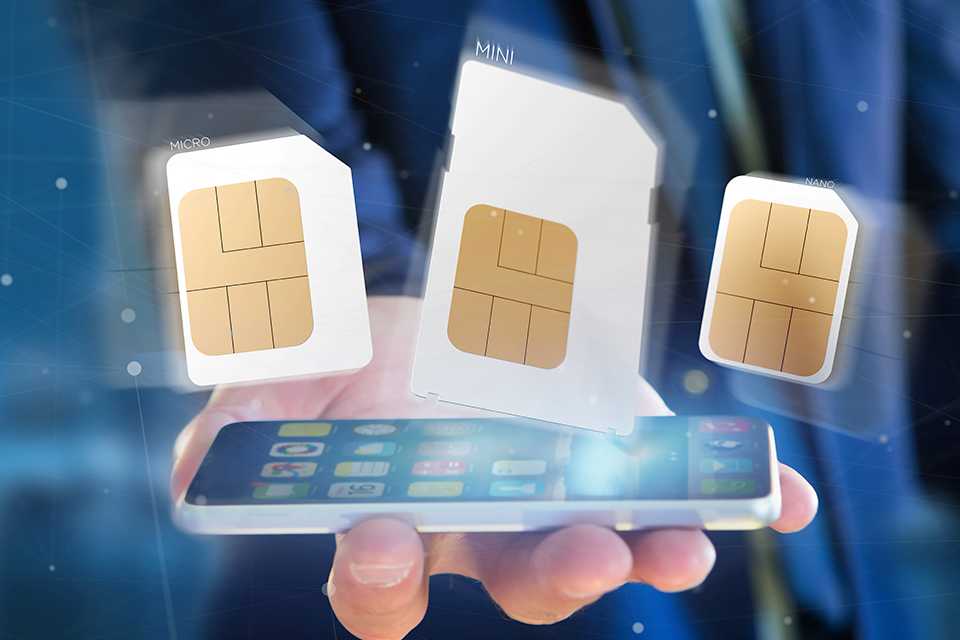
Your choice of SIM setup can affect many factors like your monthly bills to flexibility in switching the network. Let's help you understand what each option offers.
Carousel


Phone screens
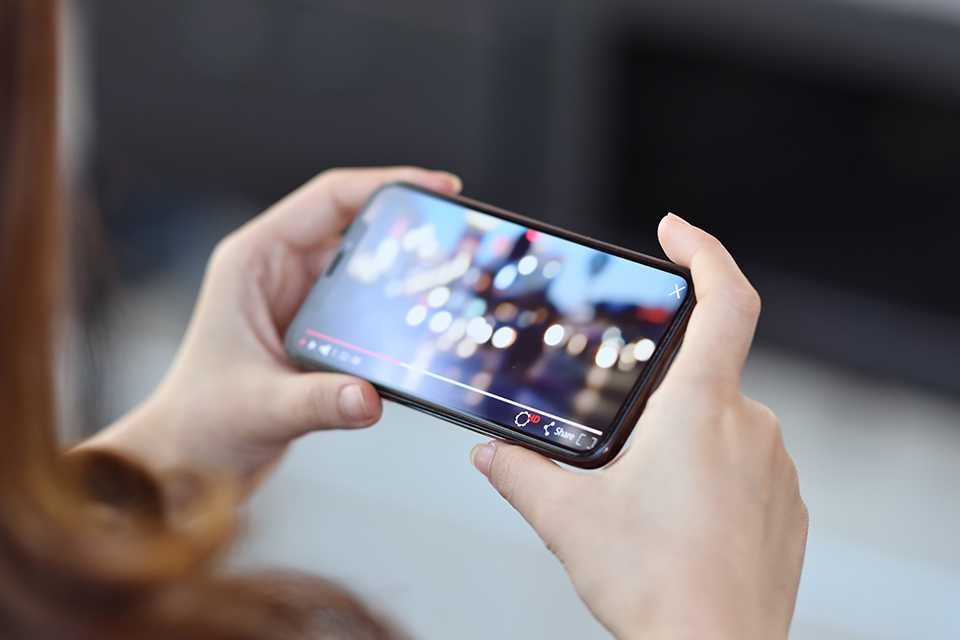
The size and quality of screen you need often depends on how you'll be using your phone.
Carousel
Screen quality
Resolution and pixel density are the best way to determine screen quality. The higher the resolution and the more pixels per inch, the sharper the screen will appear.
For increased immersion and a greater viewing experience, choose a model with a curved or infinity screen.

Best camera phones - our favourites
The camera has become one of the defining features of any smartphone. We’ve picked out some key features to look out for and top brands making waves with their camera phones.
Carousel
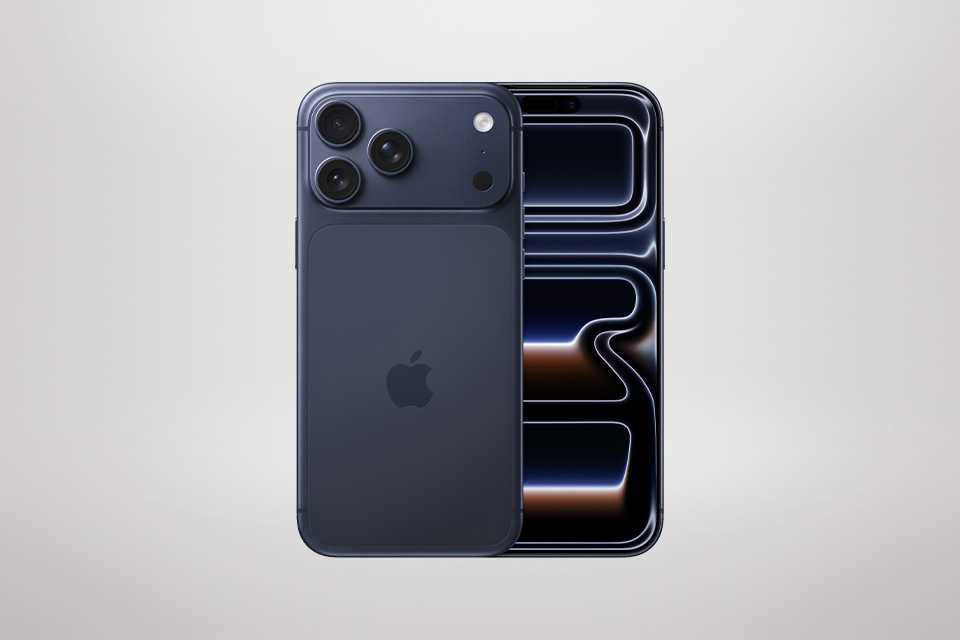
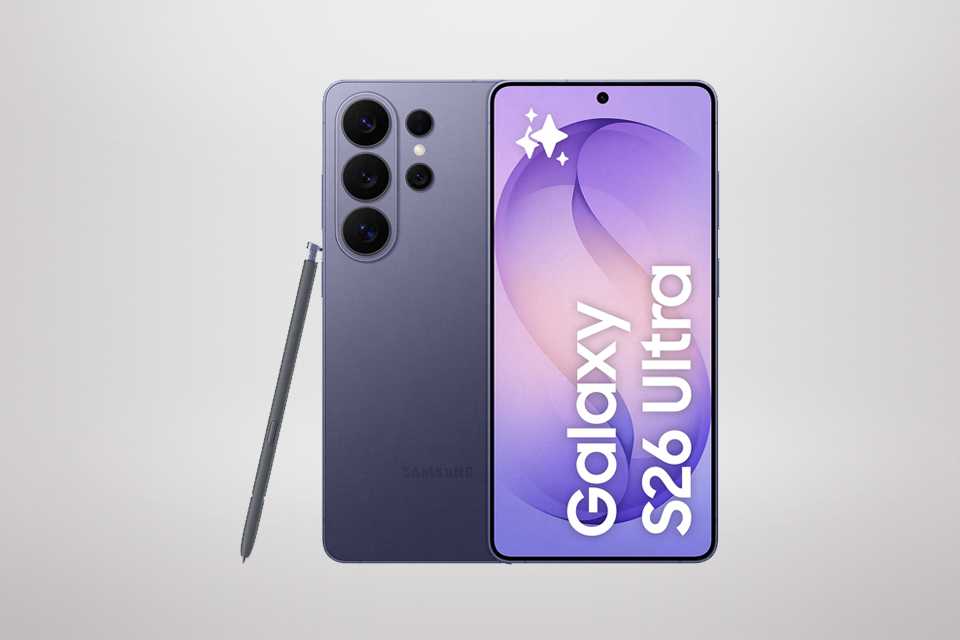
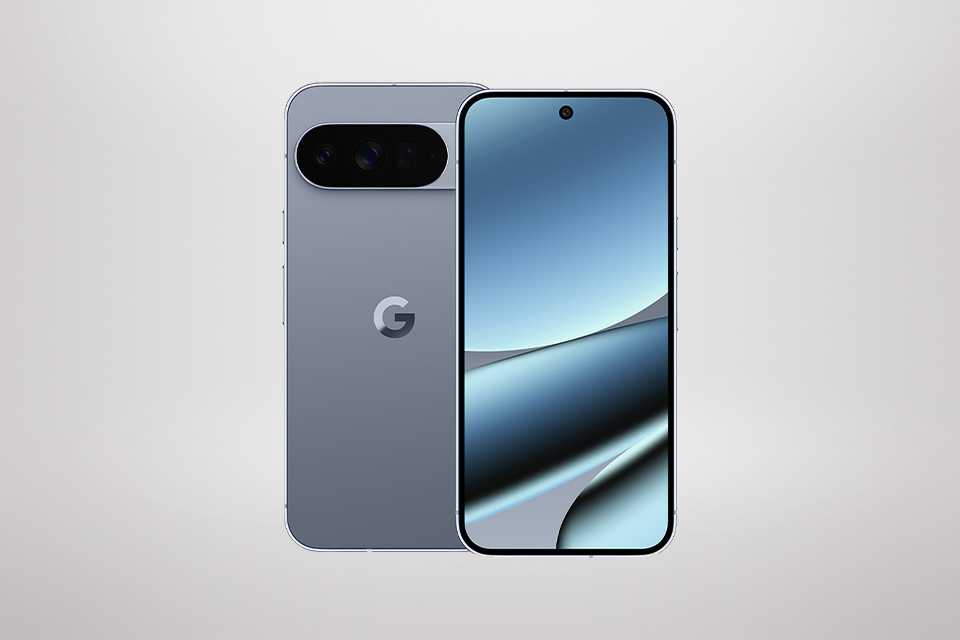
Compare specifications
Carousel
Types of phones
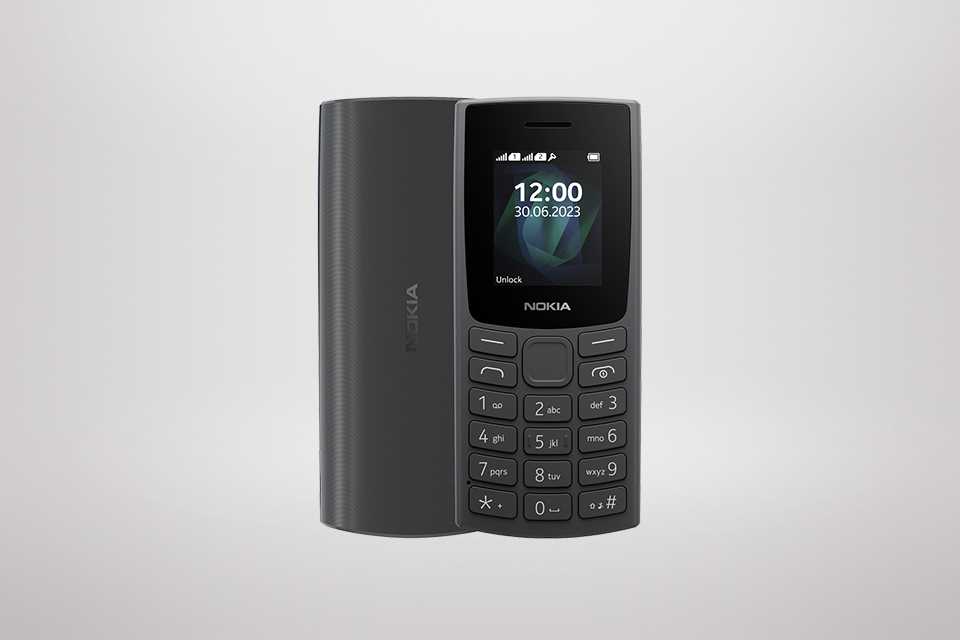
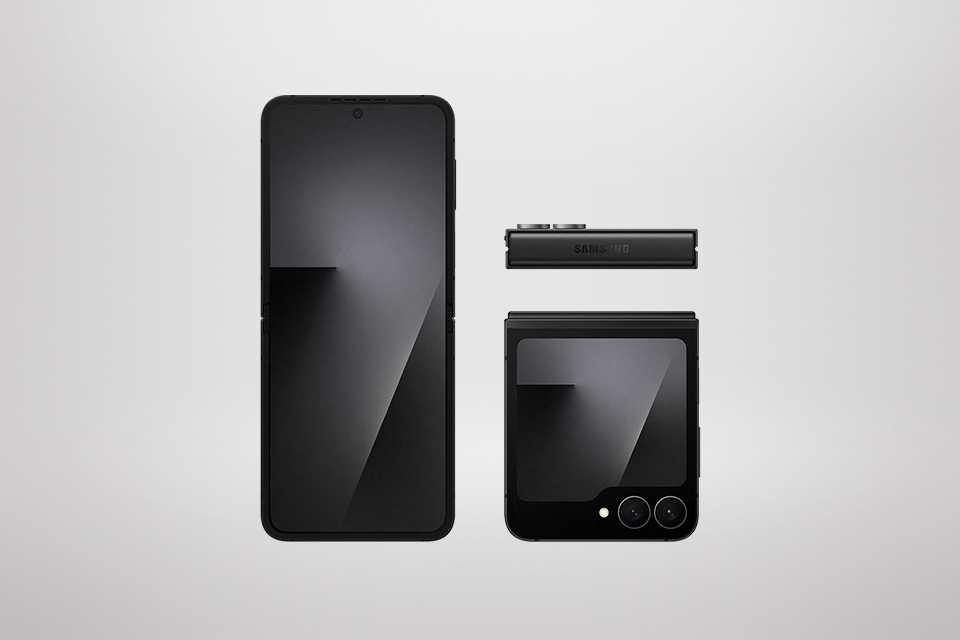
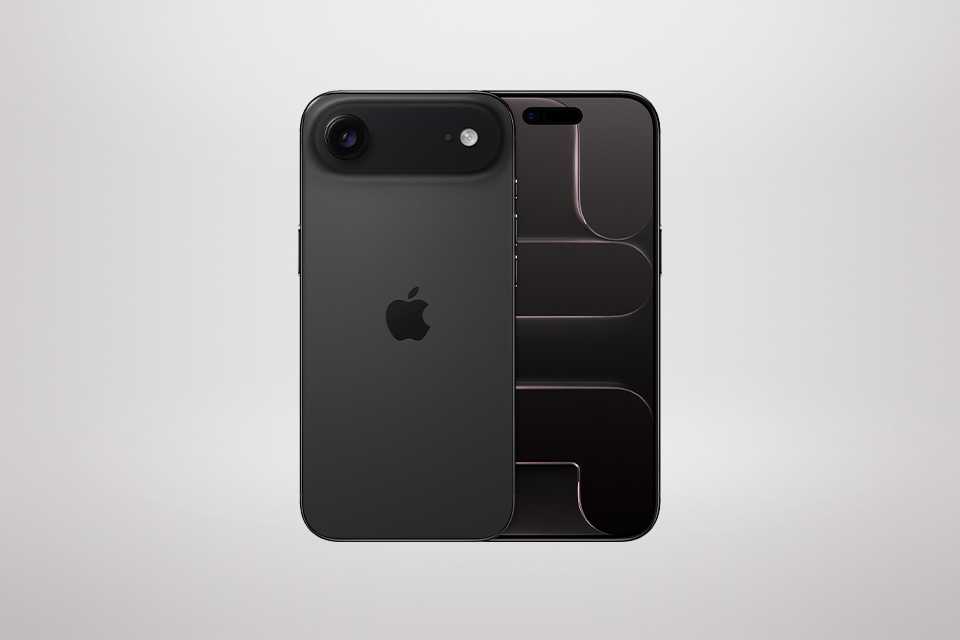
Not all phones are created equal. Some focus on basic features like calling and messaging while some advanced phones are created for handling multiple applications at once. Learn about the features each of these options offer, so you can buy the right phone for your lifestyle.
Carousel
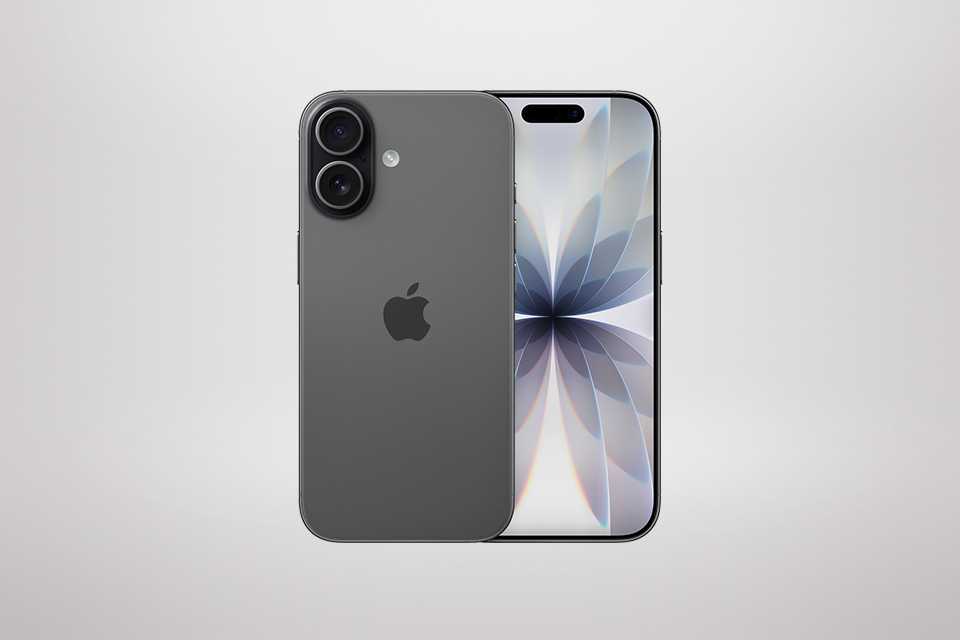
Phone accessories
Enhance your phone's performance and functionality with the help of accessories like power banks, earphones, screen protectors, and more.


How to look after your phone
Extend the lifespan of your phone by protecting its hardware and cleaning it regularly.
- Clean your phone externally. Your phone collects dust, dirt, and oil over a period of time. Use a damp microfibre cloth to wipe the screen and the body. For any stubborn spots, lightly dampen the cloth with 70% isopropyl alcohol and clean. Never use the solution directly on the phone. Don't forget to clean the case.
- Wipe clean the camera lenses. A dirty lens can result in blurry images.
- Use a dry, soft brush or a non-metal stick to lift debris out of the charging port and speakers.
- Manage your storage regularly by decluttering. Delete apps, videos, messages and photos you don't need. If possible, back up large files to cloud storage so you can save space on your phone.
- Keep your phone's software updated and restart your phone regularly.
- Avoid exposing your phone to extreme temperatures - hot or cold, as it can damage the internal components and affect battery health.
- For more such tips, visit this website.
Frequently asked questions about choosing a new phone
Is it cheaper to buy a mobile phone outright?
Buying a mobile phone outright can be cheaper in the long run, especially if you choose SIM free phones and pair them with an affordable monthly SIM. Contract phones spread the cost over time, which can help with budgeting, but you may pay more overall. It really comes down to whether you prefer a lower upfront cost or long‑term savings.
How often should you replace your phone?
Most people upgrade their smartphone every two to three years, usually when performance slows down or battery life declines. You might upgrade sooner if you want better cameras, faster processors or new features. Brands like Samsung, Apple, and Google release improved models regularly, so the right time often depends on how your current device is handling your daily apps, storage and speed needs.
Will moving my SIM card to a new phone transfer my files and contacts?
No—photos and files aren’t stored on a SIM card, so they won’t transfer automatically. Instead, they’re usually saved to your phone’s internal storage or cloud services like iCloud or Google Photos. When switching to a new device, make sure your photos are backed up digitally. Many modern smartphones, including Google and Apple models, offer automatic cloud backup options to make this process easier. Some also offer transfer technology allowing you to transfer files seamlessly.
While some contacts might be stored, this is not always the case. Ensure your contacts are backed up to your Samsung, Google or Apple cloud account to ensure you don't lose any. Similarly, apps aren't stored to your SIM card, so be sure to sign in to your new device using the same account as your old one, and your apps should transfer. Check with the manufacturer for full instructions.
What should I do before switching phones?
Before moving to a new phone, it helps to:
- Back up your photos, apps and messages to the cloud
- Sync contacts to your cloud account
- Sign out of accounts on your old device
- Move files or notes you want to keep
Once that’s done, simply log in to your new device and restore your data. Check with the manufacturer for specific advice and instructions for your device.
How much RAM is considered good for a phone?
6GB to 8GB of RAM is considered a solid baseline for a smooth everyday performance. While smartphones start at 4GB, heavier tasks like gaming, multitasking, and AI‑powered features benefit from 8GB or more. Many high-end phones also come with 12GB to 24GB, but this level of RAM is mainly useful if you're running demanding apps or keeping many apps open at once.
Can I transfer everything from old phone to new phone?
You can transfer everything from your Android phone or iPhone to another phone. Features like Apple Quick Start, Google’s data transfer system, and Samsung Smart Switch make the process straightforward. All you need is a strong Wi‑Fi connection, your account credentials, and a recent backup of your old device. While everything including settings, contacts and media items can get transferred, certain app data or settings, may not migrate depending on the platform.
Does putting my SIM card in a new phone transfer everything?
No, your SIM card only carries your phone number, network information, and sometimes a limited number of contacts or texts. It does not move your photos, apps, messages, files, or settings as it doesn't store them. To transfer your full data, you’ll need to use your phone’s backup and restore features or a dedicated transfer method.
What should I do before swapping to a new phone?
Before switching to a new phone, make sure to:
- Back up your data (iCloud, Google Drive, or Smart Switch).
- Sign out of financial apps and remove payment card details from mobile wallets.
- Charge both devices to avoid interruptions.
- Check your Wi‑Fi connection for uninterrupted transfers.
- Move your SIM or eSIM and confirm that your number works.
- Keep your old phone for a few days in case you need to retrieve anything.
These steps help ensure a smooth, stress‑free transition.
How do I figure out what phone is best for me?
Here are four factors to help you choose the right phone for you:
- Budget: Decide how much you want to spend.
- Features: Consider phone screen size, camera quality, battery life, storage, and 5G support.
- Operating system: Choose between iOS and Android based on what you’re comfortable with. This decides the future of your tech ecosystem.
- Brand and support: Some brands offer longer software updates, which makes it easy to use your phone for a long term. Also check for how quick is the customer service, in case your phone's facing a challenge.
What makes a phone faster - RAM or processor?
Both RAM and the processor affect speed, but they play different roles:
- The processor (CPU) is the main driver of speed. It handles app performance, gaming, and complex tasks. A faster CPU with more cores delivers smoother performance.
- RAM helps with multitasking. More RAM allows your phone to keep more apps open without slowing it down, but it doesn’t directly make apps run faster.