

Argos Trade-in
Looking to sell your phone and upgrade to the latest tech? Find out more about how to Trade-in and upgrade your old technology.
Track your trade-in
Already started a trade-in? Enter your order reference to check its status.
Start your Argos Trade-In
Ready to trade-in your old technology and receive some cash towards your next upgrade? Argos has partnered with MTR to offer a fast, effortless trade-in service, with three simple steps and payment arriving within just a few days.
Whether you're upgrading to the latest Apple iPhone, Samsung mobile, or looking to trade-in your Nintendo Switch, we buy a wide array of mobile phones, tablets, smartwatches, consoles, headphones and Macs.
Receive your cash by bank transfer, Paypal, or with an Argos Gift Card.
- Trade-In now
Carousel
?$sfpoi:$sfcenter}&sm=aspect&aspect=2:1&sfcenter=center&sfpoi=poi&qlt=50&fmt=auto&noiser=0&fmt.jpeg.interlaced=true&fmt.jp2.qlt=40&w=600&)
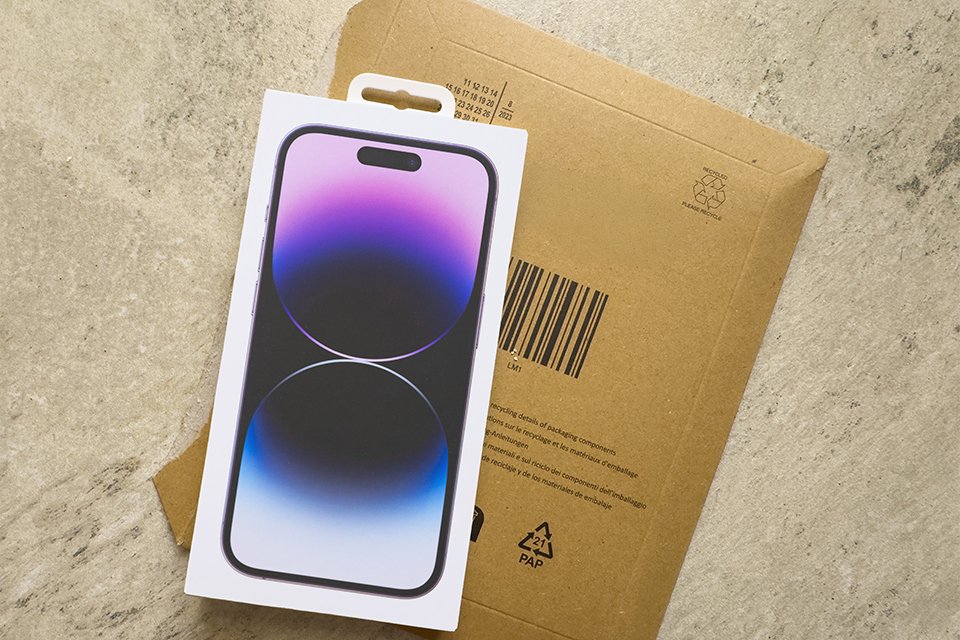
Step one
Receive sales package.
?$sfpoi:$sfcenter}&sm=aspect&aspect=2:1&sfcenter=center&sfpoi=poi&qlt=50&fmt=auto&noiser=0&fmt.jpeg.interlaced=true&fmt.jp2.qlt=40&w=600&)
Step two
Post for free.
?$sfpoi:$sfcenter}&sm=aspect&aspect=2:1&sfcenter=center&sfpoi=poi&qlt=50&fmt=auto&noiser=0&fmt.jpeg.interlaced=true&fmt.jp2.qlt=40&w=600&)
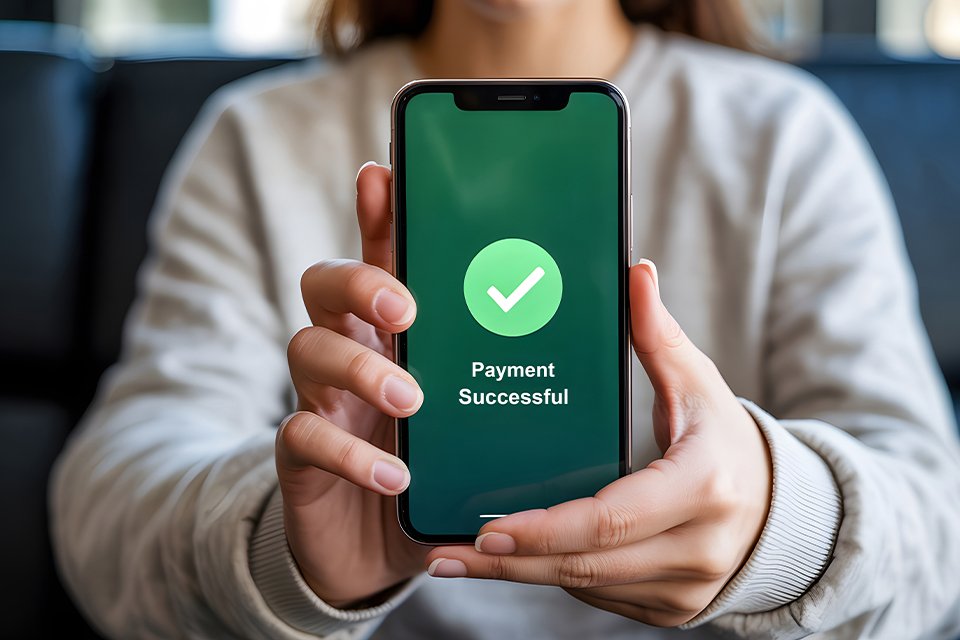
Step three
Get paid fast.
?$sfpoi:$sfcenter}&sm=aspect&aspect=2:1&sfcenter=center&sfpoi=poi&qlt=50&fmt=auto&noiser=0&fmt.jpeg.interlaced=true&fmt.jp2.qlt=40&w=600&)
?$sfpoi:$sfcenter}&sm=aspect&aspect=2:1&sfcenter=center&sfpoi=poi&qlt=50&fmt=auto&noiser=0&fmt.jpeg.interlaced=true&fmt.jp2.qlt=40&w=600&)
?$sfpoi:$sfcenter}&sm=aspect&aspect=2:1&sfcenter=center&sfpoi=poi&qlt=50&fmt=auto&noiser=0&fmt.jpeg.interlaced=true&fmt.jp2.qlt=40&w=600&)
Explore our latest tech
Discover the latest phones, tablets, smartwatches, consoles and MacBooks at Argos, perfect for your next upgrade.
Slider Grid











Why choose Argos Trade-In?
Carousel

Money for old tech
Sell your phone, tablet, MacBook and more. Receive money to spend on your new purchase.

Quick and effortless
Three easy steps; get your quote, send your device, and receive payment in a couple of days.

Speedy payouts
Receive your payment within just a few days of your device being inspected. Quick and fuss free.
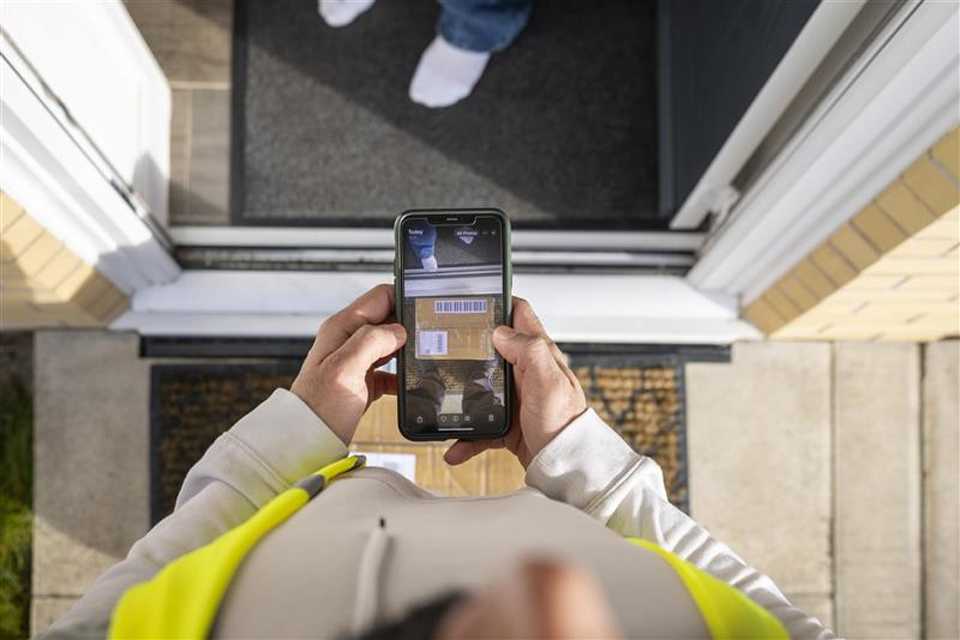
Free shipping insurance
We cover loss or damage in transit up to £150, giving you peace of mind sending your old tech to us.
Tech you'll love
Carousel


Trade-In support & FAQs
Who do I need to contact if I have any questions about Trade-In?
If you have any questions about Argos Trade-In, please use the below contact details:
Email: support@argos-tradein.co.uk
Telephone number: 01277361794
How to find my devices IMEI or serial number?
- Your IMEI is a 15-digit number which is unique to your device.
- Dial *#06# from your device to get your IMEI.
- If your device has 2 IMEI's - please use the IMEI 1.
How can I find the model of my device for Trade-In?
Usually this will be in your device settings under about device, if you still have the original box which came with your device you could also check this.
How long is my quote valid for?
Once you get a quote from Argos Trade-In, it's valid for 14 days. If your device gets to us after those 14 days, we'll give you an updated value based on current prices. If you requre additional time, you have the option to extend the quote for an additional 7 days through the 'My account' section of the Trade-In website.
How should I prepare my device for Trade-In?
- Back up and erase all data.
- Remove security locks (e.g. iCloud and Google lock).
- Remove PIN codes.
- Fully charge your device.
- Please only send the device itself, no accessories are needed.