
Games console buying guide
Find the right games console for how, where and what you like to play.
Shop all video games and consoles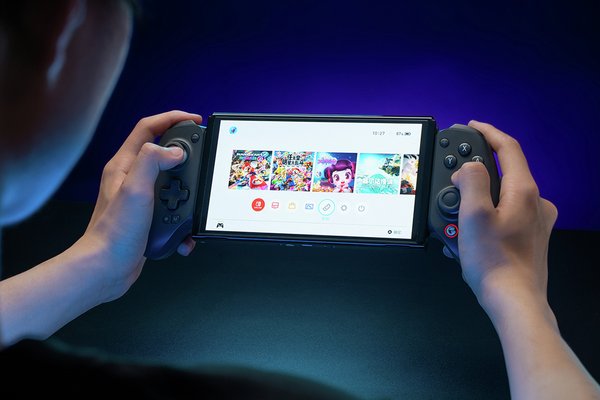&poi={$this.metadata.pointOfInterest.x},{$this.metadata.pointOfInterest.y},{$this.metadata.pointOfInterest.w},{$this.metadata.pointOfInterest.h}&scaleFit={$sfcenter}&sm=aspect&aspect=3:2&sfcenter=center&sfpoi=poi&qlt=50&fmt=auto&noiser=0&fmt.jpeg.interlaced=true&fmt.jp2.qlt=40&)
By Steven Smith | Date published: October 2026
What is a games console?
Games consoles, like TV boxes and Blu-ray players, are devices you plug into your TV or a compatible monitor. While some can display films and TV shows, their main purpose is for playing video games. Some handheld models allow for on-the-go gaming, usually with an in-built screen of their own.
Each console has its own games, features and accessories. Some models include a disc drive for physical games. Others are digital-only, which means games are downloaded and stored on the console. Before choosing one, think about what you want to play, who you’ll play with and where you’re most likely to use it.
Console gaming is straightforward to set up. You connect the console to a compatible display where required, sign in or create an account, install any system updates and then add your games. An internet connection may also be needed for downloads, updates, online multiplayer and other online features.
Which games console is right for you?
There isn’t one console that suits everyone. The right choice depends on your preferred games, playing style, available space and whether you want to play at home, away from home or both. The following points will help you find the right console for you.
Look at the games first
A lot of games are available on multiple platforms, but not all. Some games are platform-exclusive or have a timed release which means they will only be available on a certain console for a period. If there are specific games you want to play, it’s worth investigating which platforms they are available on first, as this may impact your decision.
Think about where you’ll play
A home console works well if you’re planning to play mainly on a television or gaming monitor. A handheld or hybrid console gives you more flexibility if you want to move between rooms or play while travelling.
For example, the Nintendo Switch family of consoles are great for mixed use with an in-built screen for hand-held gaming at home and on the go, with some models able to connect to a TV or monitor for big-screen fun. The PlayStation and Xbox consoles are built for home gaming and need mains power and to be connected to a display device but often offer a more powerful gaming experience.
Consider who will use it
For shared family gaming, consider the number of controllers supported, availability of local multiplayer games and the system’s family settings. Remember that accessories such as extra controllers may need to be bought separately.
For younger players, look at the game’s PEGI age rating and content descriptors. You can also explore the parental controls available for the console, including settings for spending, communication and play time.
Set a budget for the whole setup
While the console will be the main part of your cost, there are other elements worth exploring before you buy. Some of the things you’ll want to consider include:
- Games or digital downloads
- Extra controllers
- An online membership
- Additional storage
- A gaming headset
- A protective case or screen protector for a handheld console
- A compatible television, monitor or HDMI connection
Make a list of what you need from the start and what can wait. That makes it easier to compare different setups without focusing only on the console itself.
Consider where your console will live
You’ll want to think about what space you have to site your new console in a safe way. As a minimum you’ll want somewhere with access to mains power, and close enough to your TV or monitor to minimise trailing leads. Even with hybrid consoles, they’ll likely have a dock for big-screen play that needs to be connected to the TV and mains power. In some cases, you might want to have it close to your home broadband for a more stable wired connection. Wherever you choose to place your console, it needs to be stable and away from anything that might cause damage such as liquids, home fragrances and candles. Consider if small children or pets might be able to reach it.
Don’t confine your console in a small space. They can generate a surprising amount of warm air, particularly the high-end consoles, so will need plenty of ventilation to let them “breathe” and run at their best.
PlayStation, Xbox or Nintendo?
PlayStation, Xbox and Nintendo consoles each offer a different way to play. Rather than treating one as the answer for everyone, compare their game libraries, formats and everyday features.
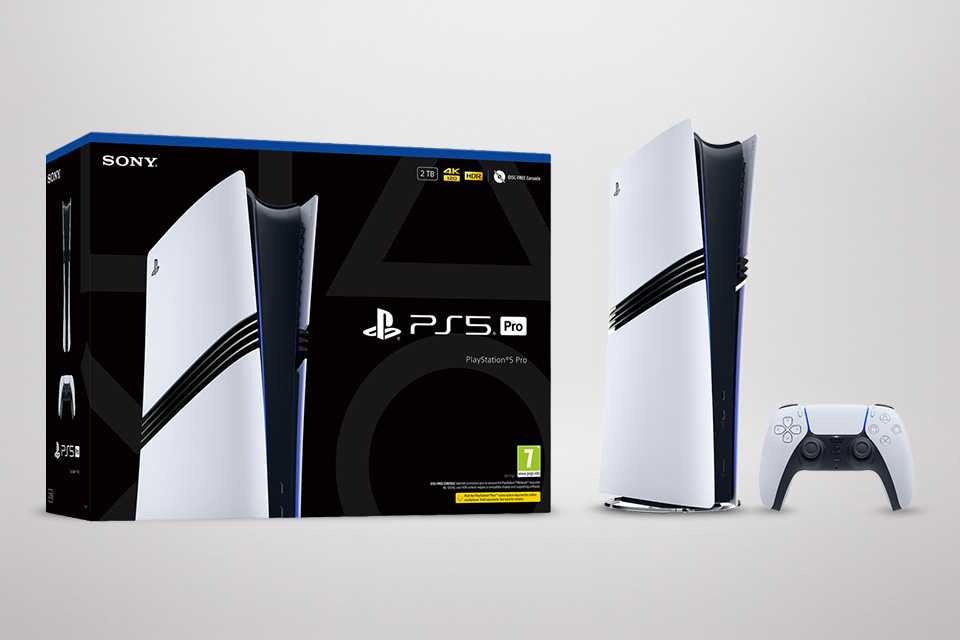
PlayStation consoles
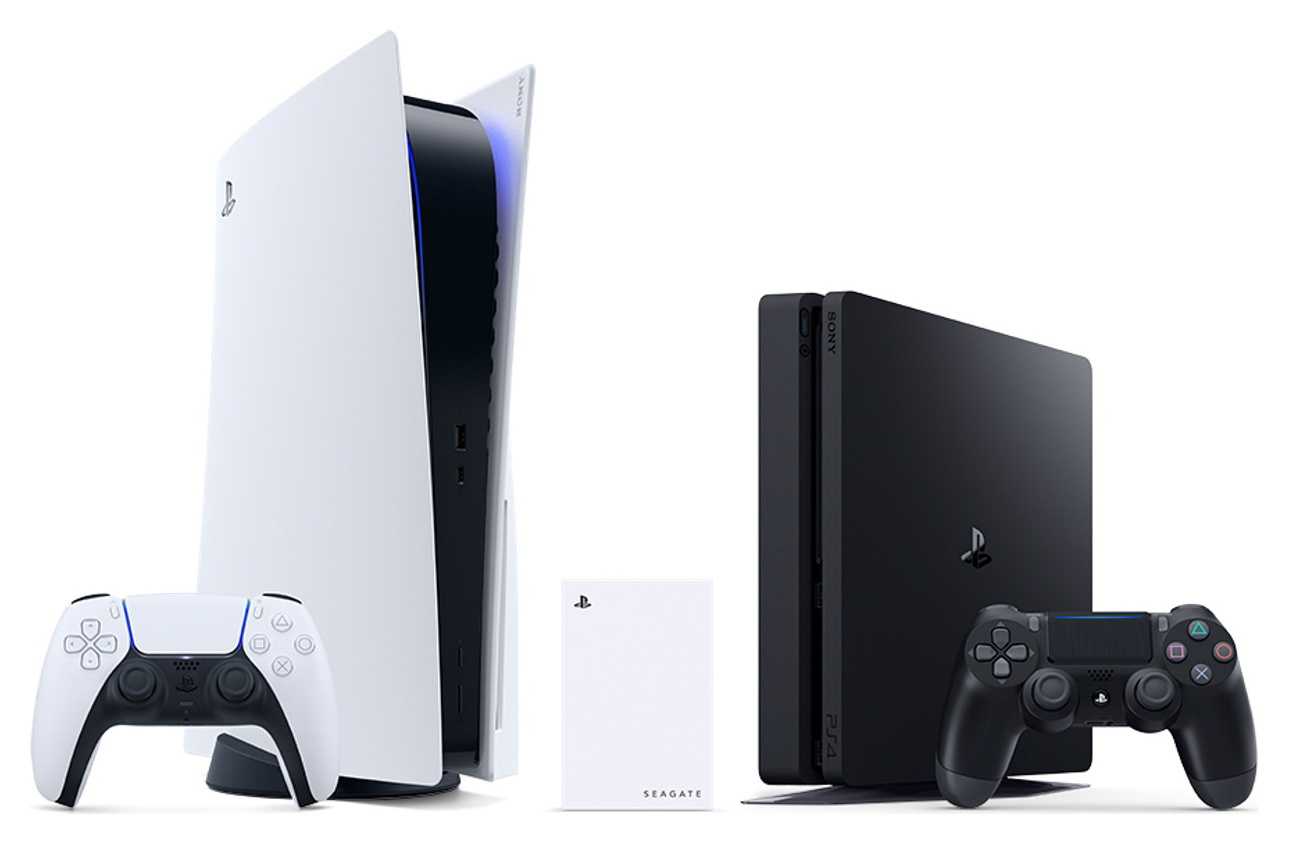
One of the two main contenders in the home gaming area, PlayStation offers a high-spec gaming experience from the comfort of your home. The current generation PS5 comes in both digital and disc models offering flexibility of choice. Online subscriptions give access to free monthly games and depending on which subscription tier, a catalogue of older games too. The PS5 Pro model offers an elevated experience thanks to more powerful tech, improved graphics and faster load times. If connected to a compatible monitor, you can expect up to 8K visuals. The DualSense controller adds to the immersion with haptic feedback, adaptive triggers with variable stiffness and in-built sound for added depth when playing.
The PS Portal is a handheld console that streams games either from the cloud (with a compatible PS Plus subscription) or by connecting to your main PS5 console. With many of the features found in the DualSense controllers and an 8-inch screen, it’s a great way to continue playing when you’re away from the screen or home.
A wide range of controllers, headsets and accessories are available both from PlayStation and licensed third parties.
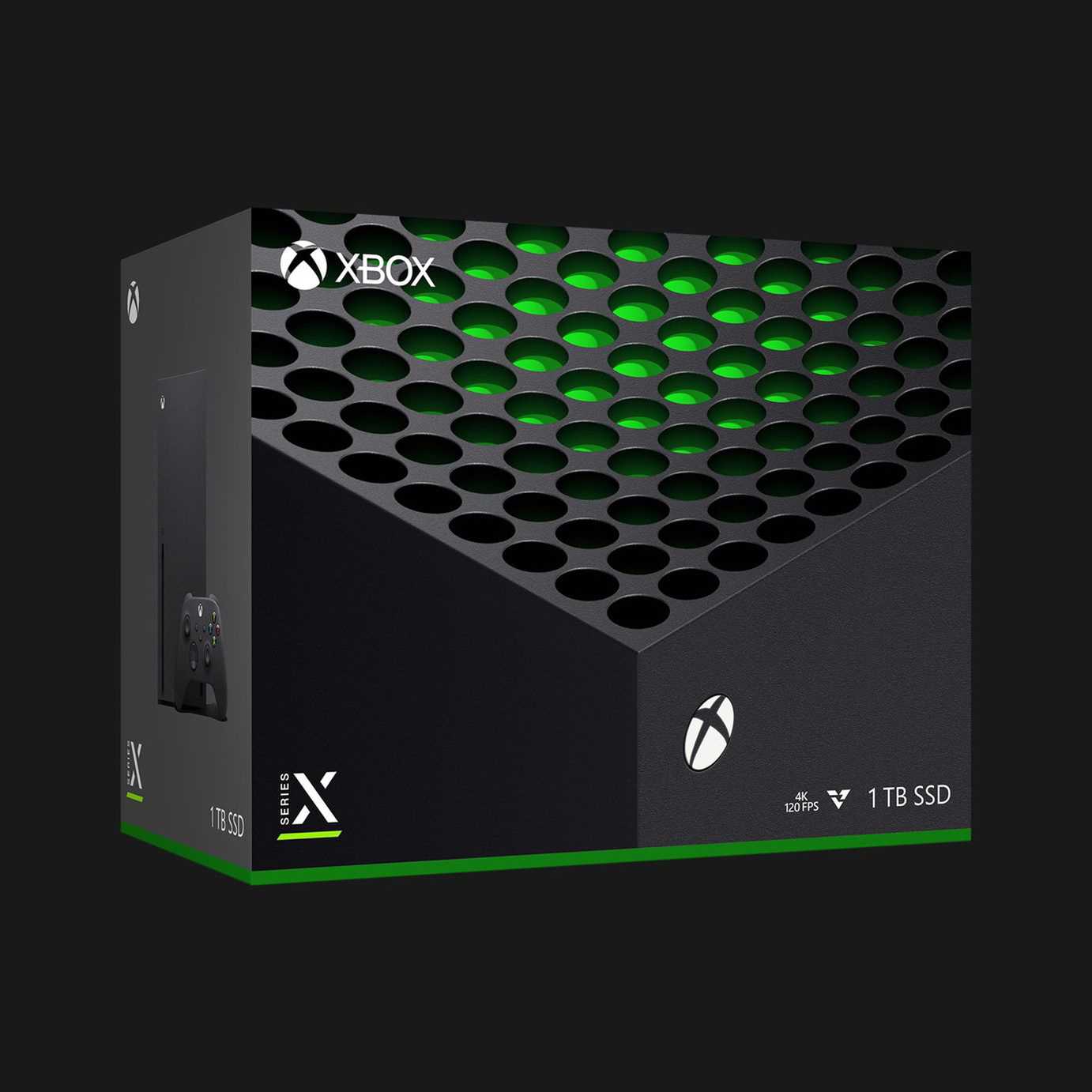
Xbox consoles
Xbox is the other big player in the home gaming space. With two main consoles, there are options depending on your preferred play style. The Xbox Series S offers an entry into Xbox gaming with a digital-only experience. Stream or download games to play without having to swap discs. The Xbox Series X offers a more powerful experience with enhanced RAM, memory and graphics and features a disc drive for both digital and physical play. Add in the Game Pass subscription and you’ll have access to a huge catalogue of games, including top games at no extra cost on release day.
Like with PlayStation, there’s a vast range of controllers, headsets and accessories from Xbox and licensed third parties.
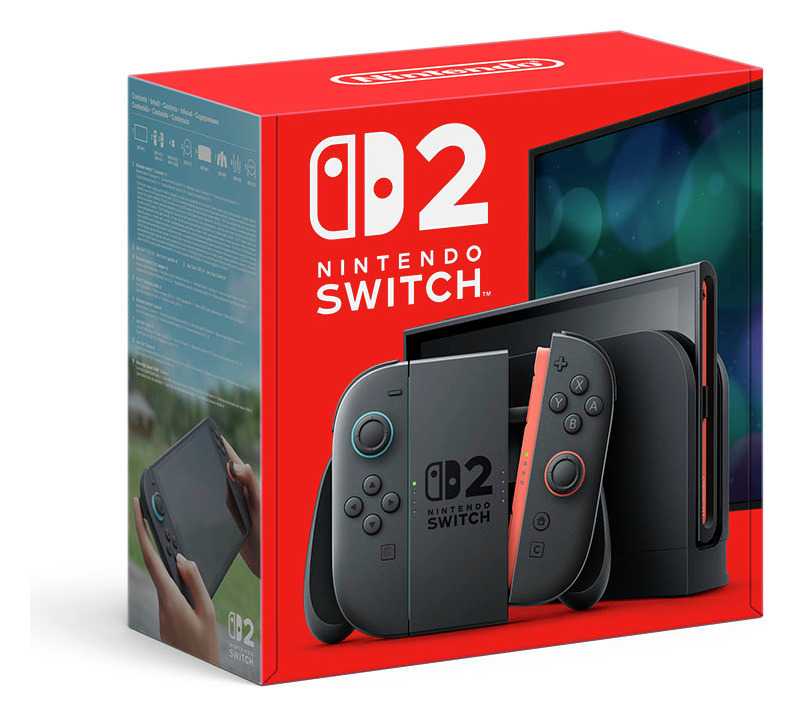
Nintendo Switch consoles
Nintendo are one of the longest running gaming companies, with their first console back in the 1970s. They boast some impressive consoles in their history from the handheld Game Boy to the iconic NES and N64 systems. With the rise of PlayStation and Xbox, Nintendo pivoted with the Wii console, before focusing on the hybrid space. The Nintendo Switch comes in a standard LCD and an OLED model that offers incredible visuals in a handheld form with the ability to play on the big screen. The recent Nintendo Switch 2 offers upgraded performance with the same hybrid capabilities. The Nintendo Switch Lite offers handheld gaming on the go as a fantastic entry point, without the big screen connectivity. They all offer both physical and digital gaming experiences. Look at our Nintendo Switch category for a range of games and accessories to enhance your gaming.
Should I get a digital or disc console?
Digital and disc consoles provide access to many of the same games, but they handle purchases and storage differently. Some consoles such as the Nintendo Switch family of handheld consoles do work with physical games, but rather than discs they use game cards.
Digital consoles
A digital console downloads games from the platform’s online store. There are no game discs or cartridges to store, and you can switch between installed games directly from the console menu. You can often purchase digital games from other retailers where you either receive a code via email or delivered to you, that you redeem on your console.
Before choosing a digital-only console, you’ll want to keep in mind:
- You’ll need enough storage for your installed games, potentially more than running a game from a card or disc
- Download times depend on your internet connection
- Large updates may also require significant storage and data
- Digital games are linked to an account and platform – you can’t sell or lend the games freely and, in most cases, you don’t directly own them, you buy a license to play for as long as the game is supported
- You cannot insert or use physical game discs unless it’s a dual format console
Consoles with disc or game card support
A disc drive or game card slot gives you the option of using compatible physical games. Some disc-equipped home consoles can also play compatible film discs, but support varies by model.
Physical games still often require updates, and some may install substantial data onto the console. Owning a disc or game card does not mean you can play every title without storage space or an internet connection. You can in many cases still play and download digital games, and use of disc-based games tends to mean you’ll need to pop the disc or card into the console to play, making game switching a bit more effort.
How much storage do you need?
The amount of storage you need depends on the games you play and how many you want installed at once. File sizes vary considerably, and updates, saved data, downloadable content and system software also use space. You can get small, indie games that will be as small as 100Mb, while the biggest AAA rated games could run to 500Gb or more.
Check the console’s usable storage after operating software is taken out of the total and the approximate file sizes of the games you’re most interested in. If you like playing several large games, expandable storage may be useful.
Compatibility matters here. Consoles require specific types of storage, and not every external drive or memory card can store or run games in the same way. Nintendo specifies that Switch 2 storage expansion requires compatible microSD Express cards, while PlayStation outline SSD specs to add more memory to your PS5 console.
Always check the console manufacturer’s guidance before buying additional storage.
What accessories will you need?
Most consoles usually come with everything you need to get started quickly - cables, console and a controller - so you can unpack, plug in and get straight into the game. But there are additional accessories that will enhance your gaming that are worth a look at.
Controllers
Most consoles include at least one compatible controller or a pair of detachable controllers, depending on the system. You may need more for local multiplayer.
To decide whether you need extra controllers think about:
- Console compatibility
- Whether the game supports local multiplayer
- Maximum number of local players
- Battery and charging requirements
- Whether each player needs a full controller or can use a single detachable controller


Headsets
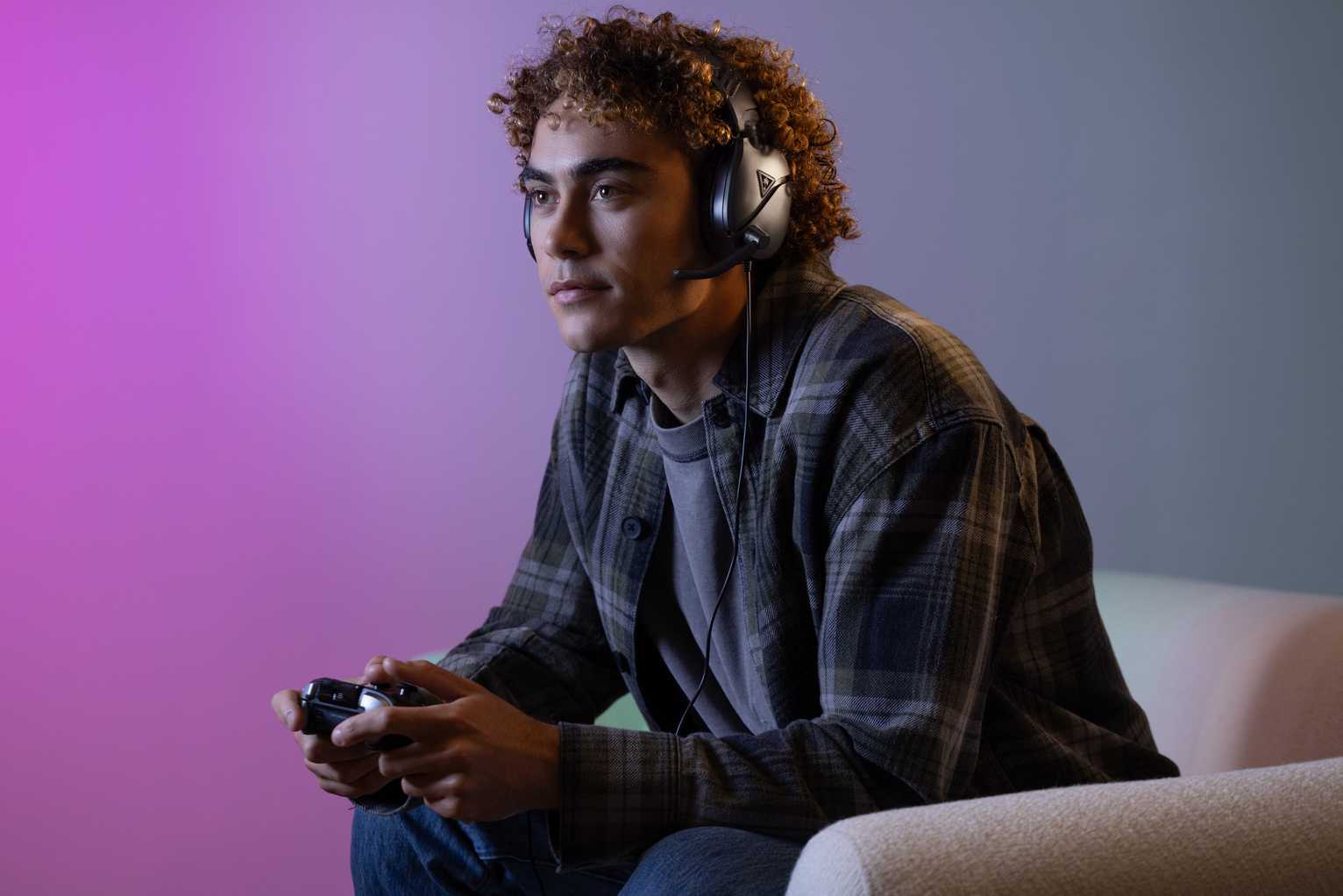
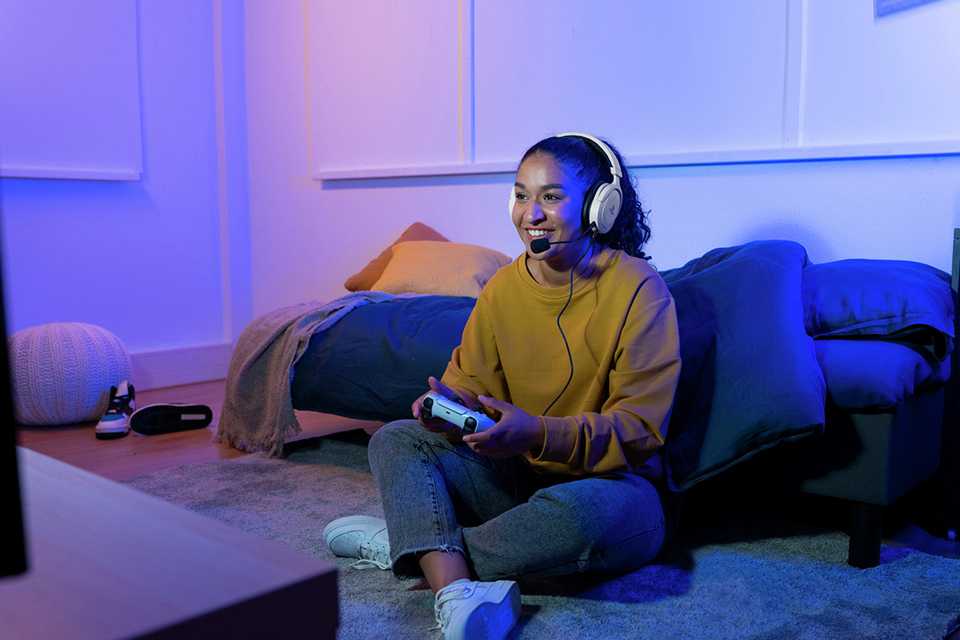
Gaming headsets allow you to game without playing the audio over speakers, and are also ideal for online gaming with voice chat.
If your new console is going to be used by children, take some time to review the privacy settings and relevant communication policies relating to text and voice chat. Most consoles do offer child settings that allow you to fine-tune permissions to help keep your children safe while gaming.


Additional storage
Storage expansion can help if you want to keep more games ready to play. The correct option may be an internal expansion drive, a console-specific card, a compatible memory card or an external USB drive.
Check whether the storage can run games directly or is intended mainly for storing and transferring them.
Online memberships
Some consoles require a paid membership for online multiplayer in many games. Free-to-play titles may follow different rules.
Membership features, game catalogues and availability can change. Check the platform’s current terms and decide whether you’ll use the included features before subscribing. Take a look at our guide to digital downloads to discover the different types of downloads and how to use them.
FAQs about games consoles
What is the best game console to buy right now?
There isn’t one games console that is right for every player. Start with the games you want to play and check which systems support them. Then consider whether you want a console for the television, a portable device or a hybrid that supports both. It also helps to compare digital and physical game formats, storage, online multiplayer and controller requirements. If friends or family play online together, check which systems they use and whether your chosen games support cross-platform play. Finally, compare the overall setup, including any games, accessories, additional storage or memberships you may need.
Is it still worth buying a PS5 in 2026?
A PS5 may suit you if the PlayStation game library, DualSense controller features and home-console format match the way you want to play. Sony states that PS5 is backwards compatible with more than 8,500 PS4 games, though compatibility and available features should be checked for individual titles. Before buying, compare the current PS5 models, including whether they support physical discs, their storage capacity and which accessories are included. It is also sensible to check whether the games you want are currently available or have confirmed release information.
Is it worth buying a PS5 or waiting for a future PlayStation console?
Base your decision on confirmed products and the games you want to play now. Future console specifications, release dates and game support should not be assumed until Sony publishes official details. A current PS5 may be suitable if it supports the games and features you want and fits your overall budget. If you are in no hurry, you may prefer to wait for official announcements before deciding. Avoid relying on rumours or unofficial release dates, as plans can change. Compare current PS5 models carefully, including their storage, disc support and included accessories.
How many years will a PS5 last?
There is no fixed lifespan that applies to every PS5. How long a console remains useful depends on its condition, how it is used and whether it continues to support the games and services you need. Keep it on a stable surface, allow suitable ventilation and follow Sony’s cleaning, setup and operating guidance. System software and game support may change over time, so keep the console updated and refer to official PlayStation information. If the console develops a fault, use the manufacturer’s troubleshooting and support routes rather than attempting an unsafe repair.
Is the PS5 Pro worth considering if I don’t already have a PS5?
PS5 Pro is designed for players who value enhanced visual and performance features in supported games. Whether those differences matter will depend on your television or monitor, the games you play and your expectations. Not every game uses enhanced features in the same way, so check whether your preferred titles are marked as PS5 Pro Enhanced. Compare the model’s storage, included accessories and disc support with other PS5 options. If you mainly want access to the PS5 game library, another current PS5 model may also meet your needs.
Can you play older games on a new games console?
Some new consoles support games from earlier systems, but backwards compatibility varies by platform, model and title. PS5 supports a large library of PS4 games, while Nintendo Switch 2 can accept Nintendo Switch and Nintendo Switch 2 game cards. Individual compatibility should still be checked because some games and accessories may not be fully supported. For Xbox, consult the official compatibility list for the particular game. Check digital purchases through your account library, and do not assume an older disc or card will work merely because it fits a related console family.