Picking a smart TV stick
Add a world of entertainment to your TV with a streaming stick and enjoy films and TV from a variety of streaming platforms.
Shop all streaming sticks and boxes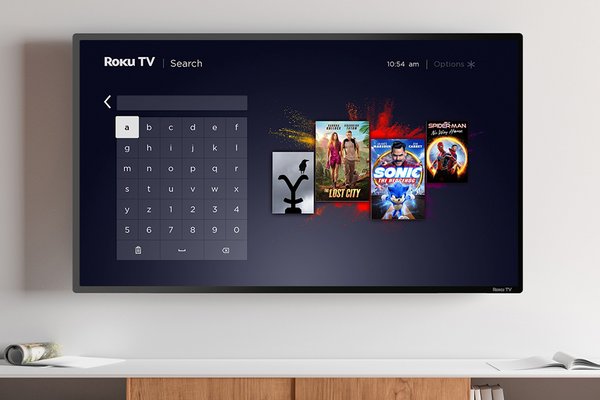&poi={$this.metadata.pointOfInterest.x},{$this.metadata.pointOfInterest.y},{$this.metadata.pointOfInterest.w},{$this.metadata.pointOfInterest.h}&scaleFit={($this.metadata.pointOfInterest.x>0)?$sfpoi:$sfcenter}&sm=aspect&aspect=3:2&sfcenter=center&sfpoi=poi&qlt=50&fmt=auto&noiser=0&fmt.jpeg.interlaced=true&fmt.jp2.qlt=40&)
By Steven Smith | Date published: July 2026
Quick answer: what is a smart TV stick?
A smart TV stick is a compact streaming device that plugs directly into your TV’s HDMI port or via an HDMI cable and lets you watch apps like Netflix, BBC iPlayer and Disney+ using Wi‑Fi. They’re a handy way to upgrade older TVs or improve streaming access on existing smart TVs. Most devices are quick to set up and can help bring your favourite streaming services together in one place.
Many households use streaming sticks to upgrade older TVs without replacing them entirely. They can also be useful if built‑in smart TV apps feel slow or stop updating over time.
Common features can include:
- Access to streaming apps and subscription services
- Voice search on selected models
- Screen mirroring from compatible phones or tablets
- 4K streaming support on compatible TVs
- Compact designs that tuck neatly behind your TV
How does a TV streaming device work?
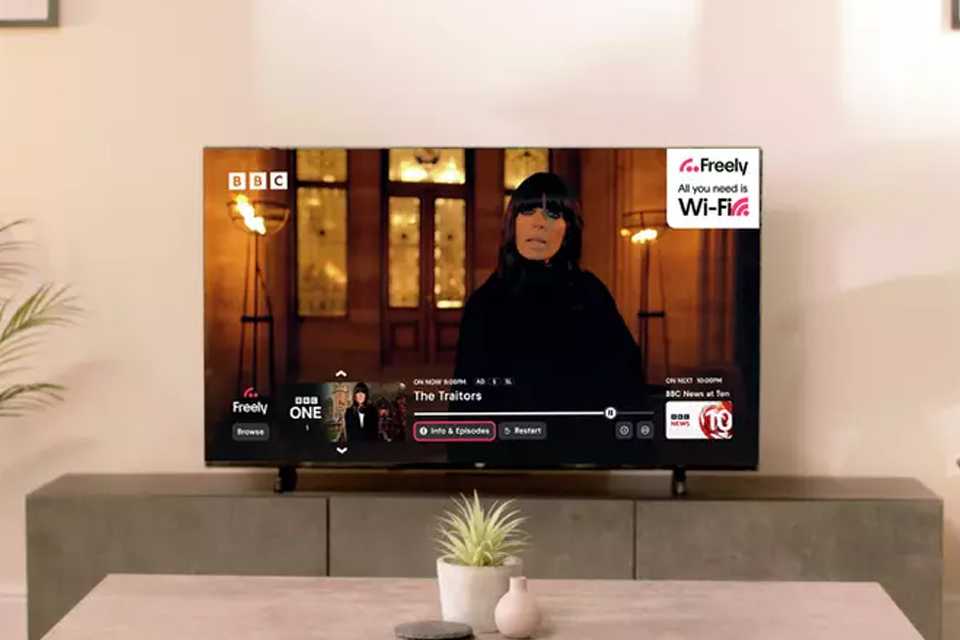
A TV streaming device adds a host of apps and streaming platforms to your existing TV.
Most setup processes are straightforward:
- Plug the device into your TV’s HDMI port
- Connect the power cable
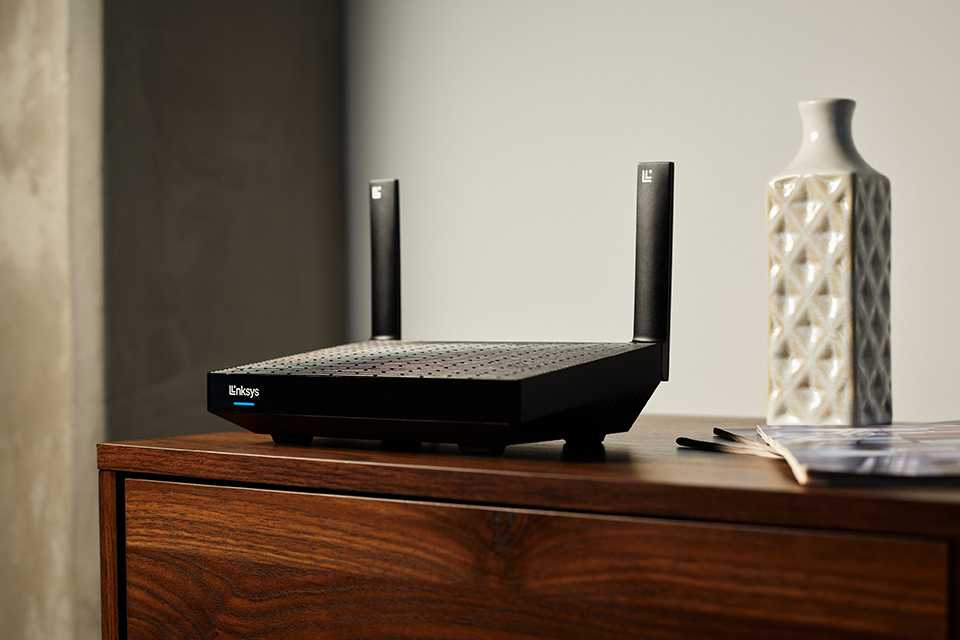
- Connect to your home Wi‑Fi – add a Wi-Fi extender if your router is in a different room for best connection
- Sign in to your streaming apps
That’s it. You’re ready to stream.
Some devices come in stick form, while others are slightly larger streaming boxes that sit beside your TV. Both work in a similar way, though streaming boxes can sometimes offer extra storage or faster performance.
TV stick vs smart TV: what’s the difference?
Smart TVs come with a selection of apps and streaming services built into them for easy access to loads of entertainment. A TV stick offers an easy way to add these extra apps to older TVs without the need to replace them.
If your TV already supports the apps you use most, you may not need an extra device. It might still be worth getting a smart streaming stick if your TV's software is slow or no longer updates, you want to add voice control, your you want to use a specific streaming platform.
A TV stick can also be a handy option for guest rooms, student accommodation or holiday homes where you want quick access to streaming services without replacing the TV.
Before buying a TV streaming device
Before choosing a streaming stick or streaming box, it’s worth checking a few key things to make sure the device suits your setup and viewing habits. Most plug in using HDMI, so ensure you have a free port on your TV. You'll want a stanble Wi-Fi connection to maximise streaming quality.
It will be worth checking if your TV is HD or 4K so you don't buy an overpowered device, and check to see if the device supports the streaming platforms that matter the most to you.
If you stream regularly across multiple apps or watch lots of 4K content, you may benefit from a higher performance device. For casual viewing, many households find a compact TV stick works well for everyday streaming.
What should you look for in a streaming stick?
TV compatibility
Check the compatibility of the device with your TV. Ensure the connection type, likely HDMI, is something your TV has and if it requires standalone power.
It’s also worth checking the resolution of your TV and the device you’re looking at. While a 4K steaming stick or box will work with an HD TV, you won’t be getting the full benefits, so consider your needs.
- Read our TV buying guide
Streaming apps
Consider the apps and services you use. Different devices may include some apps and services, but not all so it’s worth ensuring the device you buy meets those needs.
Popular streaming apps include:
- Netflix
- Disney+
- Prime Video
- Apple TV
- BBC iPlayer
- ITVX
- Channel 4
- YouTube
- Spotify
App availability may vary between devices, and many require separate subscriptions.
Wi Fi performance
Streaming relies on a stable internet connection. If your Wi‑Fi struggles in the room where your TV is set up, you may notice buffering or lower picture quality.
For smoother streaming:
- Position your router centrally where possible
- Reduce interference from thick walls
- Consider broadband speeds suitable for streaming households
4K streaming typically requires faster internet speeds than HD streaming.
- Shop all Wi-Fi boosters
Voice controls and smart features
Some TV streaming devices include voice search through the remote control. This can make it quicker to search for shows, launch apps or pause playback without lots of scrolling.
Storage and performance
If you regularly switch between apps or stream in 4K, a faster device may feel smoother to use.
Streaming boxes can sometimes offer:
- Faster processors
- More storage space
- Additional ports
- Improved multitasking
For everyday streaming, though, many households find a compact streaming stick does the job nicely.
Streaming stick or streaming box?
Both let you stream TV and films, but the setup and performance can differ slightly.
| Feature | Streaming stick | Streaming box |
|---|---|---|
Size | Compact | Larger device |
Setup | Plugs directly into TV | Sits beside TV on your TV stand, connected by a cable |
Performance | Great for everyday streaming | Often faster for heavy use |
Portability | Easy to travel with | Less portable |
Best for | Bedrooms, smaller spaces, casual streaming | Home cinema setups and advanced users |
If you mostly watch catch-up TV, films and everyday streaming apps, a TV stick is often a simple and space-saving choice.
Streaming stick FAQs
What does a smart TV stick do?
A smart TV stick connects to your TV through an HDMI port and lets you stream content from apps like Netflix, BBC iPlayer and YouTube using your internet connection. It can help turn a standard TV into a smart TV or improve the experience on older smart TVs that no longer support newer apps smoothly. Most devices also come with a remote control, and some include voice search or smart assistant features.
Do TV streaming devices work on any TV?
Most TV streaming devices work with TVs that have an HDMI port and access to Wi‑Fi. Older TVs without HDMI connections may need additional adapters, though compatibility can vary between products. Before buying, it’s worth checking your TV’s available ports and supported resolutions to make sure the device suits your setup.
What is the difference between a streaming stick and a streaming box?
A streaming stick plugs directly into your TV’s HDMI port and is designed to be compact and easy to use. A streaming box is usually larger and may offer faster performance, extra storage or additional connection options. Both allow you to stream TV and films through apps, but a streaming box can be better suited to heavier everyday use or home cinema setups.
Can you use a TV stick on a non-smart TV?
Yes. One of the main reasons people buy a TV stick is to add smart features to a non-smart TV. Once connected to the internet, the device gives access to streaming apps, catch-up services and other online entertainment without needing to replace the television itself.
Do you need internet for a streaming stick?
Yes. Streaming devices rely on an internet connection to access apps and stream content online. A stable Wi‑Fi connection usually provides the best experience, especially when streaming in HD or 4K. Some apps may also require separate subscriptions or accounts.
Which streaming device is best for 4K TV?
If you have a 4K television, look for a streaming device that supports 4K playback. You’ll also need compatible streaming subscriptions and sufficient broadband speeds for 4K streaming. Devices designed for 4K can help deliver sharper picture quality and smoother playback where supported.