TV buying guide
Whether you're catching a game of your favourite sport or binge-watching a new series, we've got all the information you need to pick the best TV for your room.
Shop all TVs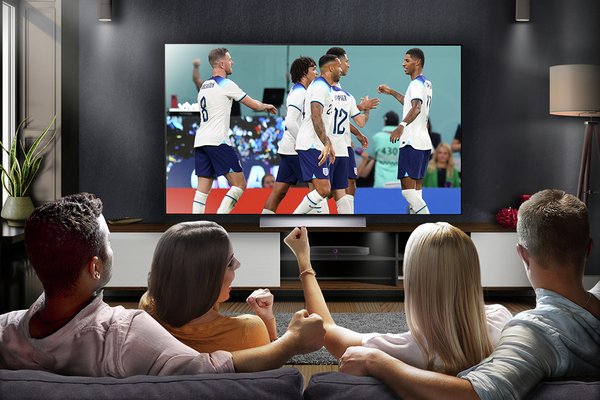&poi={$this.metadata.pointOfInterest.x},{$this.metadata.pointOfInterest.y},{$this.metadata.pointOfInterest.w},{$this.metadata.pointOfInterest.h}&scaleFit={($this.metadata.pointOfInterest.x>0)?$sfpoi:$sfcenter}&sm=aspect&aspect=3:2&sfcenter=center&sfpoi=poi&qlt=50&fmt=auto&noiser=0&fmt.jpeg.interlaced=true&fmt.jp2.qlt=40&)
By Steven Smith | Last edited: October 2026
How to choose the best TV for you
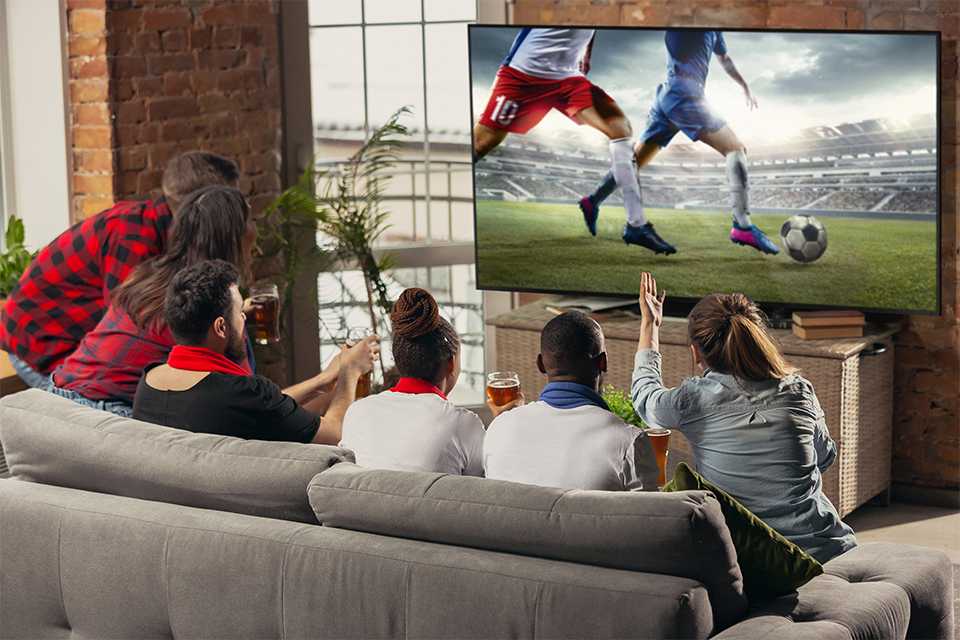
Not sure where to start?
Choosing the right TV is a big decision, and a big investment. So it’s a good idea to look through this television guide and take some time to consider the following factors:
- What will you be using it for?
- What size screen do you need?
- Which brand do you like?
- What type of screen do you want?
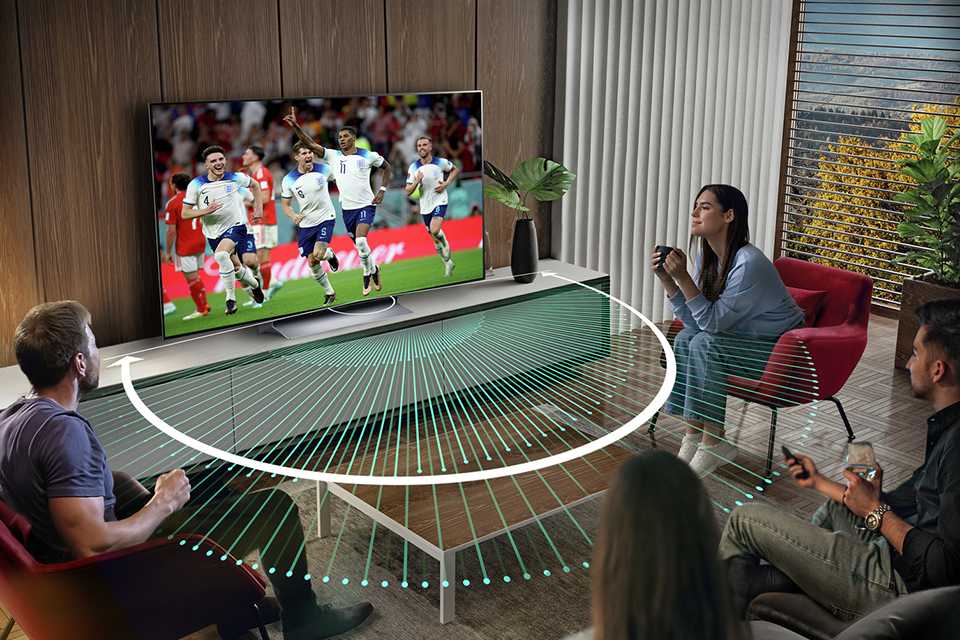
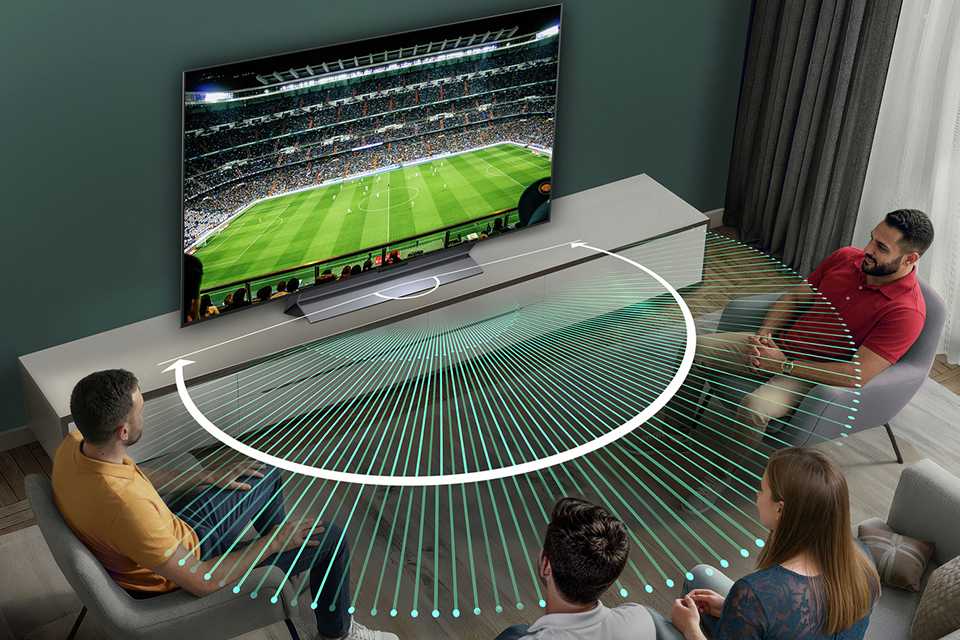
- Have you thought about sound?
- Will your TV be wall-mounted?
- What other accessories do you need?
This will then help you decide which screen size and type will be best suited for your needs, whether it's for watching a film or a football match with your friends.
TV screen sizes explained
TV screen size is measured diagonally, from corner to corner. If your TV is going into a particular space, pay attention to the measurements of the whole TV, which are listed in the product description.
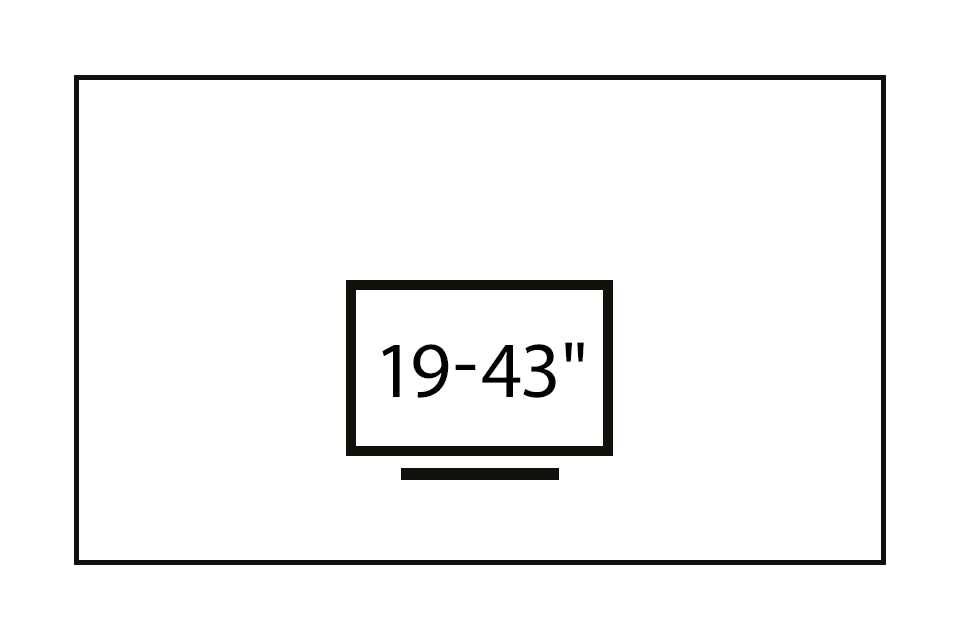
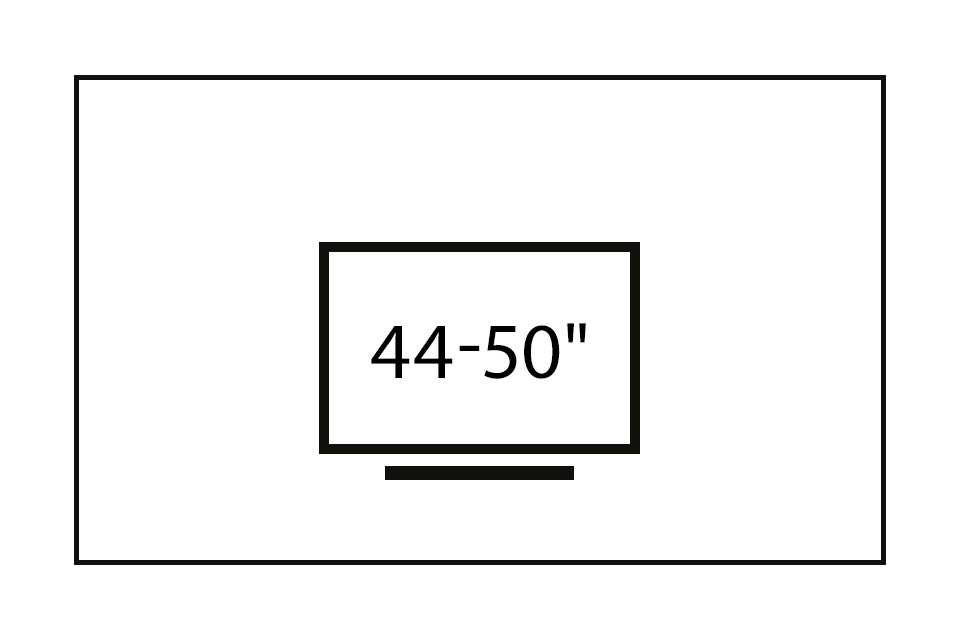
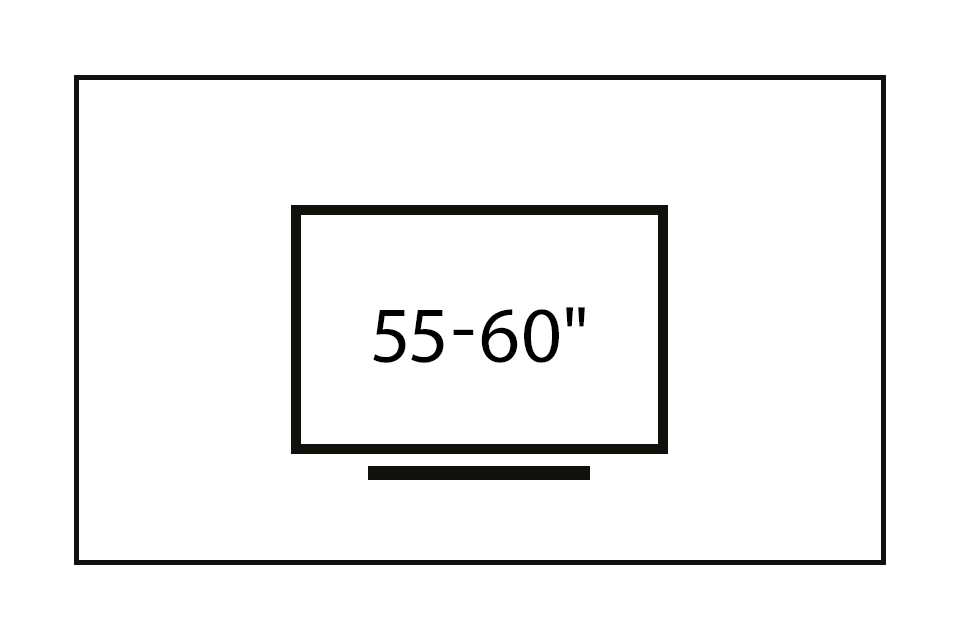
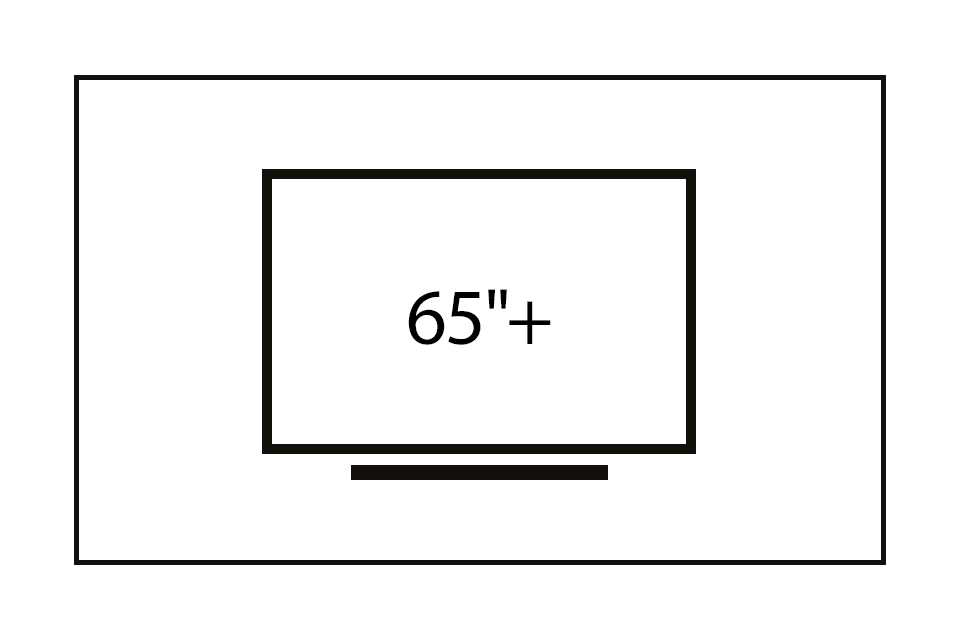
How do I choose the right TV size for my room?
These approximate viewing-distance ranges can help you choose a comfortable screen size for your room. Keep in mind that your preferred distance may vary depending on your space, the screen resolution and how you watch TV.
Carousel
Carousel
TV screen types
Most TVs today are smart, thin, and have great picture quality. This can make it easy to pick one for general-purpose use. However, if you're looking for one that's perfect for your entertainment needs, you may require something more specific. Explore resolution, core display technology and more to select the right one for your ideal viewing experience.
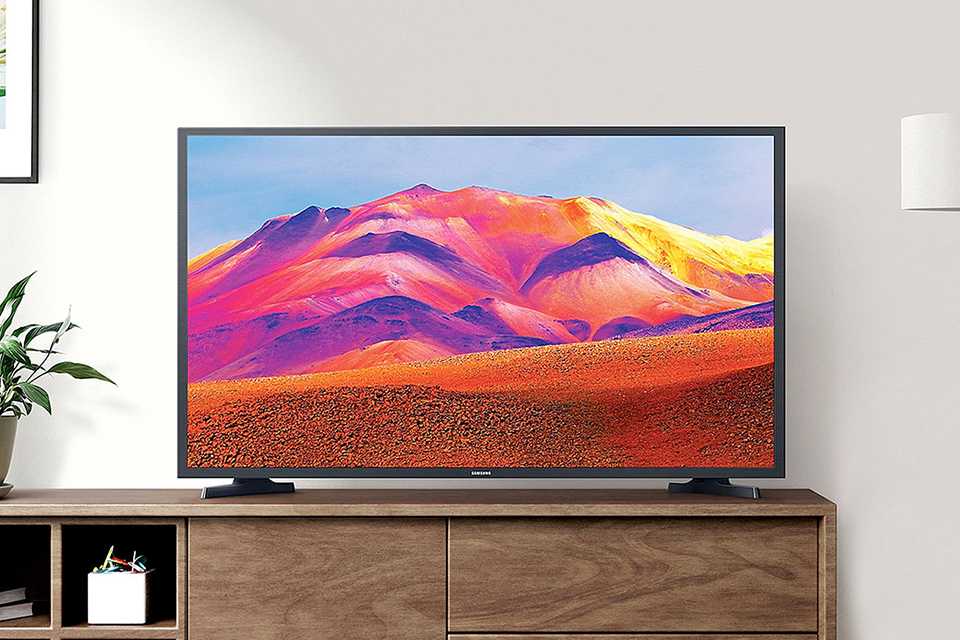
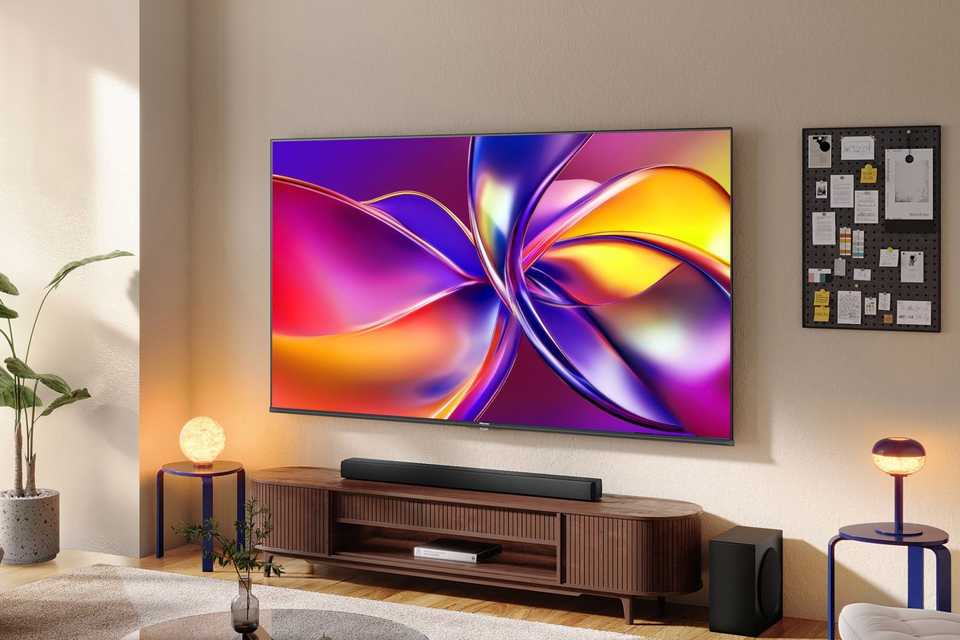
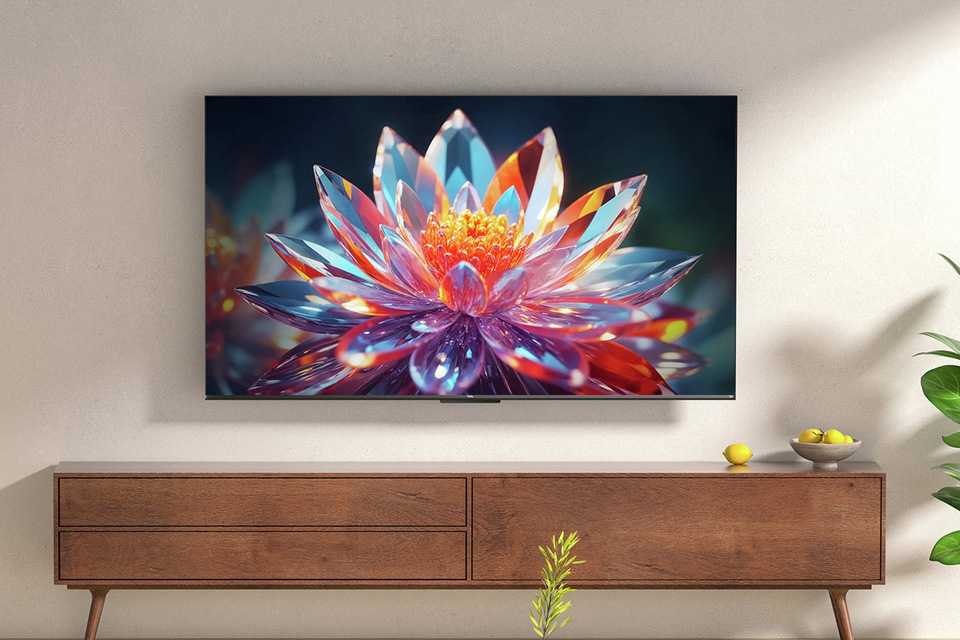
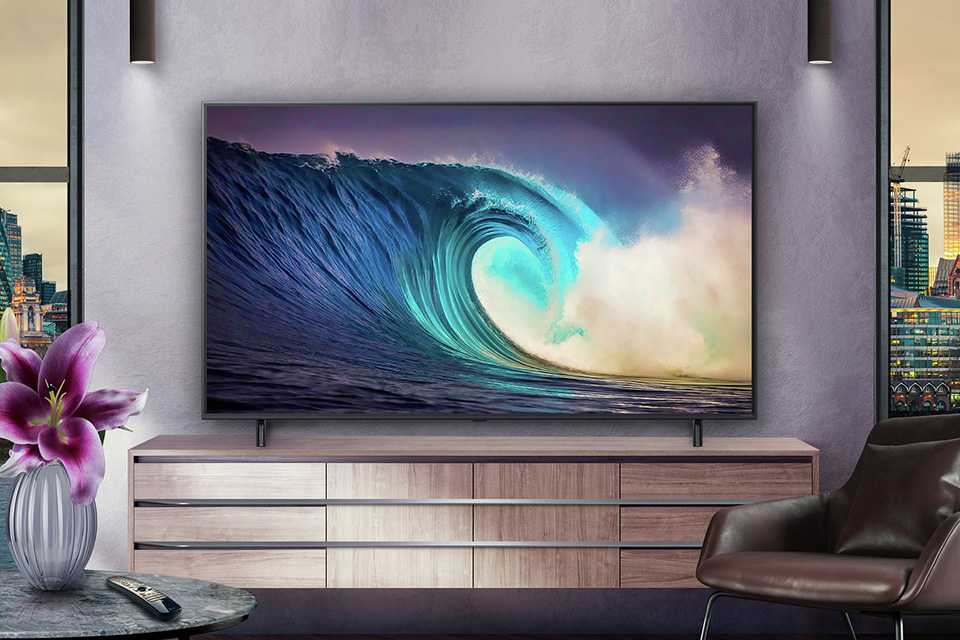
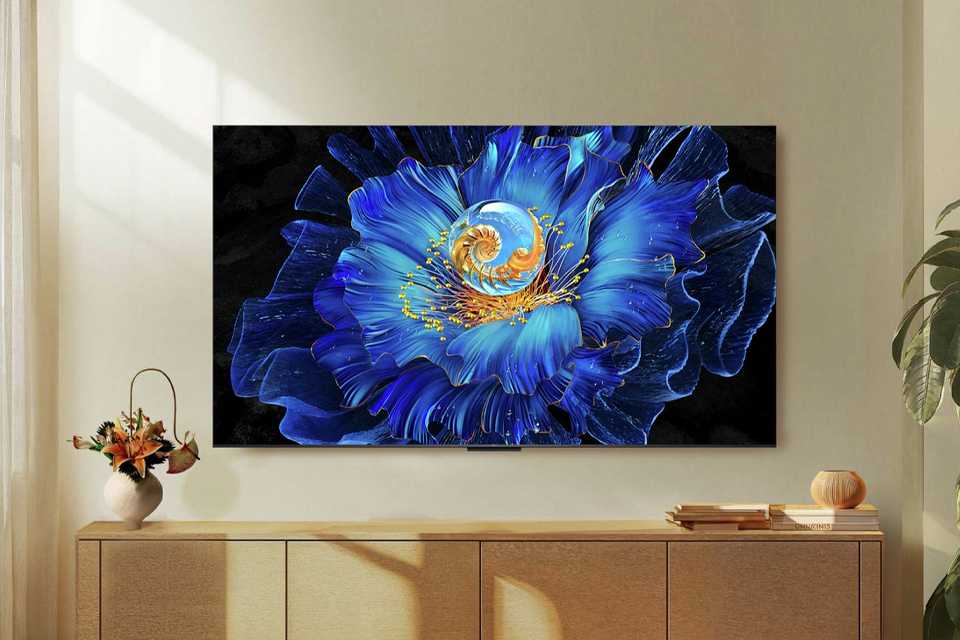
8K TVs
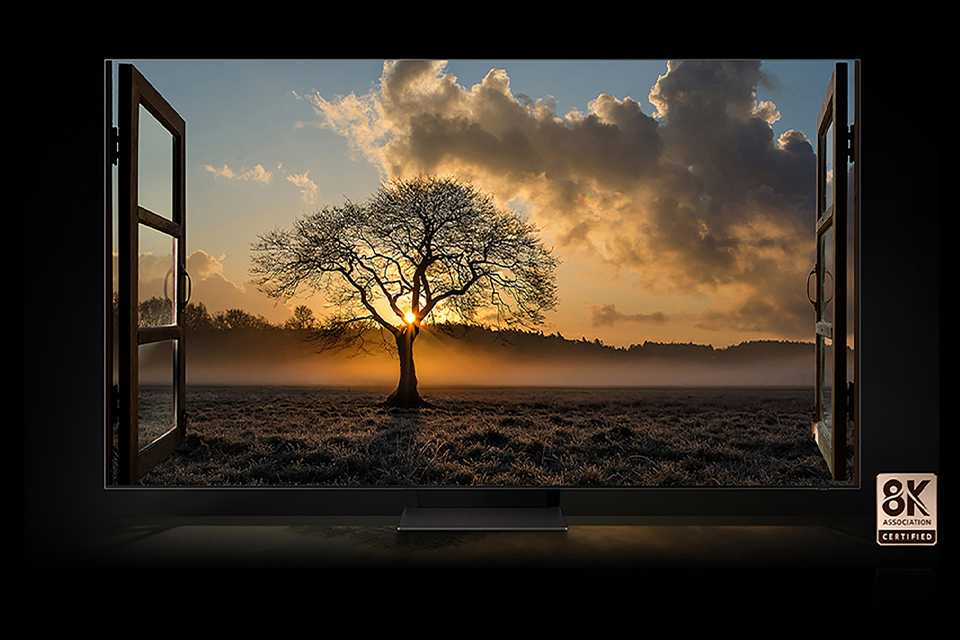
Bigger, better, and bursting with brilliance - 8K TVs display content in ultra-high resolution. With 4 times the pixels of 4K, they deliver incredible detail and an immersive viewing experience.
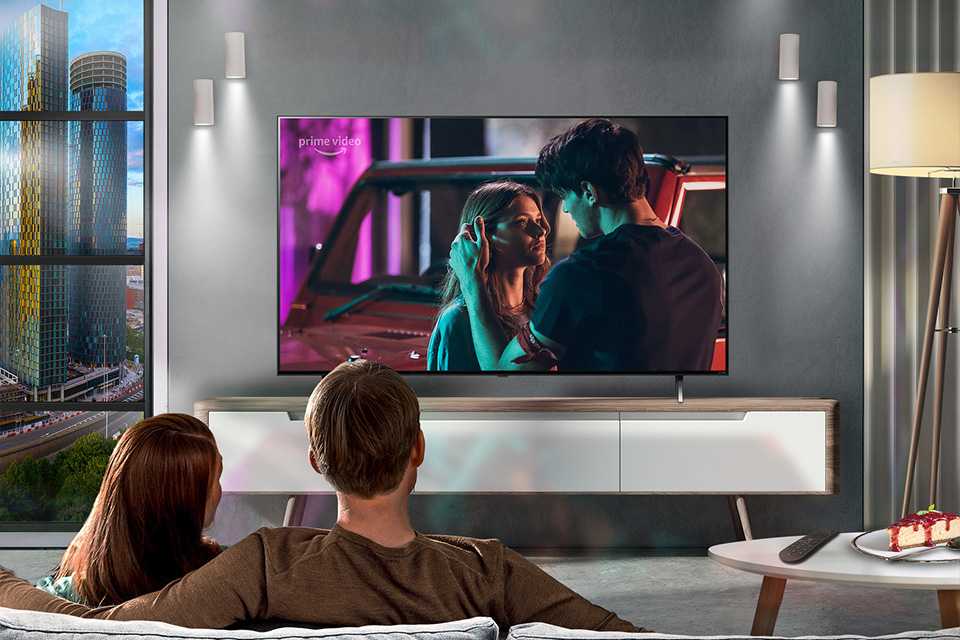
HD vs 4K vs QLED vs OLED: Compare the best TV screen types for your space
Wondering which TV screen type is best? Here's a quick chart that breaks down the top smart TV screen types and resolutions so you can easily compare options and choose your perfect setup.
| Screen types | Resolution | Colour performance | Brightness/contrast | Ideal use |
|---|---|---|---|---|
HD | 1920x1080 | Crisp, realistic images with good baseline colour performance | Good clarity, with some models providing enhanced brightness compared to regular LEDs | Ideal for secondary or smaller rooms for everyday viewing |
4K | 3840x2160 | Greater detail and clarity often along with sharper colours | Higher contrast and improved sharpness compared to HD TVs | General living rooms for premium viewing experience (movies, sports, or gaming) |
QLED | Typically 4K (3840x2160) | Bright, vivid colours, generally active on all brightness levels | Vivid picture quality with excellent brightness | Perfect for bright rooms for vibrant colour‑rich content with premium entertainment setups |
OLED | Typically 4K (3840x2160) | Rich, accurate colours with excellent uniformity and deepest blacks | Cinematic quality blacks and contrasts owing to self-lit pixels | Perfect for dark‑room viewing with high‑end home cinema experience |
TV features
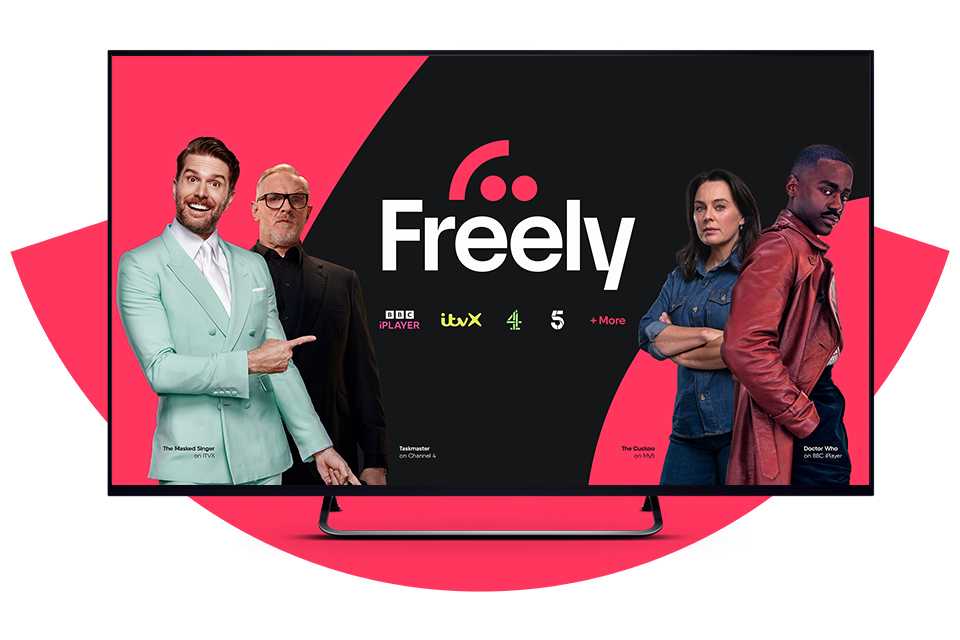
From Alexa-integrated TVs to streaming services, discover all you'll need for ultimate entertainment.
Top TV brands
Carousel


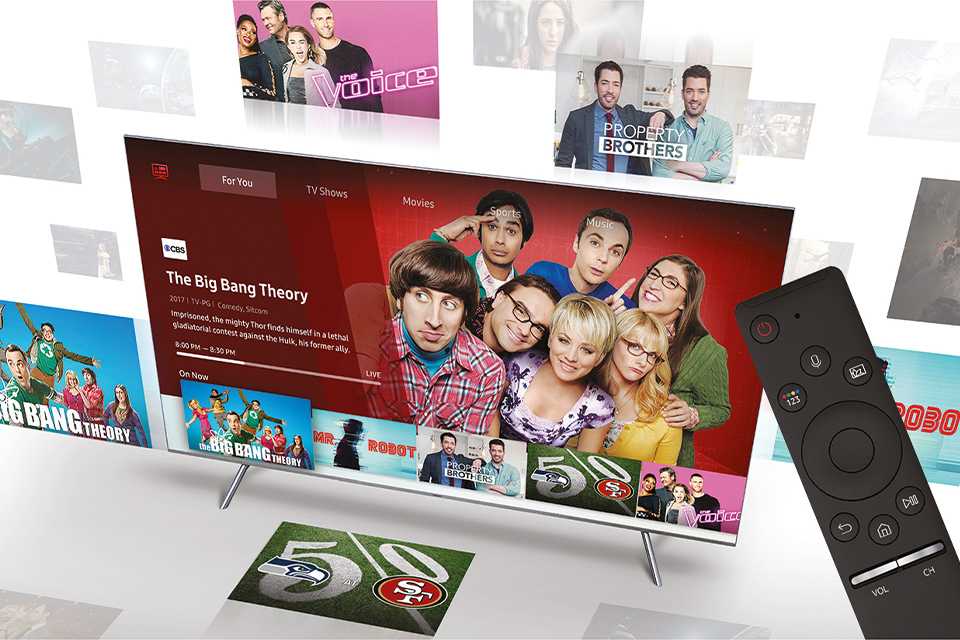
Smart TVs explained
Do smart TVs need an aerial?
You may need an aerial or satellite connection if you plan to watch broadcast television.
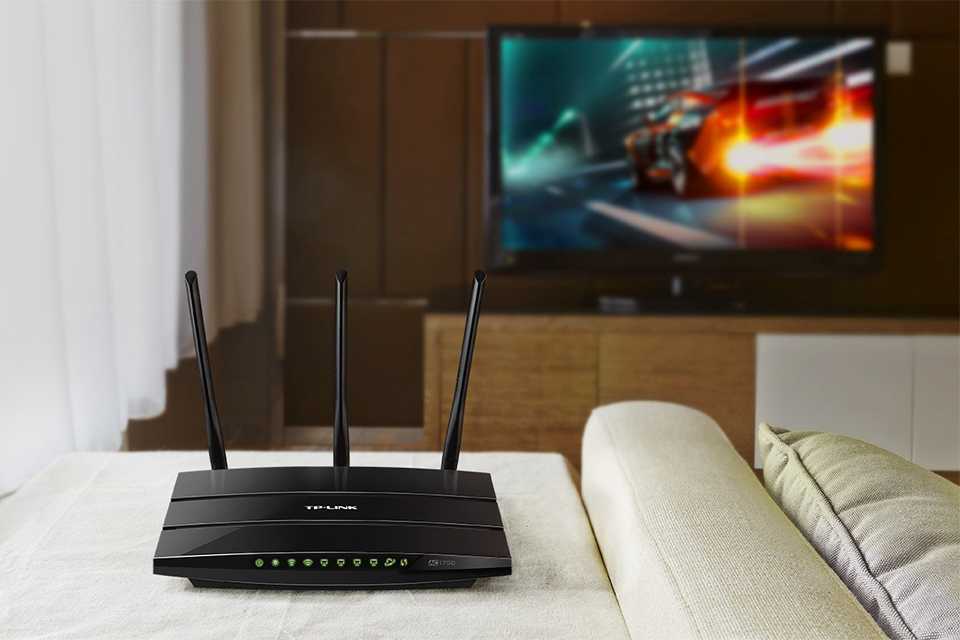
- To get the most out of a smart TV, you need a reasonably speedy internet connection.
- On-demand shows and movies are streamed using your internet connection, so the stronger your speed, the smoother your viewing experience will be.
How do I connect a smart TV to the internet?
You can connect your smart TV to the internet wirelessly or with an ethernet cable.
- Most current smart TVs have built-in Wi-Fi and you should be able to connect to your home wireless network during the setup of your TV, or through network settings.
- Alternatively, you can use a wired connection and connect your router to your TV via an ethernet cable which tends to be more stable than a Wi-Fi connection.
How do I get apps on a smart TV and what apps are available?
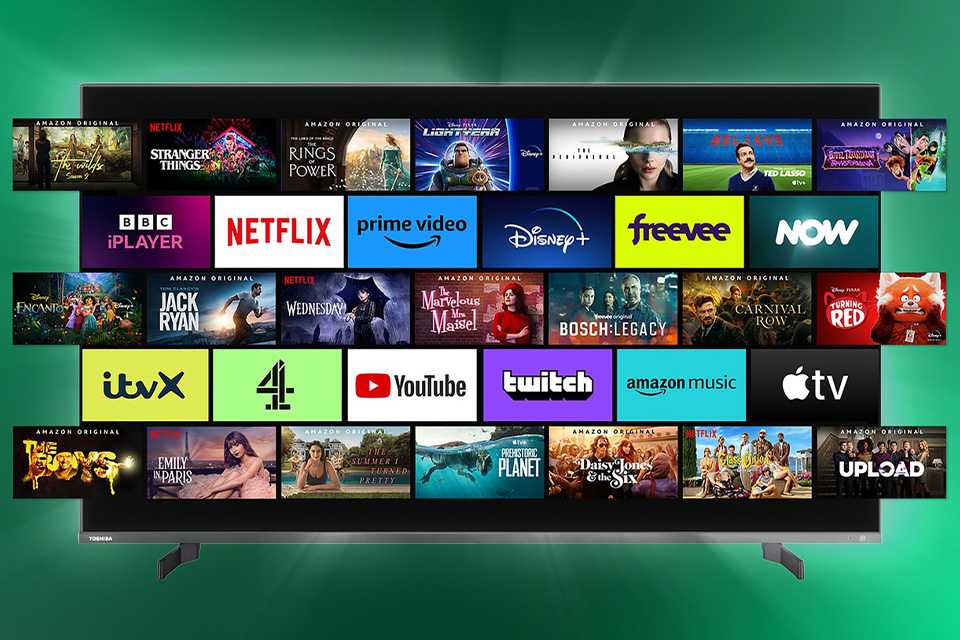
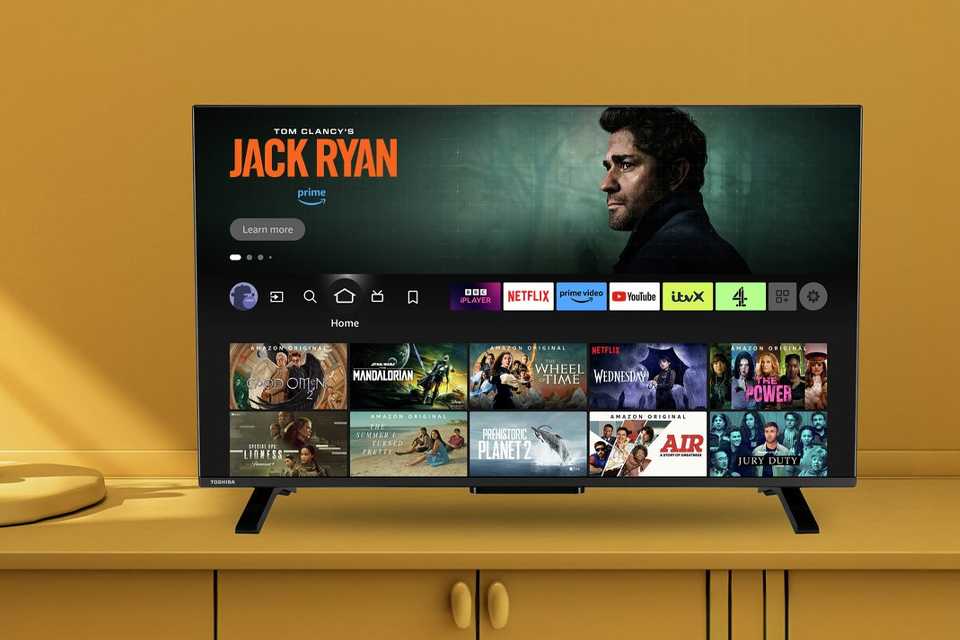
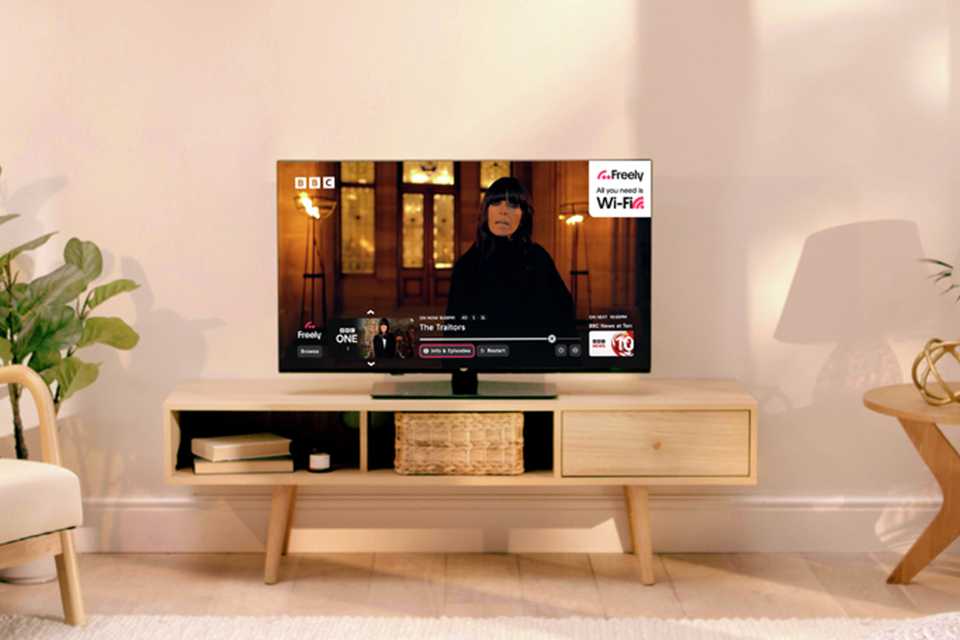
Some smart TVs come with apps pre-installed, but availability varies by TV model and app platform. If you're interested in getting a particular app on your TV, check that it is available before you buy. A few examples of apps you can get are:
- Free on-demand apps: BBC iPlayer, ITVX, Channel 4.
- Subscription streaming apps: Disney +, Netflix, Amazon Prime Video, NOW.
- Social media: Facebook, Youtube.
Can I connect my smart TV to my mobile phone or tablet?
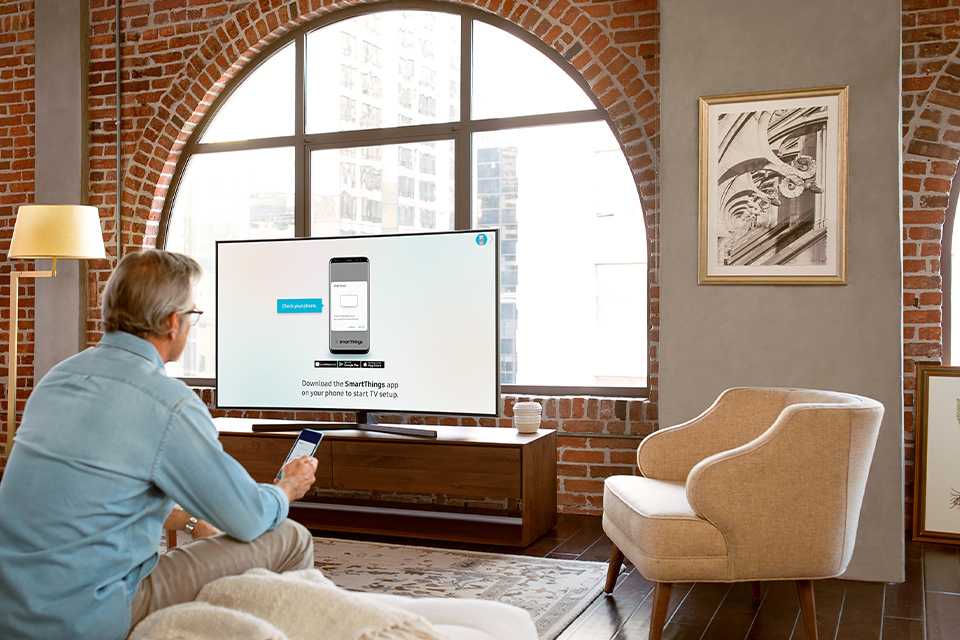
Yes, you can. Many smart TVs let you connect a compatible phone or tablet through screen mirroring, casting or a remote-control app.
Ready your room for the new TV
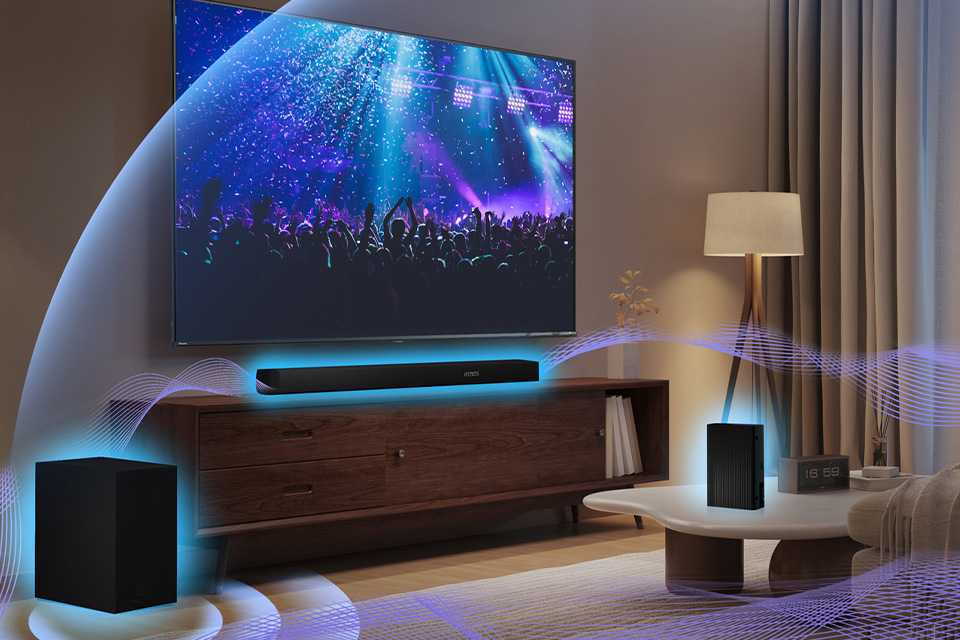
Discover everything from useful accessories to space-saving storage units and furniture to complete your TV setup.
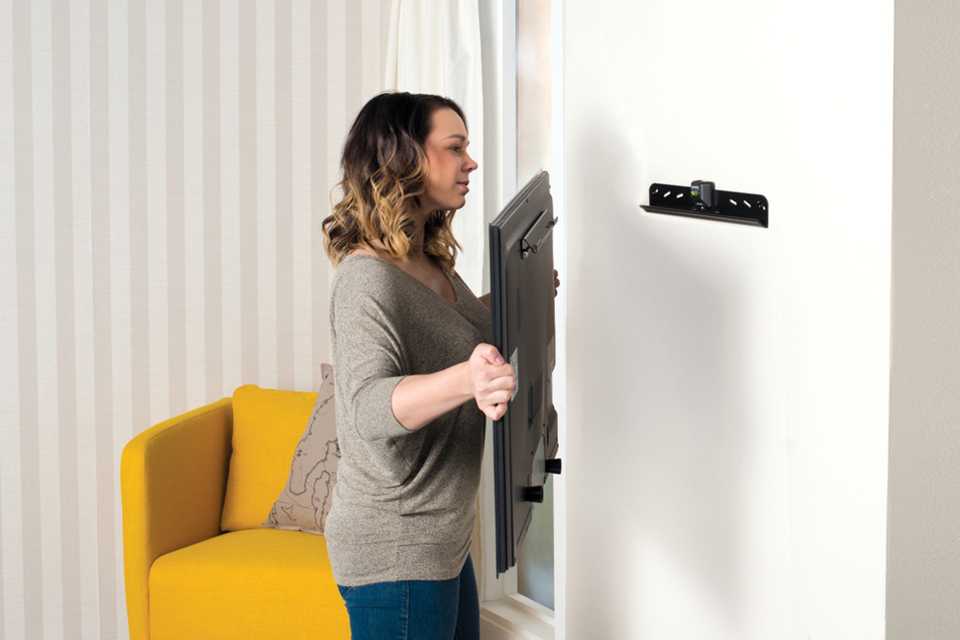
TV wall brackets
There are 4 types of brackets to help you securely mount your TV to the wall. Each of these will have a weight limit, so remember to check that your chosen bracket can support your TV’s weight.
- Flat-to-wall - These sit flush to your wall.
- Tilting - Come with a small extendable arm that moves up and down.
- Tilt and swivel - These move sideways so you can adjust your viewing angle.
- Multi-positional - The most flexible TV bracket allowing max movement for the best viewing angle.
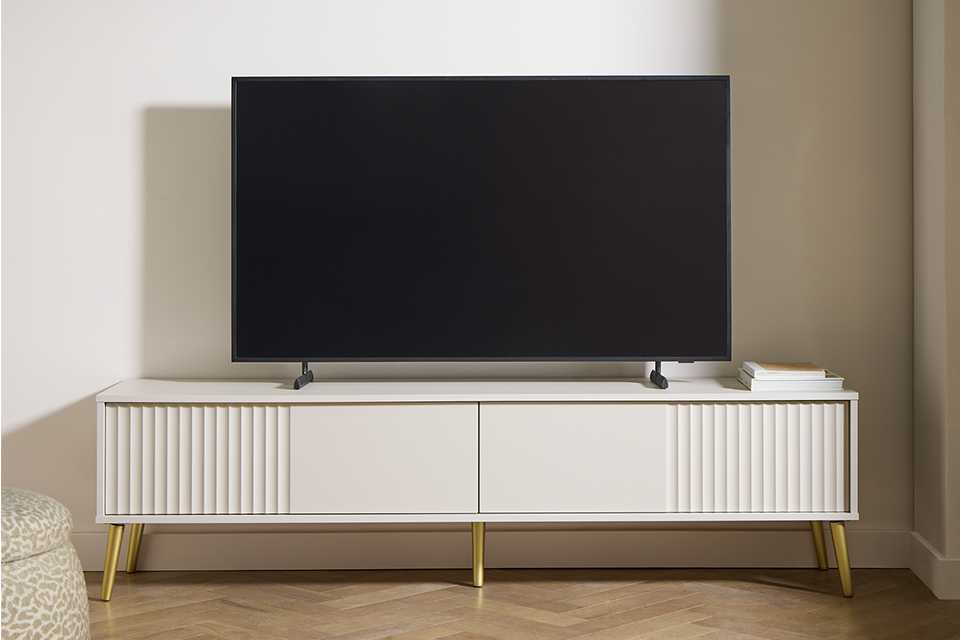
Explore TV accessories
Carousel


Need more help?
Check out these frequently asked questions:
What is the best type of TV to buy for the money?
The best TV for your home depends on your budget. For excellent brightness, strong colour performance and everyday viewing, go for a 4K LED TV. You can also choose from QLED TVs that balance brightness and contrast well and OLED TVs with great picture quality.
Which is better, 4K or QLED or OLED?
It depends on your need and budget.
- 4K refers to resolution. Most modern TVs are 4K.
- QLED is an LED TV that uses quantum dots for brighter colours and better HDR performance. Great for bright rooms.
- OLED offers great picture quality, with deep blacks and wide viewing angles. It's ideal for home theatres and movie lovers.
What should I look out for when buying a TV?
When buying a TV, look for features that impact picture quality and everyday usability:
- Screen size that fits your room and gives you a comfortable viewing distance.
- Panel type (OLED, QLED, LED).
- Refresh rate (120Hz is great for sports and gaming).
- HDR support (HDR10, Dolby Vision).
- Smart TV apps (Google TV, webOS, Tizen).
- Number of HDMI ports (especially HDMI 2.1 for gaming).
- Brightness levels for daytime.
- Sound quality or compatibility with soundbars.
These factors ensure you get a TV that suits your requirements.
How to decide what type of TV to buy?
To decide what type of TV to buy, think about how and where you'll be using it. If you have a bright room, choose QLED or a bright LED TV. For a home cinema, go for OLED for good contrast. Look for features such as HDMI 2.1 and a 120 Hz refresh rate when it comes to gaming. For something afforable, standard 4K LED offers great value. And for a large living room, be sure to prioritise screen size and brightness.
What is the best TV to buy in the UK?
The best TV to buy in the UK depends on your budget, but here are some nudges to help you buy the best one for your home. If you are a movie buff, OLEDs offer the best contrast. Low on budget? 4K LED TVs are a good choice. For gamers, TVs with HDMI ports - HDMI2.1 and 120Hz for an excellent refresh rate are the best. Whichever TV you choose, consider the features and a comfortable viewing distance to ensure you make the most of your telly.
What is an OLED TV?
OLED (Organic Light-emitting Diode) is a type of technology where each pixel on the screen emits its own light, leading to incredible contrast, vibrant colours and breathtaking picture quality. Also, since it doesn't need a backlight, the screen is much thinner and lighter than an LED TV.
Should I buy an OLED TV?
If you're looking for exceptional picture quality, sleek design and wide viewing angles, an OLED TV would be the perfect choice. However, if you're on a tight budget or prefer more size options, you can explore LEDs.
What is the best OLED TV?
The best OLED TV depends on your choice. Since the range comes in the premium segment, almost all options from reputed brands are worth considering as they all meet superior standards. Pick as per your size/budget/design/add-on features preference. Check customer reviews for updated insights.
What’s the difference between QLED and OLED?
The main difference between QLED (Quantum Dot LED) and OLED (Organic Light Emitting Diode) lies in their display technology. QLED TVs use an LED backlight and quantum dots to produce colours. On the other hand, each pixel on an OLED TV emits its own light, providing deeper blacks and better contrast. OLED generally offers more vibrant colours, wide viewing angles and a super thin screen, while QLED can be brighter and less prone to burn-in issues.
Is QLED better than OLED?
Choosing between QLED and OLED comes down to personal preferences and usage. OLED, with its brilliant contrast and deep blacks, is ideal for home theatres and dark rooms. QLED's higher brightness makes it suitable for well-lit spaces.
The brightness levels in QLED televisions make them perfect for gaming. No more closing curtains and turning off the lights to be able to see the screen, even games in the darkest settings will be easily visible. They also have a really fast refresh rate, that may be the difference between a glorious victory or a crushing defeat.
OLED TVs smooth motion technology is perfect for watching sports or fast paced TV. It prevents the image from blurring on the screen when something moves quickly, providing a much crisper picture that is easier for your eyes to follow.
Do I need an electrician to wall mount a TV?
To wall-mount your TV you will need to drill into the surface of the wall to fix the necessary brackets. You can do this yourself if you are confident using a drill. Alternatively, you could get a professional in to help you. They may also be able to hide the wires inside the wall, replastering the surface to conceal them completely.
What free channels do you get on a smart TV?
Not all smart TVs come with free channels. Look for in-built apps or devices that are compatible with free service platforms such as Freeview, Freely, Pluto TV etc. These are internet or satellite based networks that offer free channels or apps.
What to avoid when buying a TV?
When buying a television, it's important to first think about your needs and the size and conditions of the room you'll be placing it in. Avoid choosing based on screen size or resolution alone, as the TV may not necessarily work well in your space. Consider core display technology (such as LED or OLED) and brightness as well. For example, models with a higher brightness may suit a living room better with lots of light, while an OLED screen may be better in a room with limited light.
How far should you sit from a 55 or 65 inch TV?
For a 55 inch TV, you should typically sit around 1.9 to 3.3m away while for a 65 inch TV, a distance of 2.1 to 3.8m can be more suitable. Remember, these are simply suggestions based on approximations; your ideal distance may be different depending on your room, the screen's resolution and how you watch TV.
Get more from your TV

Argos Care
Life on-the-go sometimes means things don't go to plan - we'll fix or replace your item even if it's broken by accident. T&Cs apply.
Provided by Domestic & General Insurance PLC.
Discover more inspiration
Collect 2x points when you shop between 7th October - 13th October
Sign up and link Nectar to your Argos account to collect points.
T&Cs apply*.